
OC Maker: Create Your Original Character with AI
Pick an art style, a character type and a few traits, add a line about who they are, and the AI draws your OC as a full-body portrait in about a minute. Stuck for ideas? Random fills every choice for you. When your OC is ready, one click makes it move, and another casts it in a story video.
Your characters stay private in your account. No watermark.
OCs made with an AI OC maker
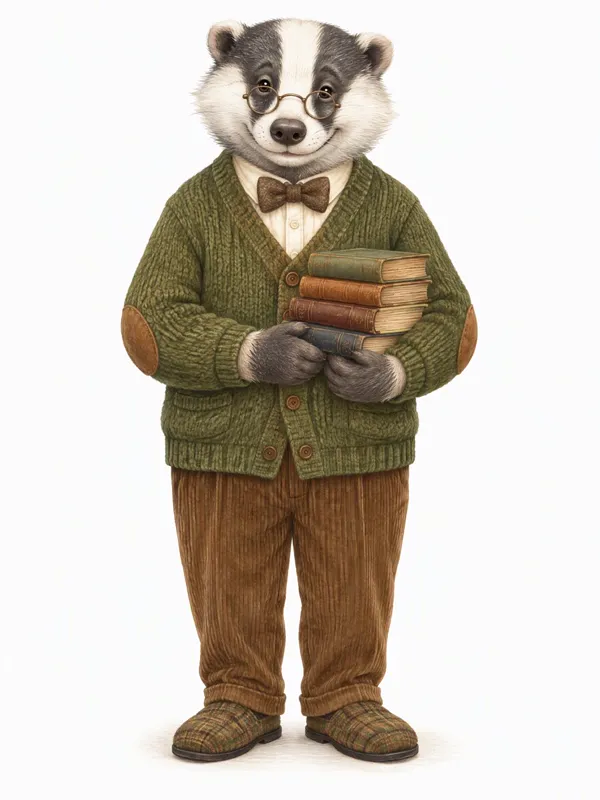
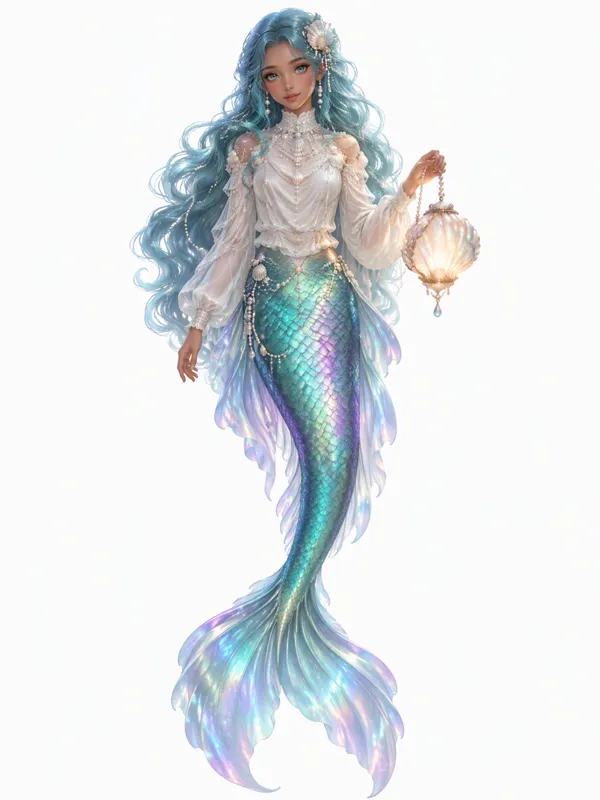
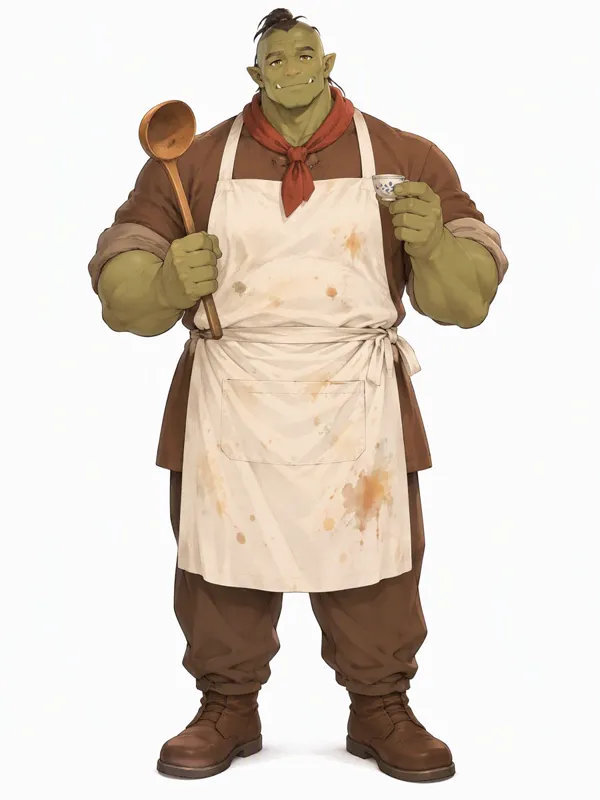
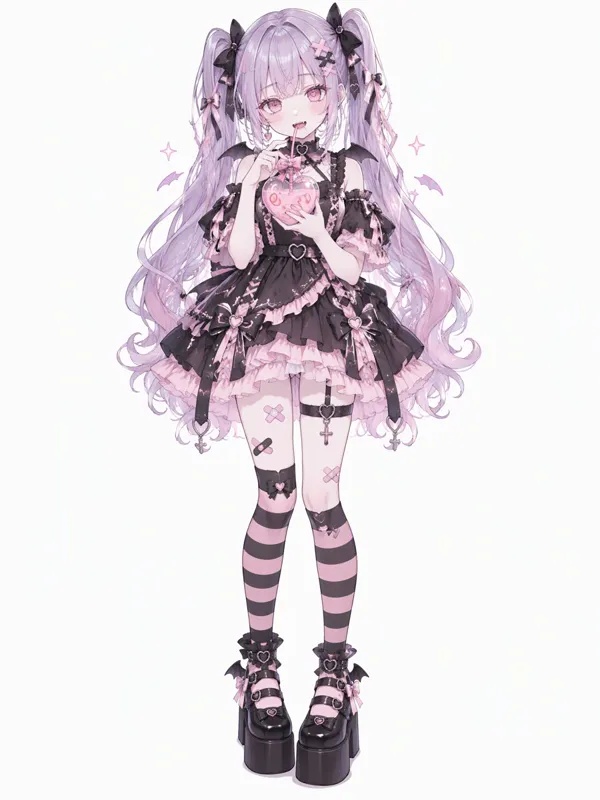
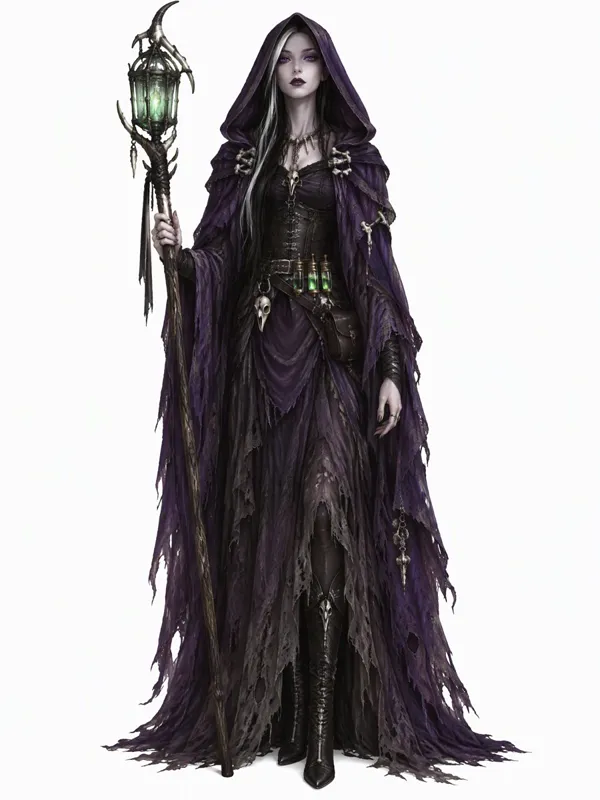
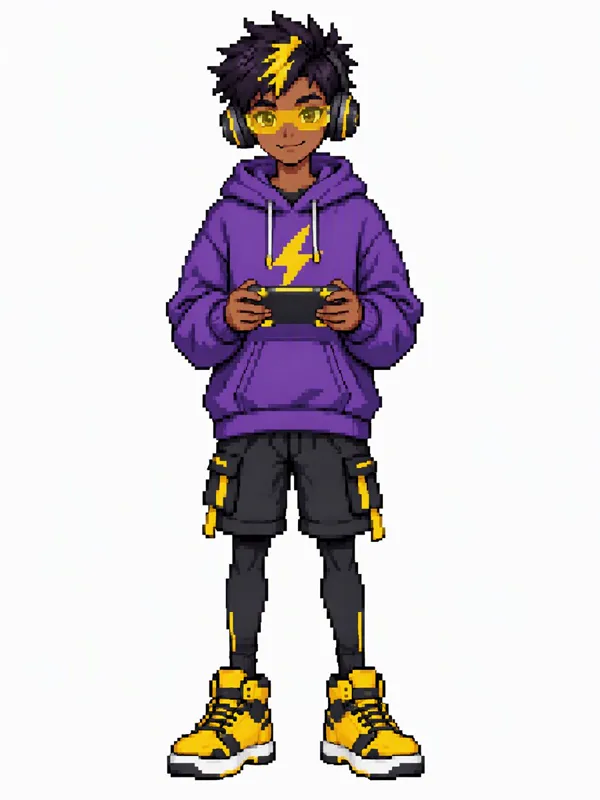
Elves, androids, witches, school kids and monsters: every one an original character, drawn from a style and a few lines of description.
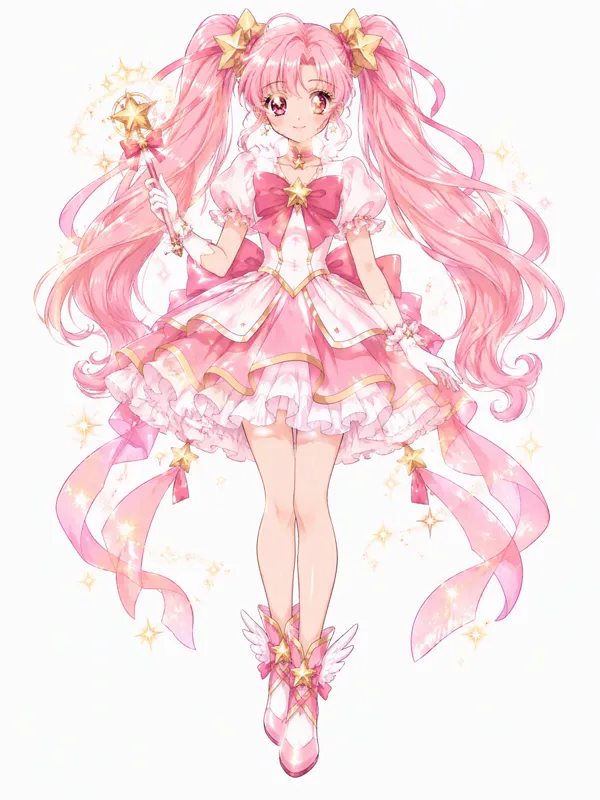
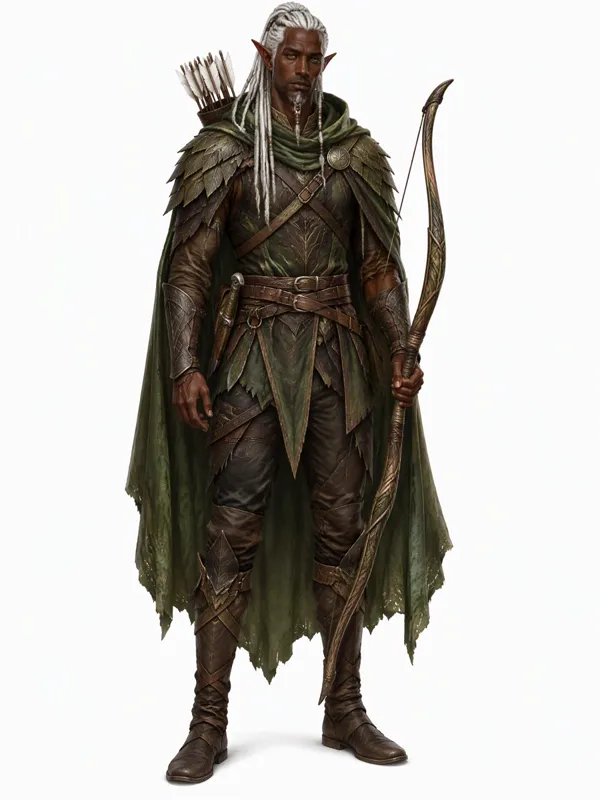
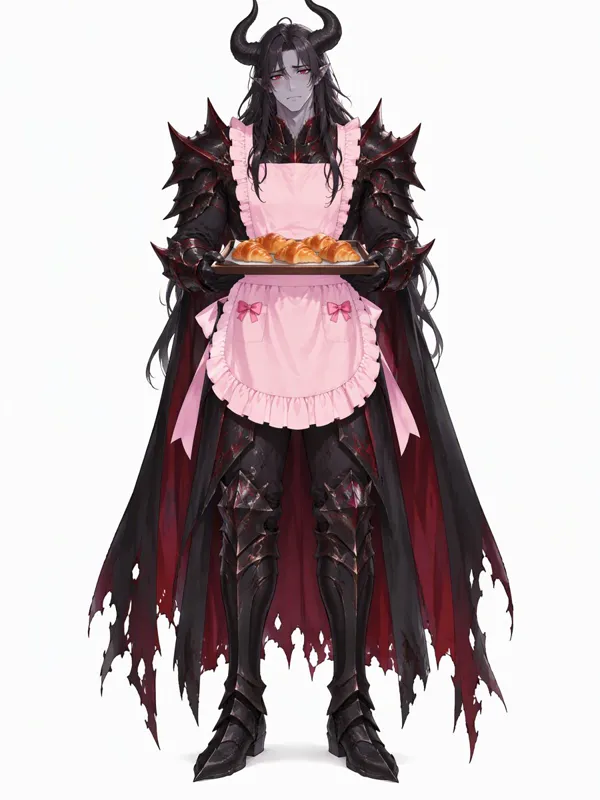
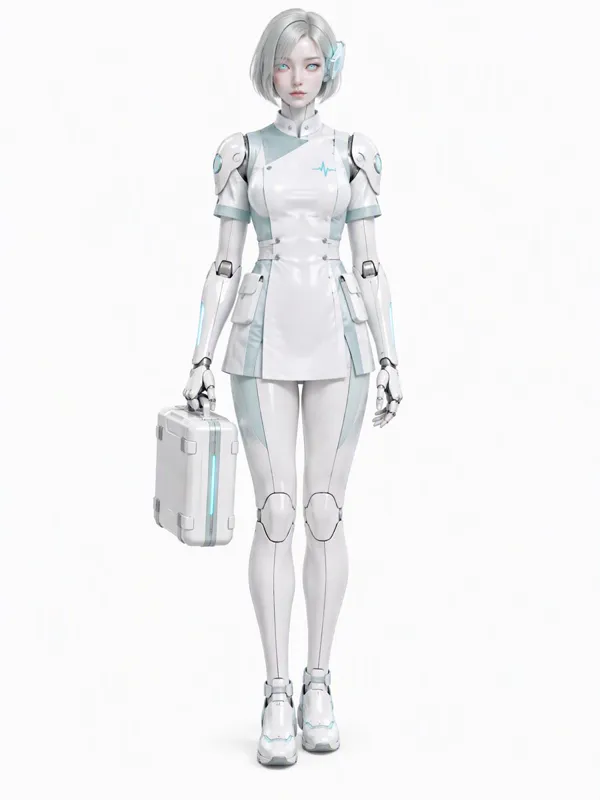
Make your OC move
An OC does not have to stay a still picture. Make it move sends your character to the video generator as the first frame: describe a wave, a turn or a spell, and get a short animated clip.
Put your OC in a story
Put in a story opens the story studio with your OC already in the cast and an idea written around them. Change the idea or keep it, and the studio writes the script, draws every scene with your character looking the same, and adds narration and music.
Eight art styles for your OC
Anime is the default, the look most OCs are drawn in. Switch to cartoon for a TV-cartoon OC, chibi for a cute sticker, 3D for an animated-movie hero or pixel art for a game sprite.
Anime
Clean modern anime: crisp lines, cel shading, expressive eyes.
Chibi
Tiny and cute: a big head, a small body, round soft shapes.
Cartoon
A TV cartoon look: bold outlines and flat, bright colours.
3D Animation
A rounded animated-movie character with soft lighting.
Pixel Art
A retro game sprite, drawn pixel by pixel.
Watercolor
Soft painted washes, like a picture-book illustration.
Realistic
Lifelike digital painting with real-world lighting.
Fantasy Art
Painterly fantasy concept art, rich in detail.
How to make an OC
- 1
Pick a style and a type
Choose an art style, then a character type: human, elf, demon, angel, android, anthro animal, monster or alien.
- 2
Add traits, or hit Random
Set gender, age, body type, personality, outfit, hair and eye colour, and describe the character in a line. Anything you skip, the AI decides. Random fills it all.
- 3
Create, then bring it to life
Your OC is drawn as a full-body portrait on a plain background. Download it, make it move, or put it in a story.
Why use this OC maker
An OC creator, not a dress-up game
Dress-up OC makers give you the same set of parts as everyone else. Here the AI draws a new character from your words, so your OC looks like nobody else’s.
A random OC generator built in
Random picks a style, type, personality, outfit, colours and a name in one click, so it doubles as an OC ideas generator. Press it until an idea clicks, then make the character.
A full body OC maker
Every OC is drawn full body by default, head to feet, centred on a plain background in a 2:3 portrait, so the picture works as a character sheet for art, a game or a video. Half body is one click away.
Anime and cartoon OC maker
Anime is the default, with chibi, cartoon, 3D animation, pixel art, watercolour, realistic and fantasy art one click away.
From OC to animation
Most OC makers stop at a picture. Here the same character can wave, walk or cast a spell in a short clip.
From OC to story video
Cast your OC in a narrated story video, with every scene drawn to match the character you made.
Make a fan OC
Want an original character for a world you already love, like a FNAF OC or a Murder Drones OC? Pick Robot / Android or Monster as the type, choose the closest art style, and describe the setting and your character’s role in it, for example “a rusty animatronic bear who works the night shift at a pizza place”.
The maker draws a new character from your description. It does not copy official characters and does not offer shows or games as art styles, so what you get is your own OC, for your own fan art and stories.
What people make OCs for
Stories and books
See the characters you wrote for a novel, a webcomic or a roleplay, drawn from a short description, even if you do not draw.
Profile pictures
An anime or chibi version of the character you play as, for Discord, games and socials.
Game and D&D characters
Heroes, villains and NPCs for a campaign or an indie game, with a full-body look to work from.
A reference for an artist
A quick full-body draft to show an artist what you have in mind before you commission a drawing.
Tips for a better OC
- Give the character one thing that stands out: a scar, a strange pet, a glowing tattoo, an odd job. One clear detail beats five vague ones.
- Describe the role as well as the look. “A shy librarian who is secretly a dragon” gives the AI a pose and an expression to work with.
- Keep full body on if you want to animate the OC or put it in a story: the whole outfit is then there to keep.
- Not sure where to start? Press Random a few times and keep the idea you like, then change one thing at a time.
- Give your OC a name before Put in a story, so the script calls them by it.
- Use Body type for the build you picture, plus-size included, instead of leaving it to chance.
Is this OC maker free?
Each OC costs 27 credits, shown on the button before you start. A new account starts with 100 free credits, enough for 3 characters without paying.
After that, credits come in packs or with a plan. The smallest pack is 4,000 credits for $49, with no subscription, which covers 148 characters. Credits are only used when a picture is made, and a failed one is refunded.
Making your OC move or putting it in a story is charged as a video, with the price shown before you start.
OC maker questions
What is an OC maker?
An OC maker is a tool that lets you design an original character (OC), a character you invent yourself rather than one from an existing show or game, without drawing it by hand. This one is an AI OC maker: you pick a style and a few traits, and the AI draws the character full body.
How do I make an OC?
Pick an art style and a character type, set any traits you care about (gender, age, personality, outfit, hair and eye colour), add a line about who they are, and press Create my OC. Leave a choice on Any and the AI decides; press Random to make your own OC from a full set of random ideas.
Can it make a full body OC?
Yes. Full body is the default: the whole character from head to feet, centred on a plain background in a 2:3 portrait. Switch to half body for a waist-up portrait.
Is the OC maker free?
You can try it free: a new account gets 100 credits, and each OC costs 27, so your first 3 characters cost nothing. After that you buy credits or a plan. There is no watermark on free or paid results.
Is there a random OC generator?
Yes. Press Random and it picks an art style, a type, a personality, an outfit, hair and eye colours and a name. It works as an OC ideas generator too: press it until an idea sticks, then adjust.
Can I make an anime OC?
Yes. Anime is the default style, so the page works as an anime OC maker and an anime character creator out of the box. Chibi, cartoon and 3D animation are one click away if you want the same character in a cuter or rounder look.
Where are my OCs saved?
Every OC you make is kept in the History page of your account, so a cast of dozens stays in one place without screenshots or a paid plan for storage. You can open any of them later, download it as a picture, or send it on to video.
Who owns the OC I make?
The character is yours to use in your own art, stories, roleplays and videos, and there is no watermark on the picture. Your OCs stay private in your account unless you download and share them yourself.
Can I make my OC move?
Yes. Make it move opens the video generator with your OC as the first frame and an upright 9:16 shape. Describe the motion, such as a wave, a turn or a spell, and you get a short clip. It is charged as a video, with the price shown first.
Can I put my OC in a story video?
Yes. Put in a story casts your OC in the story studio with a starting idea. The studio writes a script, draws each scene with your character and adds narration.
Can I make a FNAF or Murder Drones OC?
You can make an original character for a fan world by describing it: pick a type like Robot / Android and write the setting in the description. The maker does not copy official characters.
أدوات ذات صلة
صفحات أخرى تفتح الاستوديو نفسه، لكن مهيأة لنوع مختلف من الفيديو.
- فيديو انمي بالذكاء الاصطناعيفيديوهات قصصية برسم على طريقة الأنيمي، مع تعليق صوتي.
- تحريك الصور بالذكاء الاصطناعيمقاطع رسوم متحركة قصيرة، أو صورة ثابتة تبعث فيها الحياة.
- تحويل القصة الى فيديوأي قصة، تُروى بالأسلوب الفني الذي تختاره.
- فيديو كرتون بالذكاء الاصطناعيحوّل فكرة أو نصًا إلى فيديو كرتوني مع تعليق صوتي.