
Faceless Video Generator: Cartoon Shorts for YouTube and TikTok, No Camera Needed
Type a topic or paste your script. The AI writes the script for free, draws every scene as a cartoon, adds an AI narrator, word-by-word captions and music, and hands you a vertical Short ready for YouTube Shorts, TikTok and Reels. No face, no microphone, no editing.
- Vertical 9:16 for Shorts, TikTok, Reels
- AI narrator, no voice needed
- Narrated in 17 languages
- A 15-second Short fits the free sign-up credits
Your characters
Optional. Upload up to 4 pictures (a drawing, a toy, a pet, a person) to star in the film.
Sexuell explizite Inhalte (NSFW) sind streng verboten.
What is a faceless video generator?
A faceless video is one where the creator never appears on camera and often never speaks: a narrator tells the story while pictures, animation and captions carry it. Faceless YouTube channels and TikTok accounts run on them, from fruit soap operas and spooky stories to history, science facts, motivation and kids’ tales, because one person can publish every day without filming, lighting or showing their face.
A faceless video generator does the parts that used to take an editor, a voice actor and an illustrator. ToonBee AI is a faceless AI video generator built for cartoon channels: it writes the script from your topic (or keeps yours word for word), draws every scene as a cartoon with the same characters throughout, reads it with an AI narrator, puts word-by-word captions on screen and exports a vertical video you download and post.
How it turns a topic into a faceless Short
- You type the topic, the audience and the length, or switch to Paste a script and paste your own words.
- The AI writes the script and splits it into scenes. You read and edit every line for free.
- It draws each scene in the cartoon look you pick and records the narrator in your language.
- You review the scenes, choose which ones move, pick a caption style and music, and download the 9:16 video.
Faceless video examples
The faceless Shorts that keep getting views: a cartoon story told one scene at a time, a narrator, and big captions that follow the voice word by word. That is the format the faceless video generator writes, draws and narrates to.
Fruit drama
A skeleton in ancient Greece
How your body fights a virus
If you fall through ice
Why working harder is not enough
The doll on the stairs
The hidden fairy village
Faceless channel ideas you can make with it
The niches that work faceless are the ones driven by story and atmosphere rather than a person. Pick one, keep a look and a narrator, and post on a schedule.
Cartoon story and drama Shorts
Fruit soap operas, animal dramas, “POV” stories and cliffhanger parts 1, 2 and 3, with the same cartoon cast in every episode.
Scary and mystery stories
Creepy dolls, haunted houses, unsolved cases and urban legends, told by a calm narrator over dark cartoon scenes.
History and “what if” Shorts
A skeleton touring ancient Rome, a day in a medieval village, what would happen if the Moon disappeared: big ideas told in 30 to 60 seconds.
Science and body facts
How your body fights a cold, why the sky is blue, what happens when you stop sleeping: explainers that look like a little animated film.
Motivation and life lessons
Habits, money and self-improvement told as a short story about one character, the format advice channels use to stay faceless.
Kids’ stories and bedtime tales
Fairy tales, animal fables and moral stories for kids’ channels, as Shorts or as longer videos of up to 15 minutes.
Cartoon looks for a faceless channel
The generator opens on Cinematic 3D Animation, the glossy cartoon look of most faceless story Shorts. Stickman Story, Comic Book, 2D animation, children’s book illustration, flat explainer looks and 68 styles in all are one tap away. Keep the same look on every video so viewers recognize your channel in the feed.
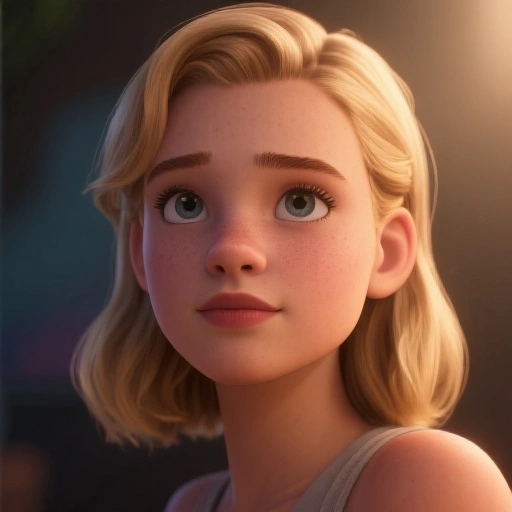 Filmische 3D-Animation
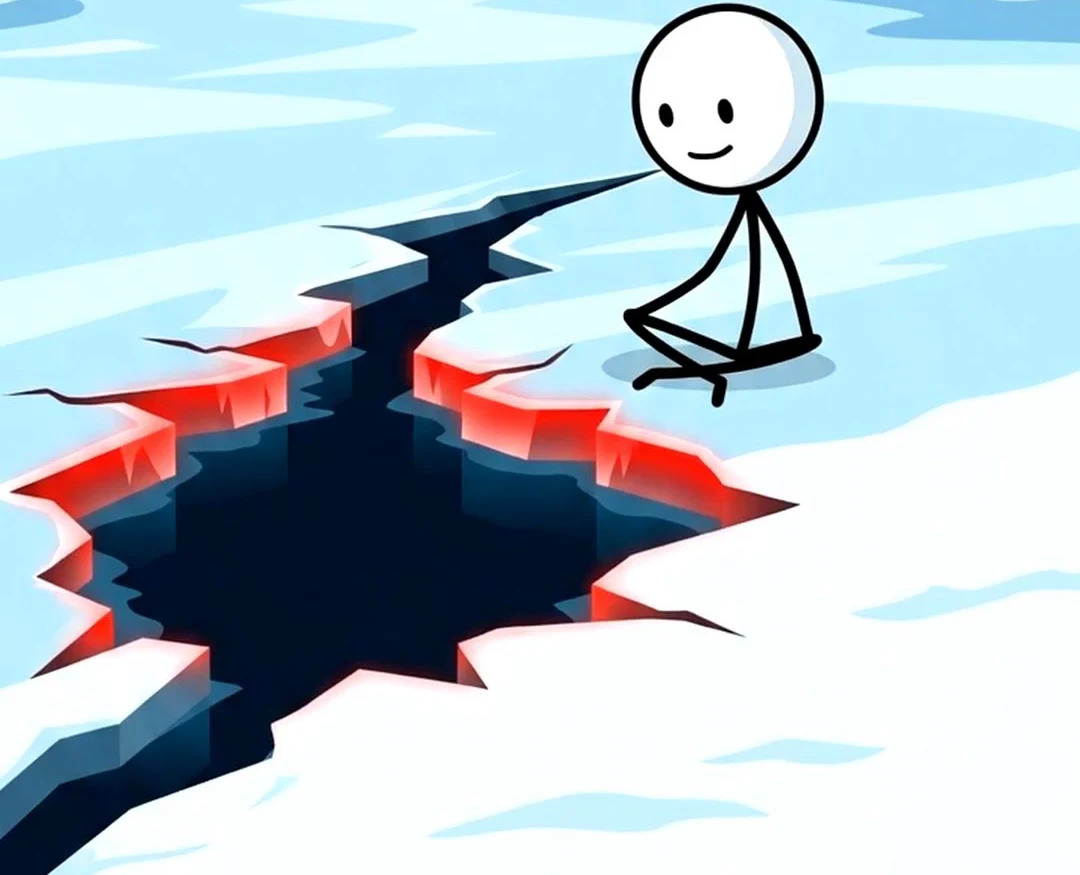 Strichmännchen-Story
 Retro-Comic
 Klarer Anime-Stil
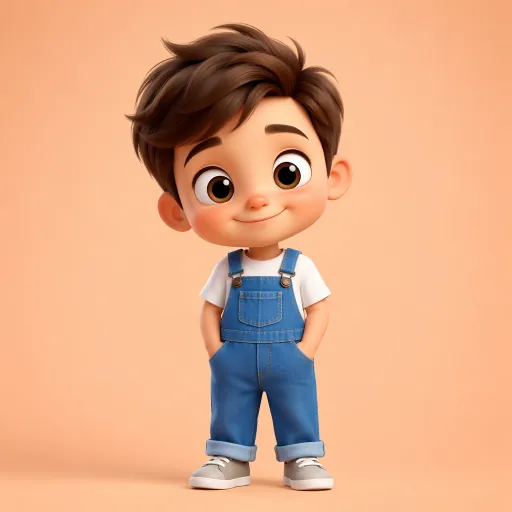 3D-Charakter
 Kinderbuch-Illustration
 Flache Vektorgrafik
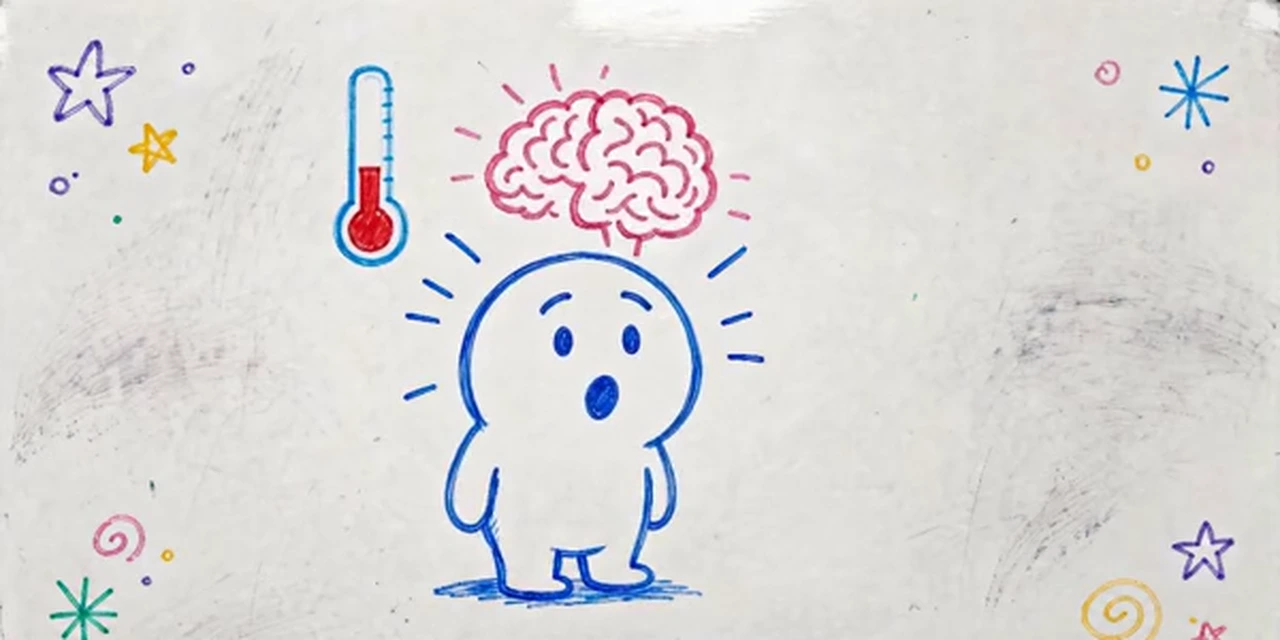 Whiteboard-Doodle
Going for one niche? Cartoon series · Kids’ cartoons · Stickman videos · Script to video · Long videos
A faceless Shorts script template
Faceless Shorts that hold viewers hook in the first second, move every few seconds and end on a line worth commenting on. Paste a script in this shape, or ask the AI to write one in it. Around 2 to 3 narrated words make a second.
- 1
The hook · 0–3 s
“Your cat is not clumsy. It is doing this on purpose.” A claim, a question or a shock that stops the scroll.
- 2
The setup · 3–10 s
Who or what the story is about and why it matters, in one or two short lines and one scene.
- 3
The story or the facts · 10–40 s
Three to five beats, one per scene, each one a new picture: the reason, the twist, the proof.
- 4
The payoff · 40–55 s
The answer, the reveal or the lesson, ideally the strongest picture of the video.
- 5
The loop or the follow · 55–60 s
“Part 2 tomorrow.” Or a last line that leads back into the first, so the Short replays.
How to make a faceless video with AI
- 1
Type a topic or paste your script
“A 30-second Short about why octopuses have three hearts, for a science facts channel” is enough. Or switch to Paste a script and paste your own words; they stay word for word.
- 2
Read the script, for free
The AI writes it in seconds at no cost. Sharpen the hook, cut a line, change the ending.
- 3
Pick a look, a narrator and the cast
The box opens on 9:16 and the 3D cartoon look. Pick a narrator in one of 17 languages; up to 3 characters keep the same face and outfit in every scene.
- 4
Add captions and music, then download
Choose which scenes move, pick a word-by-word caption style and background music, and download the MP4 to post on YouTube Shorts, TikTok and Instagram Reels.
Everything a faceless channel needs in one video
An AI narrator, not your voice
Narration in 17 languages, including English, Spanish, Portuguese, Hindi, Arabic and French. No microphone, no recording, no accent worries.
Word-by-word captions
Captions that light up each word as the narrator says it, in bold Shorts-style looks, so the video works with the sound off.
Vertical by default
9:16 for YouTube Shorts, TikTok and Reels, or 16:9 for regular uploads, from 15 seconds to 15 minutes. No watermark.
The same characters every episode
Up to 3 characters stay the same across a video, and attaching the same character pictures (up to 5) to each new video keeps a recurring cast for a series.
Scenes that move
Pick the scenes to animate and they become short moving clips that keep the cartoon look (5 credits a second). The rest drift slowly behind the narration.
Fix one scene, not the video
Do not like a picture? Redraw that one scene for 15 credits instead of starting again.
Is there a free faceless video generator?
Writing the script is free. A new account also gets 100 free credits, and the generator opens on a 15-second vertical Short so they cover a first faceless video: 2 drawn scenes and a narrator come to about 32 credits.
Longer videos use credits from a plan or a credit pack. A one-minute faceless video is about 127 credits with still scenes and a narrator, or about 447 with every scene animated (60 seconds of narration). Animate only the key moments to keep a daily Short cheap.
Plans start at $39 a month for 5,000 credits, about 39 minutes of faceless video with still scenes. Each step shows its cost before you confirm, and failed animations refund their credits automatically.
Good to know before you start
- One topic or script makes one video. There is no bulk mode that turns a list of topics into a month of Shorts in one go; you start each video yourself.
- It does not post for you. Download the MP4 and upload it to YouTube, TikTok or Instagram yourself; there is no scheduling or channel connection.
- It makes the video, not the upload details: write the title, description, hashtags and thumbnail yourself.
- The narrator is an AI voice from the list; it cannot copy your own voice. One narrator tells the whole story, and characters do not speak in their own voices or lip sync.
Faceless video generator FAQ
What is the best AI tool for faceless YouTube videos?
It depends on the channel. For cartoon and story channels, ToonBee AI writes the script, draws every scene with the same characters, narrates it and adds word-by-word captions in one place. Tools built around stock footage or gameplay suit list and Reddit-story channels better.
Is there a free faceless video generator?
Writing and editing the script is free, and a new account gets 100 free credits: enough for a 15-second vertical Short with 2 still scenes and a narrator (about 32 credits). Animated scenes and longer videos use paid credits, and each step shows its cost first. There is no watermark.
Can I start a faceless YouTube channel with AI?
Yes. Pick a niche driven by story or facts, keep one cartoon look and one narrator so the channel is recognizable, and post on a schedule. The generator makes each video from a topic or your script; you upload it and write the title and thumbnail.
Do I need to record my voice?
No. An AI narrator reads the script in one of 17 languages. Pick the voice that fits the channel and keep it for every video.
Can it make YouTube Shorts and TikToks?
Yes. The generator opens on 9:16 vertical, the format for YouTube Shorts, TikTok and Instagram Reels. Switch to 16:9 for regular YouTube videos; lengths run from 15 seconds to 15 minutes.
Does it add captions?
Yes. Turn on captions and pick a style; the words light up one by one as the narrator says them, the way faceless Shorts do it. They are burned into the video you download.
Can faceless AI videos be monetized on YouTube?
AI-made videos can earn on YouTube, but YouTube does not pay for mass-produced, repetitive content. Channels that get paid write their own scripts, vary their stories and add something of their own. Check the YouTube Partner Program rules and label realistic AI content where YouTube asks.
Can I make a series with the same characters?
Yes. Characters stay the same inside a video, and attaching the same character pictures to each new video keeps the cast consistent from episode to episode.
Can it post or schedule videos for me?
No. You download each video as an MP4 and post it yourself on YouTube, TikTok or Instagram, where you can also schedule it.
How much does a one-minute faceless video cost?
About 127 credits with still scenes and a narrator. Animating scenes costs 5 credits a second of clip, and you choose which scenes move. The script is free.
Start your faceless channel today
Type a topic or paste a script. The script is free, and the first vertical Short fits the free credits.
Make a faceless videoVerwandte Tools
Weitere Seiten, die dasselbe Studio öffnen, eingerichtet für eine andere Art von Video.