
Paper Cutout Animation: Turn Any Story into a Cut-Paper Video with AI
Type what happens, or paste your script. The AI writes or splits the script for free, builds every scene out of cut paper, with hinged paper puppets in layered paper sets or black paper silhouettes, animates the scenes you pick and adds a narrator, so you get a finished cutout animation without cutting a single shape.
- Cut-paper puppets in every scene
- Script written for free
- Narrated in 17 languages
- A 15-second video fits the free sign-up credits
Your characters
Optional. Upload up to 4 pictures (a drawing, a toy, a pet, a person) to star in the film.
Sexuell explizite Inhalte (NSFW) sind streng verboten.
What is paper cutout animation?
Paper cutout animation (also called cutout or cut-out animation) tells a story with flat characters and sets cut from paper. Arms and legs are separate pieces joined at the shoulders, elbows and knees, so a figure can wave, walk or fall, and the scenery is built in layers, hills in front of hills, so the picture has depth and soft shadows. It is the look of handmade stop-motion paper films, of the black shadow-puppet silhouettes in early animation, and of the flat construction-paper cartoons made famous by shows like South Park.
Doing it by hand means cutting every piece, rigging the joints and moving them frame by frame, or building a digital puppet in animation software. An AI paper cutout animation maker skips that: ToonBee AI writes the script from your idea (or uses yours), builds each scene in cut paper to match what the narrator says, makes the scenes you choose move, and puts it together with the narration, captions and music.
How it turns a story into a cutout animation
- You type the story, who it is for and the length, or switch to Paste a script and paste your own words.
- The AI writes the script and splits it into scenes. You read and edit every line for free.
- It builds each scene in cut paper in the look you pick, the same paper characters in every scene, and records a narrator.
- You review the scenes, redraw any you do not like, choose which ones move, turn on captions and download the video.
Paper cutout animation examples
Hinged paper puppets, layered paper landscapes, pop-up paper sets and black paper silhouettes: the looks people mean by paper cutout animation, and the looks the maker builds its scenes in.
A walk through paper town
The hinged paper puppet
Flowers for the cyclist
The paper fox
A city of torn paper
The paper explorer
Patchwork puppet says hello
The pop-up castle
Paper cutout videos people make with it
Cut paper suits stories that should feel handmade and warm. Say what happens and who is watching, and keep each scene to one moment.
Kids’ stories and bedtime tales
Fables, fairy tales and picture-book stories told with paper foxes, paper moons and pop-up paper houses, narrated for you.
Folk tales and myths
Legends, parables and old tales in the shadow-puppet silhouette look, the way storytellers and early animators told them.
YouTube story channels
Faceless narrated channels with a handmade look that stands out in the feed, from a 15-second Short to a 15-minute video.
Explainers and history
How something works, how something happened: paper scientists, paper kings and paper cities make a topic feel friendly.
Comedy skits and satire
Flat paper characters with simple faces deliver a joke fast, the cut-paper cartoon way.
Brand stories and greetings
A founder story, a product journey, a holiday card or a wedding story in a crafted paper look that feels personal.
The paper cutout look, and other handmade styles
The maker opens on Paper Cutout: hinged construction-paper puppets with visible joints in layered cut-paper scenes, crisp edges, paper grain and soft shadows between the layers. Next to it, Paper Silhouette turns every character into a black cut-paper shadow puppet in front of a glowing backdrop. With either one, every character in every scene is cut paper, even if your story never says so. Editorial Collage, Collage, Paper Quilling, Clay and 68 looks in all are one tap away; those draw in their own way unless your story asks for paper puppets.
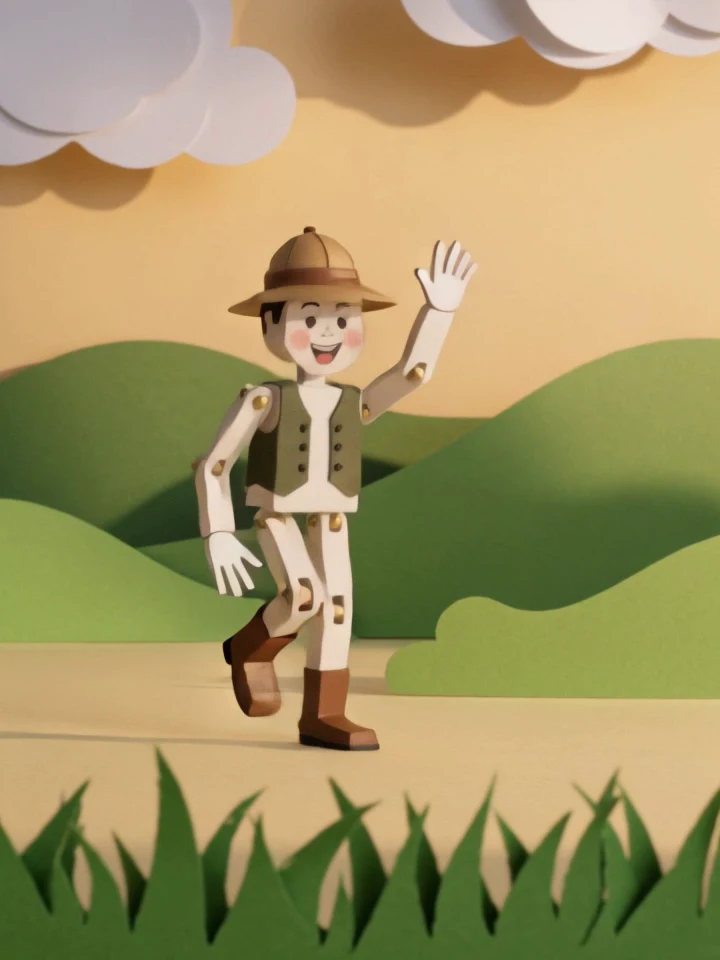 Papierschnitt
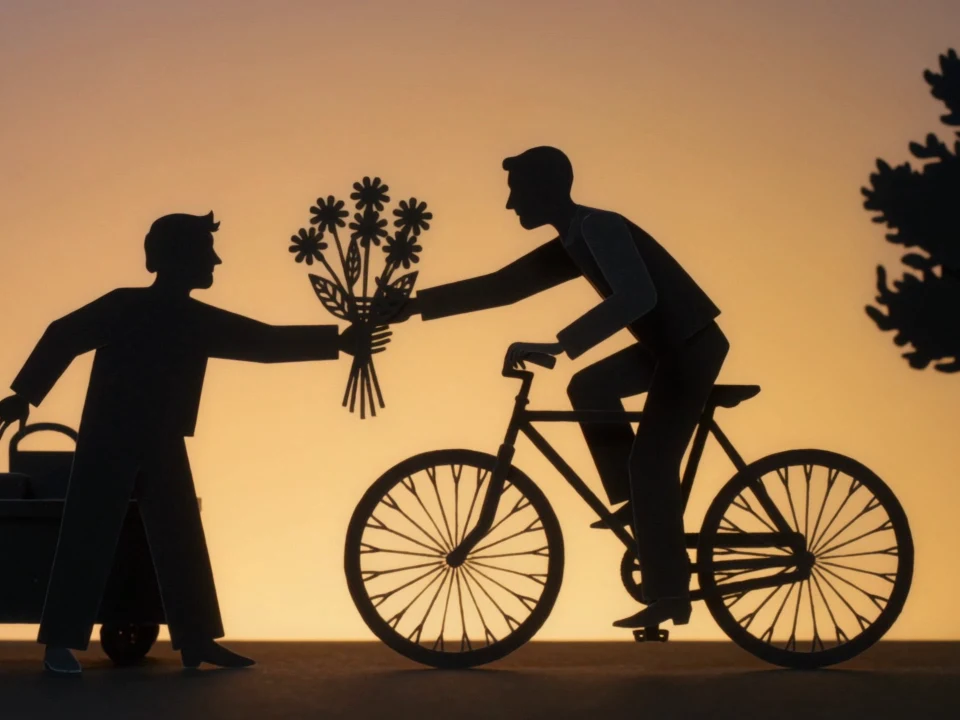 Papier-Scherenschnitt
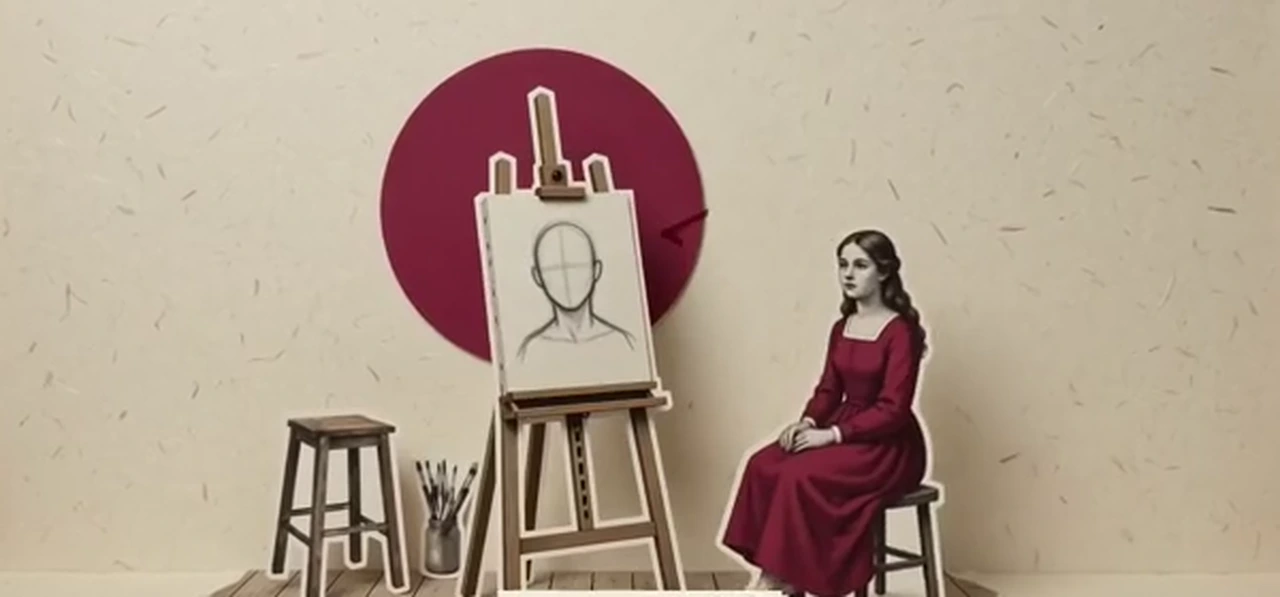 Editorial-Collage
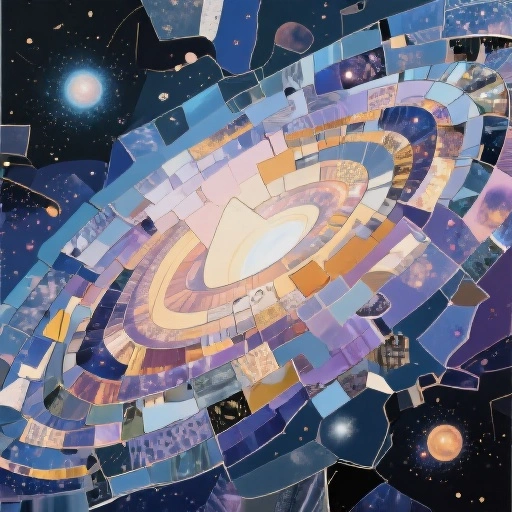 Collage
 Papier-Quilling
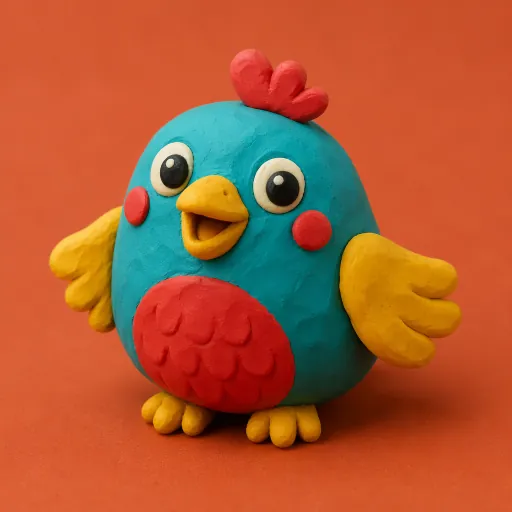 Knetfigur
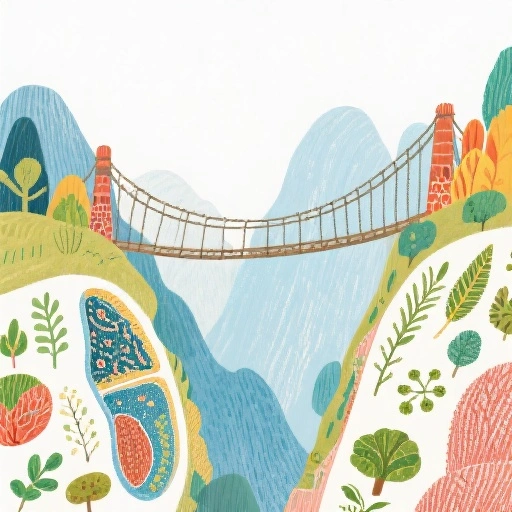 Kinderbuch-Illustration
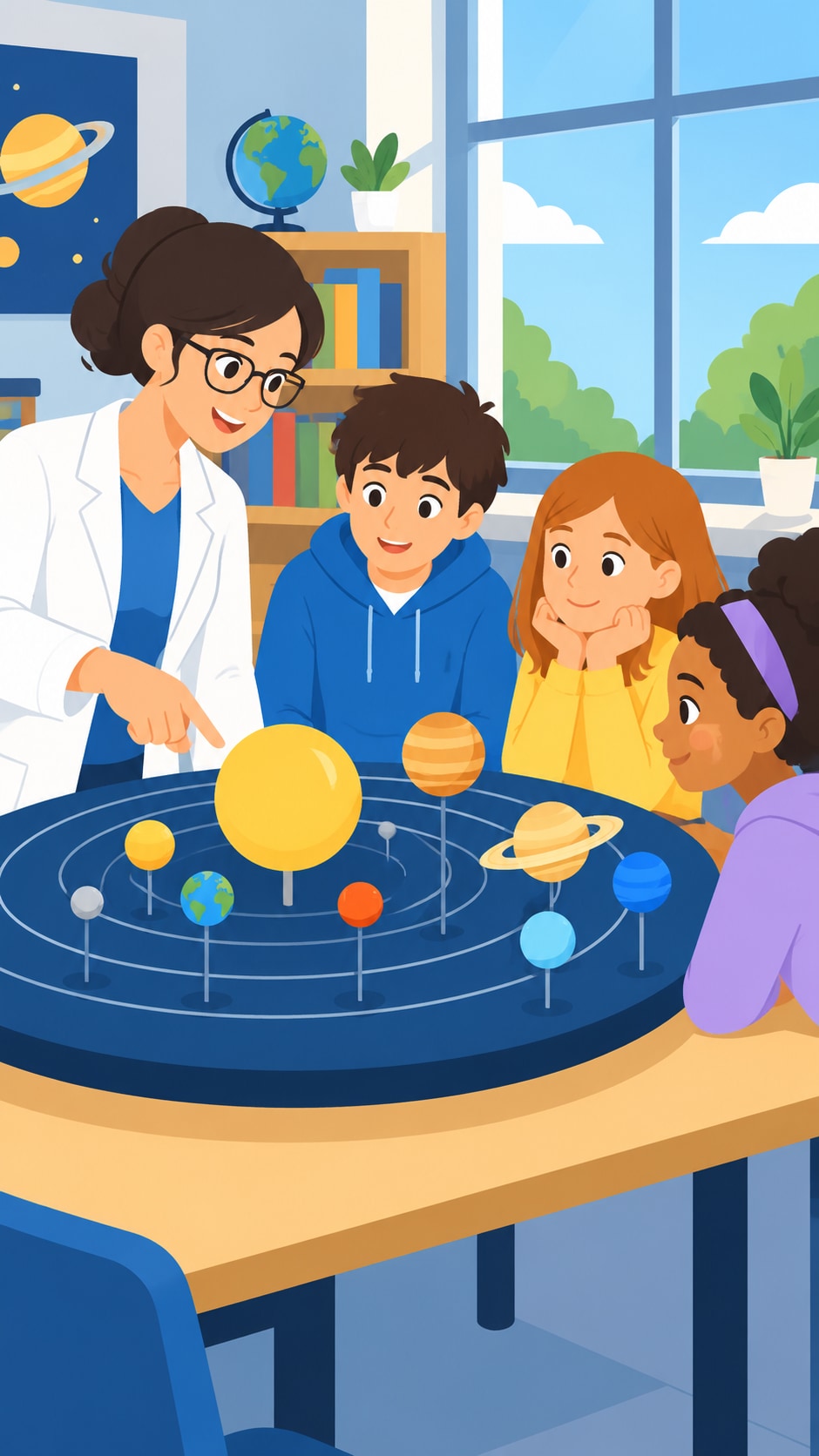 Flache Vektorgrafik
Want a different handmade look? Stick figure animation · 2D animation · Storybook videos
A paper cutout story template
Paper cutout videos that work give each scene one clear moment and a set that tells you where you are. Paste a script in this shape, or ask the AI to write one in it. Around 130 narrated words make a minute.
- 1
The world · 0–8 s
“At the edge of a paper forest lived a small fox who never slept.” One line and one wide paper set.
- 2
The problem · 8–20 s
Something is lost, broken or wanted: one night the moon fell out of the sky and landed in the ferns.
- 3
The journey · 20–45 s
Hills, a river, a sleeping town: one place per scene, so each paper set is different and each moment is easy to animate.
- 4
The turn · 45–55 s
The fox climbs the tallest roof and hangs the moon back in the sky just before sunrise.
- 5
The closer · 55–60 s
“And that is why the moon is a little crooked.” A short last line, or a question for the comments.
How to make a paper cutout animation with AI
- 1
Type the story or paste your script
“A 1-minute paper cutout animation about a paper boat that sails around the world” is enough. Or switch to Paste a script and paste your own words; the maker splits them into scenes.
- 2
Read the script, for free
The AI writes it in seconds at no cost. Change a line, rename the characters, rewrite the ending.
- 3
Pick a paper look and set the cast
The maker opens on Paper Cutout; switch to Paper Silhouette for black shadow puppets. Up to 3 characters stay the same in every scene; give each one a detail to tell them apart, like a red scarf, a hat or a tail.
- 4
Animate, narrate and download
Pick a narrator in one of 17 languages, choose which scenes move, turn on captions, add music and download the paper cutout animation.
A cutout animation maker that does the cutting
Cut paper, every scene
The Paper Cutout and Paper Silhouette styles turn every character and set into cut paper, so a story about a chef, a dragon or a city still comes out as paper puppets on a paper stage.
Paper puppets that move
Pick the scenes to animate and the paper puppets walk, wave, run and turn in short clips that keep the paper joints, edges and texture (5 credits a second). The other scenes drift slowly.
The same characters throughout
Up to 3 characters are designed once and cut the same way in every scene, with the colors, clothes and details that tell them apart.
Narrated in your language
Narration in 17 languages, including English, Spanish, French, Arabic, Hindi and Portuguese. No microphone, no recording.
Short or long, wide or tall
From 15 seconds to 15 minutes, in 16:9 for YouTube or 9:16 for Shorts, Reels and TikTok, with optional captions. No watermark.
Redraw any scene
Do not like a paper set? Redraw that one scene for 15 credits instead of starting over.
Is there a free paper cutout animation maker?
Writing the script is free. A new account also gets 100 free credits, and the maker opens on 15 seconds so they cover a first paper cutout video: 2 cut-paper scenes and a narrator come to about 32 credits.
Longer videos use credits from a plan or a credit pack. A one-minute paper cutout animation is about 127 credits with still scenes and a narrator, or about 447 with every scene animated (60 seconds of narration). You can animate only the scenes with action and leave the rest still.
Plans start at $39 a month for 5,000 credits, about 39 minutes of paper cutout video with still scenes. Each step shows its cost before you confirm, and failed animations refund their credits automatically.
Good to know before you start
- It is not cutout animation software like Toon Boom, Moho or Adobe Animate. There are no puppets to rig, bones or keyframes: you describe what happens, and each scene is built and, if you choose, animated for you.
- Animated scenes move smoothly, like video, not in the deliberately choppy steps of hand-shot stop motion.
- It makes stories in a paper look. It does not turn your own photo or footage into a white-edged paper cutout sticker or a paper-unfolding transition, and it does not export on green screen or with a transparent background.
- One narrator tells the whole story. The paper characters do not speak in their own voices and there is no lip sync. Scenes carry no drawn words or speech bubbles; turn on captions to put the narration on screen.
- A video keeps up to 3 AI-designed characters and up to 5 of your own pictures fixed across its scenes.
Paper cutout animation FAQ
Can AI make a paper cutout animation?
Yes. Give ToonBee AI a story or paste a script, keep Paper Cutout or pick Paper Silhouette, and it writes the script, builds every scene in cut paper, animates the scenes you choose, adds a narrator and puts it together as one video.
Is there a free paper cutout animation maker?
Writing and editing the script is free, and a new account gets 100 free credits: enough for a 15-second paper cutout video with 2 still scenes and a narrator (about 32 credits). Animated scenes and longer videos use paid credits, and each step shows its cost first.
Do I have to write “paper” in my story?
No. With Paper Cutout or Paper Silhouette selected, every character and set in every scene is cut paper, whatever the story says. If you pick another style, such as Collage or Clay, scenes come out in that style instead.
Do the paper puppets actually move?
In the scenes you choose to animate, yes: each becomes a short clip where the paper puppets walk, wave or run while keeping their paper joints and texture. It costs 5 credits a second of clip. Scenes you leave still drift slowly behind the narration.
Does it look like stop motion?
The pictures do: cut paper, visible joints, paper grain and real-looking shadows, like a paper set under studio lights. The motion is smooth, like video, rather than the choppy frame-by-frame steps of hand-shot stop motion.
What is the difference between cutout animation and stop motion?
Cutout animation is a kind of stop motion: flat pieces of paper or card are moved a little between frames. Stop motion also covers clay, puppets and objects. Today most cutout animation is digital, with paper-looking pieces moved in software, and AI can now build the paper scenes for you.
Can I paste my own script?
Yes. Switch the box to Paste a script and paste it; your words are kept as the narration and split into scenes, and each scene is built for what is being said.
Can it turn my photo into a paper cutout animation?
Not as the paper cutout sticker effect used in short videos, where your own photo gets a white paper edge and wobbles on screen. This maker tells a story in a paper look. You can attach pictures to a story to keep a character, pet or product the same across its scenes.
How long can a paper cutout animation be?
From 15 seconds to 15 minutes, in 16:9 or 9:16.
How much does a one-minute paper cutout video cost?
About 127 credits with still scenes and a narrator. Animating scenes costs 5 credits a second of clip, and you choose which scenes move. The script is free.
Can the narration be in another language?
Yes. Narration is available in 17 languages. Write or paste the script in that language and pick a narrator for it.
Can I use the videos on YouTube and TikTok?
Yes. Videos made with credits have no watermark and can be posted on YouTube, TikTok and Instagram or used in class and at work. Follow each platform’s rules for AI-generated content.
Tell it in cut paper
Type the story or paste your script. The script is free, and the first short paper cutout video fits the free credits.
Make a paper cutout animationVerwandte Tools
Weitere Seiten, die dasselbe Studio öffnen, eingerichtet für eine andere Art von Video.