
AI Character Generator: Create Your Own Character, Then Bring It to Life
Choose an art style and a character type, set a few traits or describe the character in a line, and the AI character generator draws them as a full-body portrait. Then go further than a picture: one click makes your character move in a short video, another casts them in a story.
Your characters stay private in your account. No watermark.
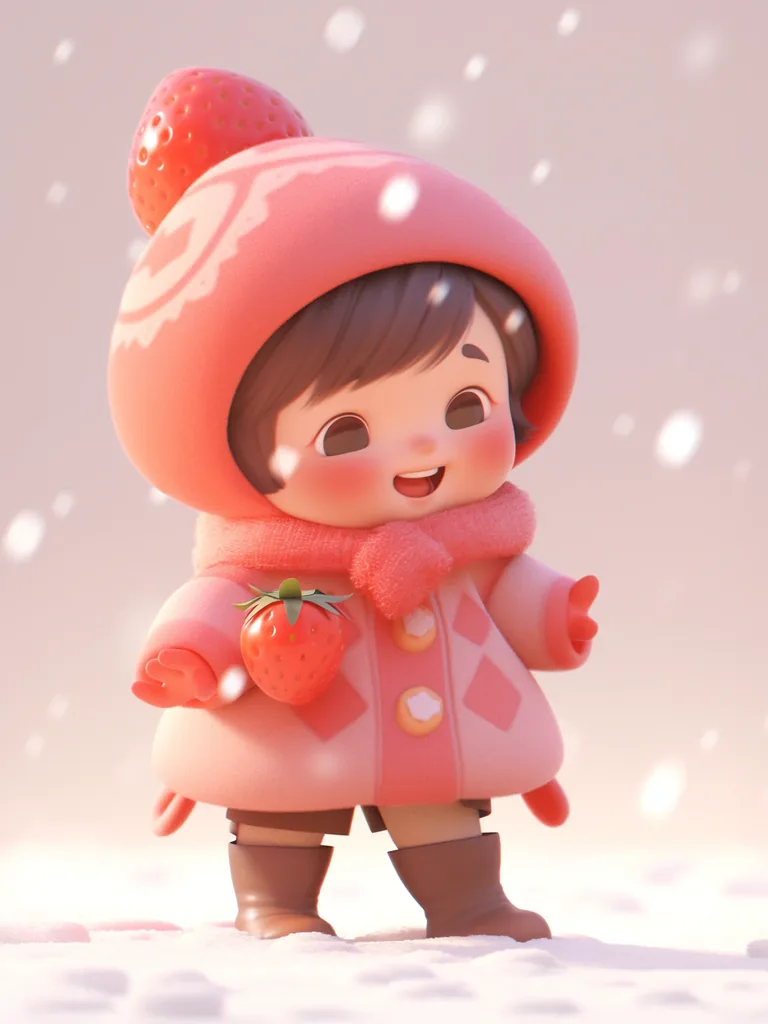
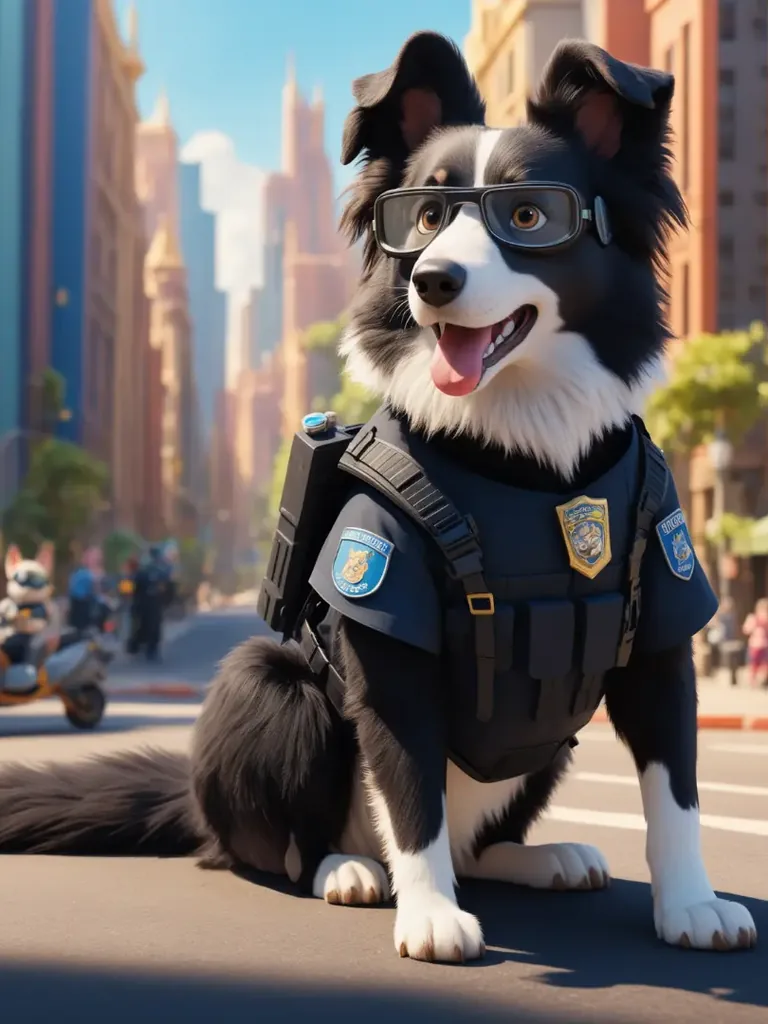
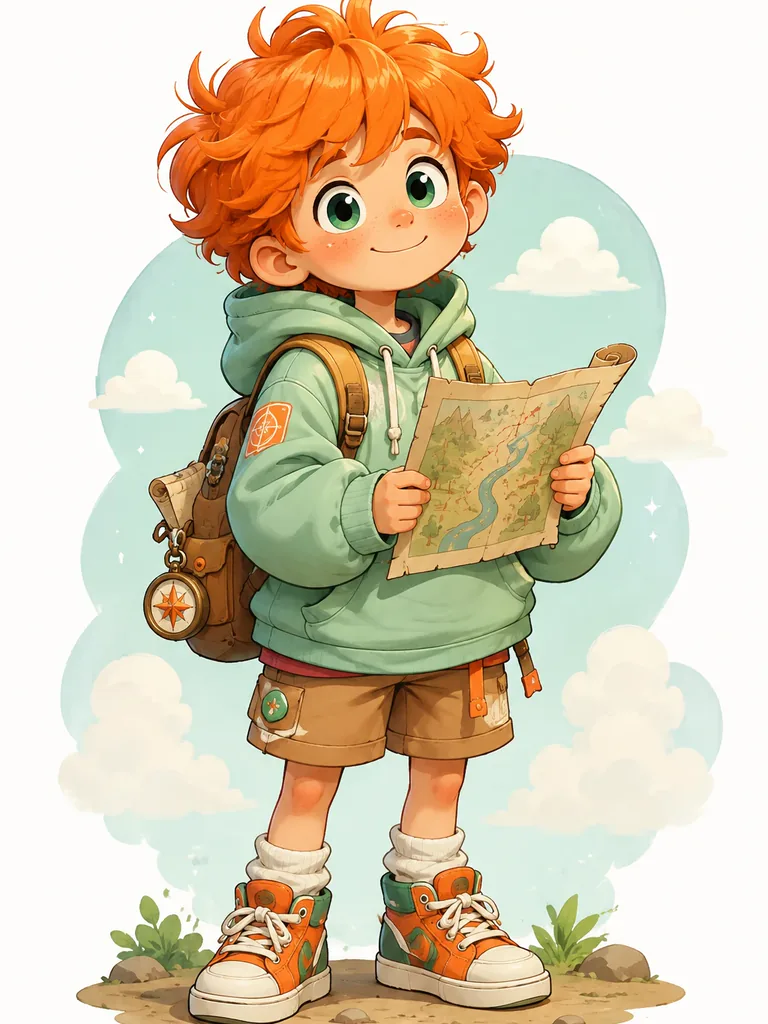
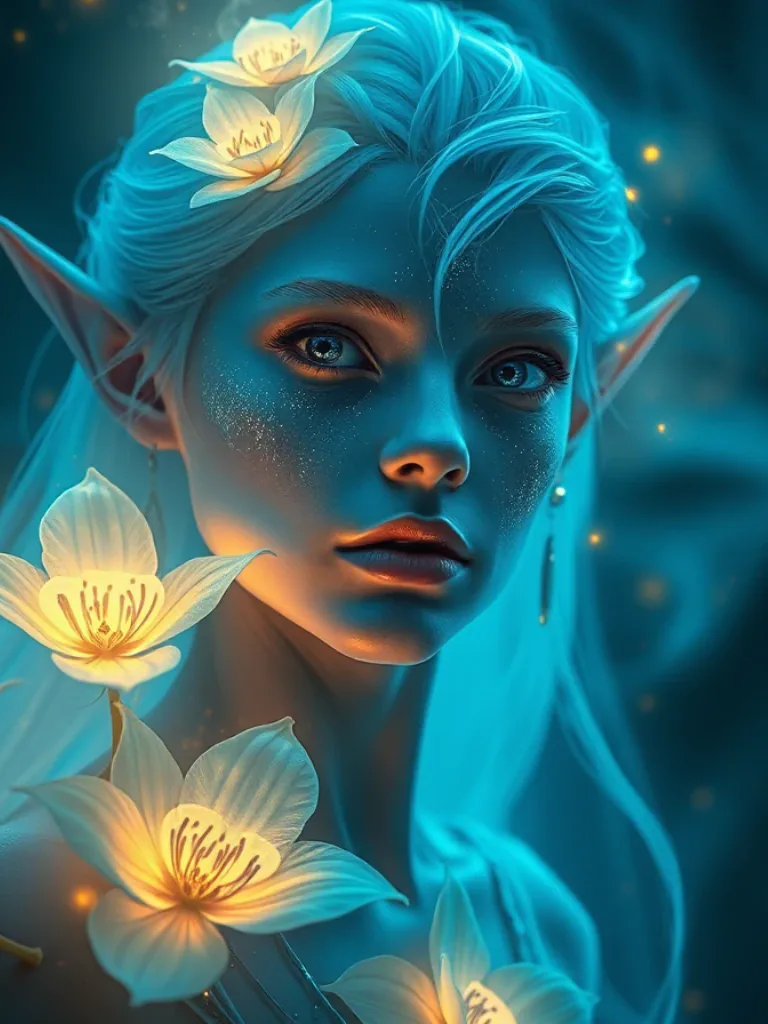
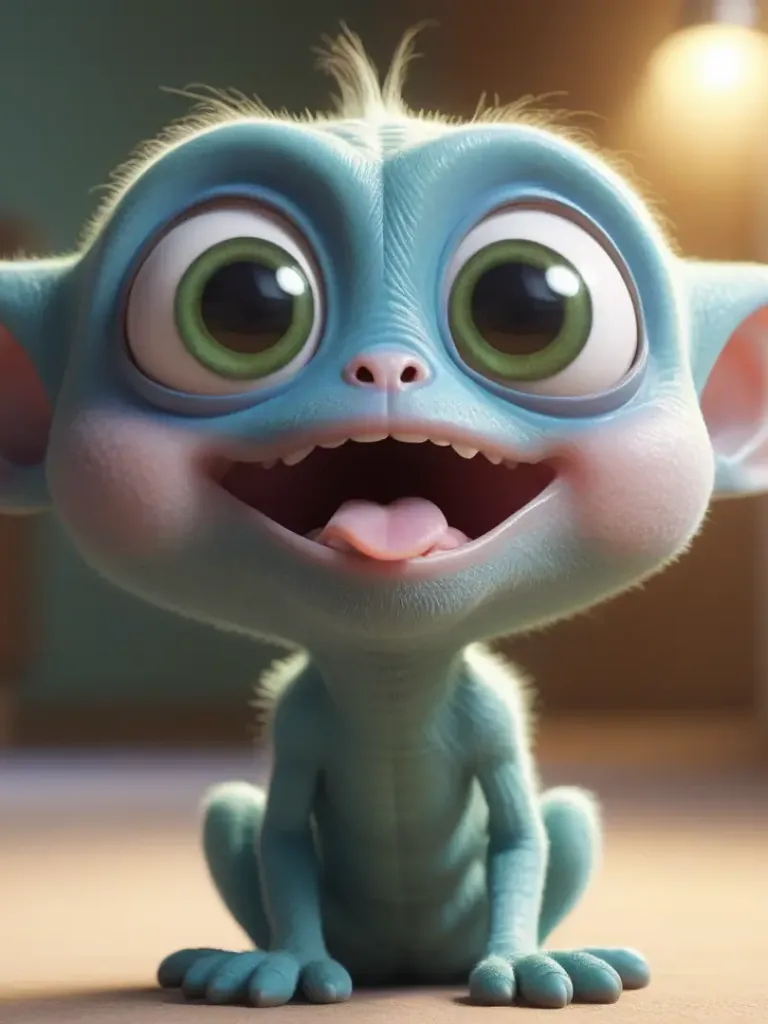
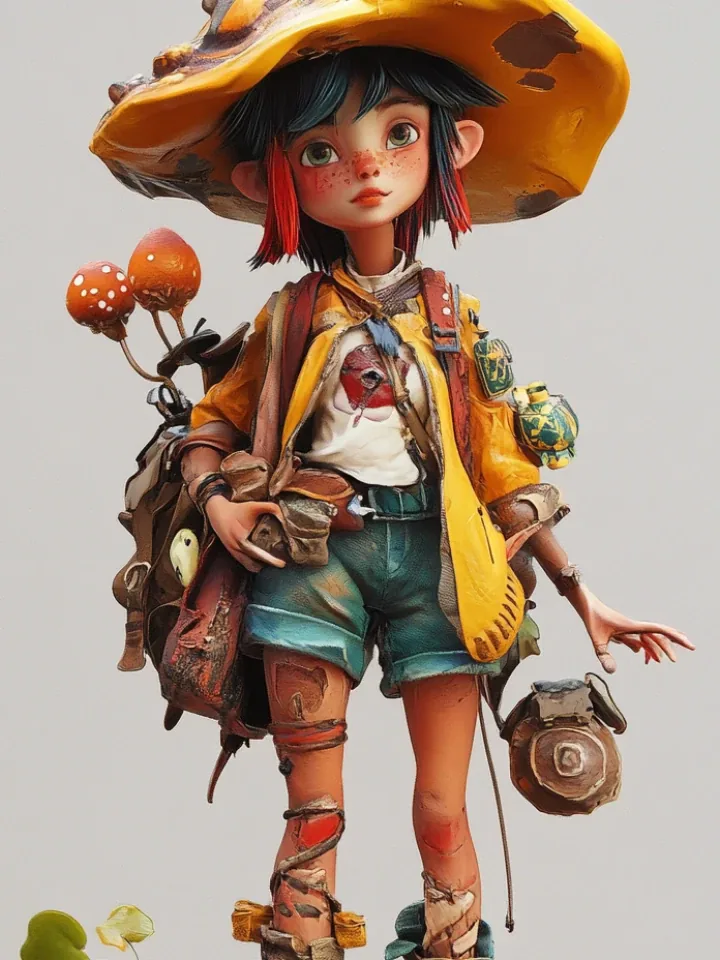
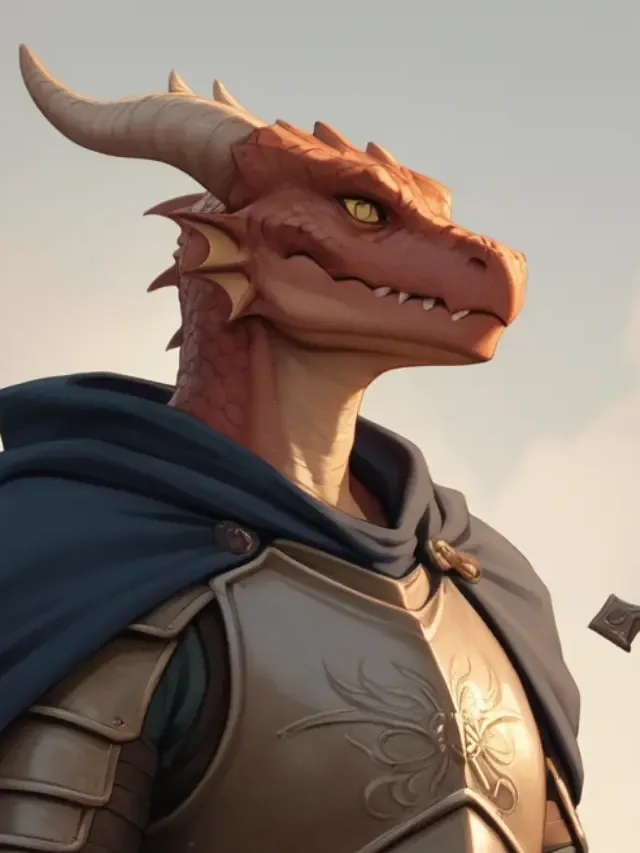
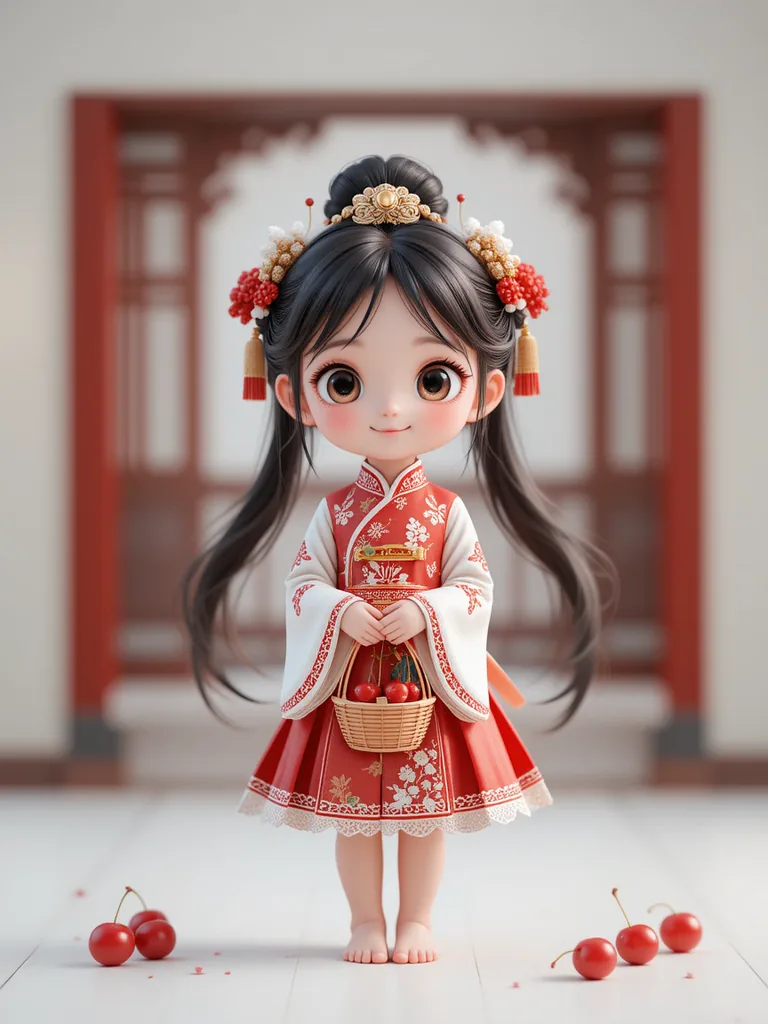
Characters made with an AI character generator
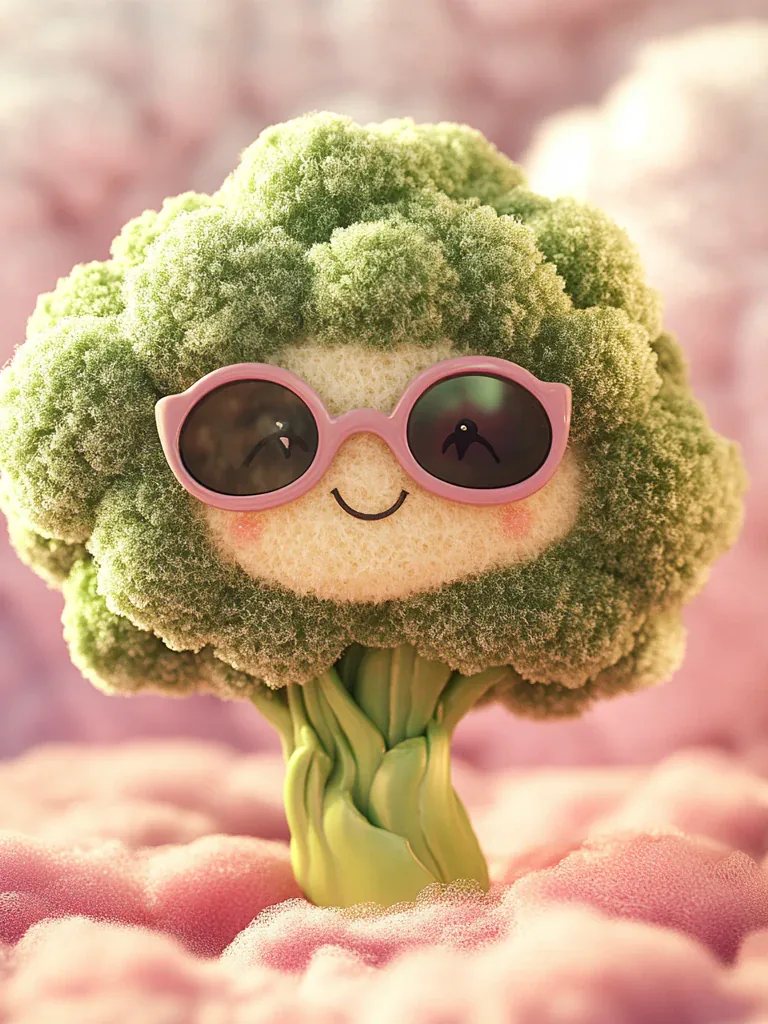
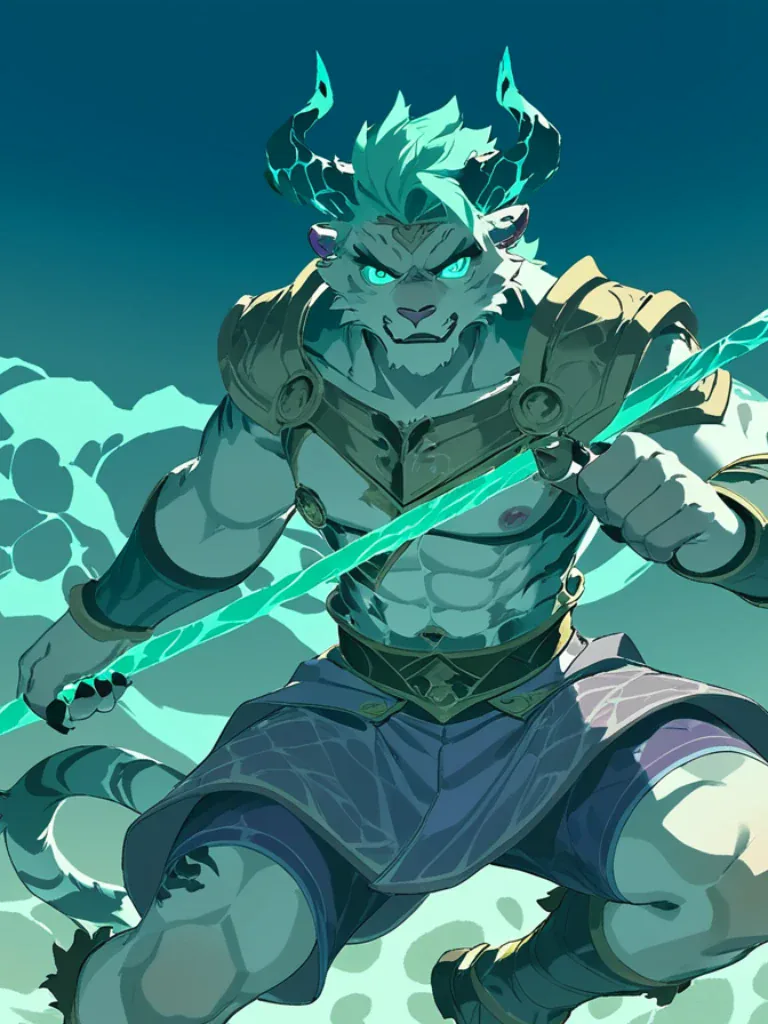
Kids, heroes, animal sidekicks, elves, orcs and the odd talking vegetable: original characters in 3D, cartoon and fantasy styles.
Characters that move
A character is more than a portrait. Make it move sends yours to the video generator as the first frame: describe a turn, a wave or a walk and get a short clip of the same character in motion.
From one character to a whole story
Put in a story opens the story studio with your character in the cast and a story idea written around them. Keep the idea or change it, and the studio writes the script, draws each scene with your character as the reference, and adds narration and music.
Eight styles in one character art generator
3D Animation is the default: a rounded animated-movie look. Switch to cartoon for a TV-show character, fantasy art for a game hero, or pixel art for a sprite.
Anime
Clean modern anime: crisp lines, cel shading, expressive eyes.
Chibi
Tiny and cute: a big head, a small body, round soft shapes.
Cartoon
A TV cartoon look: bold outlines and flat, bright colours.
3D Animation
A rounded animated-movie character with soft lighting.
Pixel Art
A retro game sprite, drawn pixel by pixel.
Watercolor
Soft painted washes, like a picture-book illustration.
Realistic
Lifelike digital painting with real-world lighting.
Fantasy Art
Painterly fantasy concept art, rich in detail.
How to create your own character with AI
- 1
Choose a style and a type
Pick one of eight art styles, then a character type: human, elf, demon, angel, robot, anthro animal, monster or alien.
- 2
Add traits or a description
Set gender, age, personality, outfit and colours, or write who the character is. Anything you leave on Any, the AI decides. Random fills every choice.
- 3
Generate, then bring it to life
The character is drawn as a full-body 2:3 portrait on a plain background. Download it, regenerate, make it move or put it in a story.
Why use this AI character creator
Guided, not a blank prompt box
Most AI character makers hand you an empty text box. Here you build the character from clear choices and the generator writes the prompt, or you type a description and it works as a text to character generator.
Made for character design
Use it as a character design generator: every picture is one character, head to feet, centred on a plain background, a clean sheet to design from.
Cartoon character generator too
Cartoon, chibi and 3D animation sit next to realistic and fantasy art, so the same idea can be a kids’ show star or a game hero.
Your character can move
The same picture becomes the first frame of a video, so your character can turn, wave or walk in a short clip.
Your character can star in a story
Cast the character in a narrated story video, with each scene drawn from the character you made.
Private, no watermark
Characters are saved to your own account and stay private unless you share them. Downloads carry no watermark.
Fantasy and D&D character art
Need a face for your tabletop hero or an NPC for tonight’s session? Use it as a fantasy character generator: pick Fantasy Art, choose Elf, Demon, Angel or Monster as the type, set the outfit to Fantasy armor or Witch / Mage, and write the race and class in the description, like “a half-orc paladin with a dented shield and a kind smile”.
The generator draws your D&D character art as a full-body portrait, so the whole outfit and gear are there. Make one for every player at the table, then put the party in a story video of their last adventure.
Cartoon character maker and mascot generator
For a cartoon character, choose Cartoon for a flat TV-show look, Chibi for a cute sticker or 3D Animation for an animated-movie feel. Animal (anthro) and Monster give you sidekicks and mascots, and the description box takes anything, a grumpy cat chef or a broccoli in sunglasses.
Because the character is drawn on a plain background, it drops straight into a thumbnail, a sticker sheet or a slide, and it is ready to become the first frame of an animated clip.
What people create characters for
Games and tabletop
Player characters, superheroes, villains and NPCs for a D&D campaign, a comic or an indie game.
Stories and kids’ books
A hero for a bedtime story, a comic or a novel, then the same hero in a story video.
Mascots and channels
A recurring character for a brand, a YouTube channel or short social videos.
Avatars
A 3D, cartoon or chibi character to use as a profile picture or a streaming avatar.
Tips for better AI characters
- Start with the role, then the look: “a nervous young wizard on his first day at school” gives the AI a pose and an expression.
- One strong detail beats a long list: a glowing scar, an oversized hat, a robot arm.
- Keep Full body on if you plan to animate the character or put it in a story, so the whole outfit carries over.
- Same idea, different style: generate once in 3D Animation, then try Cartoon or Fantasy Art and keep the one you like.
- Name the character before Put in a story, so the script calls them by their name.
Is this AI character generator free?
Each character costs 27 credits, shown on the button before you start. A new account gets 100 free credits, enough for 3 characters without paying.
After that, credit packs start at 4,000 credits for $49, about 148 characters, with no subscription. Making a character move or putting it in a story is charged as a video, with the price shown before you start. A failed picture is refunded.
AI character generator FAQ
What is an AI character generator?
An AI character generator draws a new, original character from a few choices or a short description. Pick a style, a type and some traits here, and the AI draws your character as a full-body portrait.
Is the AI character generator free?
You can try it free: a new account gets 100 credits, and each character costs 27, so your first 3 are free. After that you buy credits. There is no watermark.
How do I create my own character?
Choose an art style and a character type, then set gender, age, personality, outfit and colours, or describe the character in your own words. Press Generate, or press Random first to fill every choice for you.
Is it an AI character creator or a character maker?
Both names fit. It works like a character creator, where you choose the parts, but the AI draws a brand-new picture each time instead of assembling preset pieces.
Can I make cartoon characters?
Yes. Cartoon, Chibi and 3D Animation are all cartoon character styles, and Animal (anthro) and Monster make good cartoon sidekicks and mascots.
Can I make fantasy or D&D character art?
Yes. Choose Fantasy Art, a type like Elf, Demon or Monster, an outfit like Fantasy armor or Witch / Mage, and write the race and class in the description.
Is there a random character generator?
Yes. Press Random and the generator picks a style, a type, a personality, an outfit, colours and a name for you. It is a quick way to get random cartoon, 3D or fantasy character ideas: press it until one clicks, then generate.
Can I make a character from my photo?
Not on this page: characters here are drawn from your choices and description. To turn a photo of yourself into a cartoon, use the Photo to Cartoon tool.
How do I keep my character the same in videos and stories?
Start from one picture of the character, full body on a plain background, the way this generator draws it. Make it move uses that picture as the first frame of the video, and Put in a story hands it to the story studio as the character’s reference, so you are not describing the character from scratch each time.
Can my character move or be in a video?
Yes. Make it move opens the video generator with your character as the first frame, and Put in a story casts it in a narrated story video. Both are charged as video.
Who can use the characters I generate?
The characters are yours to use in your art, games, stories and videos. They stay private in your account unless you share them.
Create your own character now
A style, a type and a line of description, or one press of Random.
Generate my characterHerramientas relacionadas
Otras páginas que abren el mismo estudio, preparado para otro tipo de video.