Pixel Art Animation: Turn Any Story into a Retro Pixel Video with AI
Type what happens, or paste your script. The AI writes or splits the script for free, draws every scene as retro game pixel art, animates the scenes you pick and adds a narrator and music, so you get a finished pixel art video without placing a single pixel.
- Retro game pixels in every scene
- Script written for free
- Narrated in 17 languages
- A 15-second video fits the free sign-up credits
Your characters
Optional. Upload up to 4 pictures (a drawing, a toy, a pet, a person) to star in the film.
El contenido sexualmente explícito (NSFW) está estrictamente prohibido.
What is a pixel art animation?
A pixel art animation is a video drawn the way old console and arcade games were: every shape built from small square pixels, a limited palette of bright colours and hard edges, with no blur. The 8-bit look recalls NES-era platformers; 16-bit adds detail, shading and richer scenery, like SNES role-playing games. Today the style carries retro gaming channels, lo-fi music videos, indie game trailers and nostalgic short stories on YouTube and TikTok.
Animating pixel art by hand means drawing every frame in a pixel editor. An AI pixel art animation maker skips that: ToonBee AI writes the script from your idea (or uses yours), draws each scene in pixel art to match what the narrator says, makes the scenes you choose move, and puts it together with the narration, captions and music.
How it turns a story into a pixel art video
- You type the story, who it is for and the length, or switch to Paste a script and paste your own words.
- The AI writes the script and splits it into scenes. You read and edit every line for free.
- It draws each scene as retro game pixel art, the same characters in every scene, and records a narrator.
- You review the scenes, redraw any you do not like, choose which ones move, pick music and captions and download the video.
Pixel art animation examples
Game scenes, lo-fi loops and short pixel stories: square pixels, bold palettes and a little motion in every shot. That is the look the pixel art animation maker draws and animates.
Fox in a lantern village
Ninja on neon rooftops
Rainy night street
The last tree
Working late
Princess under the moon
Pixel anime heart
Pixel art videos people make with it
Pixel art fits anything that should feel like a game or a memory. Say what happens and who is watching, and keep each scene to one moment.
Retro gaming and lore channels
Game lore recaps, “what if” stories and retro gaming history, narrated over 8-bit scenes, from a 15-second Short to a 15-minute video.
Indie game trailers and devlogs
Pitch your game’s story or announce an update in pixel art. Attach up to 5 pictures of your own, such as your hero or a key location, write @ and its name in the script, and the scenes are drawn with it.
Lo-fi and music visuals
A rainy window, a late-night desk, a campfire under the stars: slow pixel scenes behind a playlist or a track, the look lo-fi channels use.
Nostalgic short stories
Childhood memories, a day in the life, a love story told like a 90s game cutscene. Pixel art makes a simple story feel warm.
Kids’ adventures and fables
Knights, dragons, brave little foxes: bedtime adventures and fables kids already know from games, drawn in friendly pixel scenes.
Explainers with a game twist
Teach a coding idea, a history lesson or a product feature as a quest with levels, so the point lands like a game tutorial.
8-bit pixel art, and other game looks
The maker opens on 8-bit Pixel Art: crisp square pixels, bright limited colours and detailed game scenery, even when your story never says “pixel”. 2D Game Art is softer, side-scrolling game artwork, and Urban Game Art gives a sunny open-world game look. Cyberpunk, Sticker Art, Comic Book and 68 looks in all are one tap away.
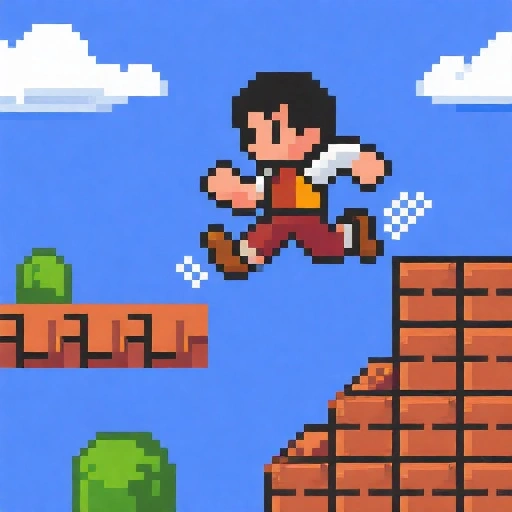 Pixel art de 8 bits
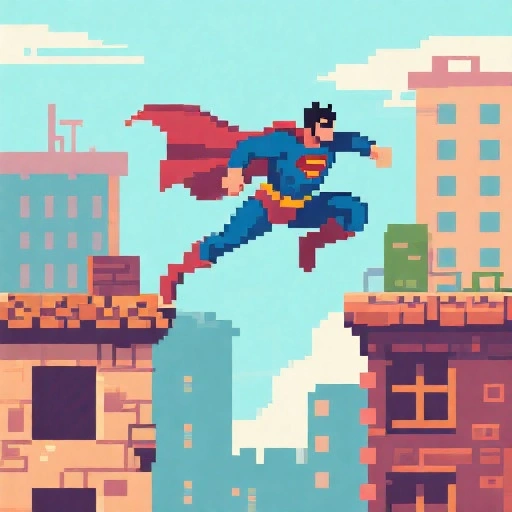 Videojuego 2D
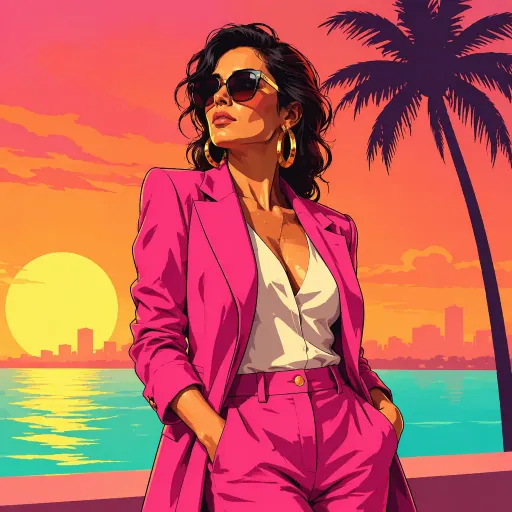 Videojuego urbano
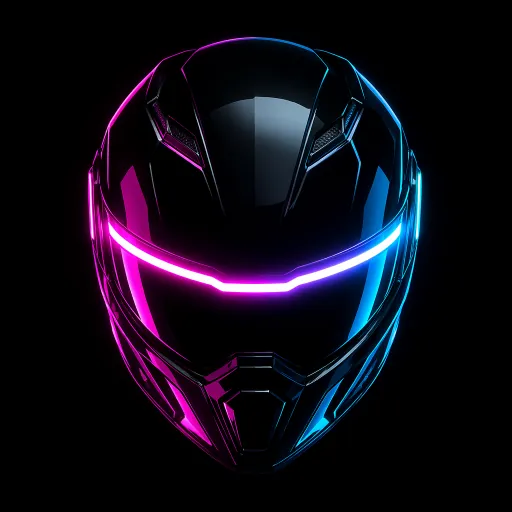 Cyberpunk
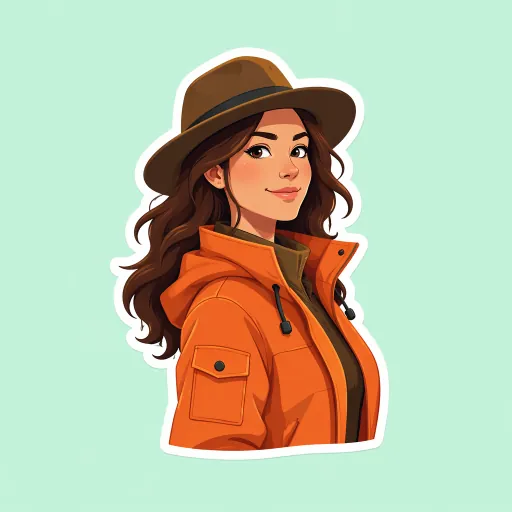 Pegatina
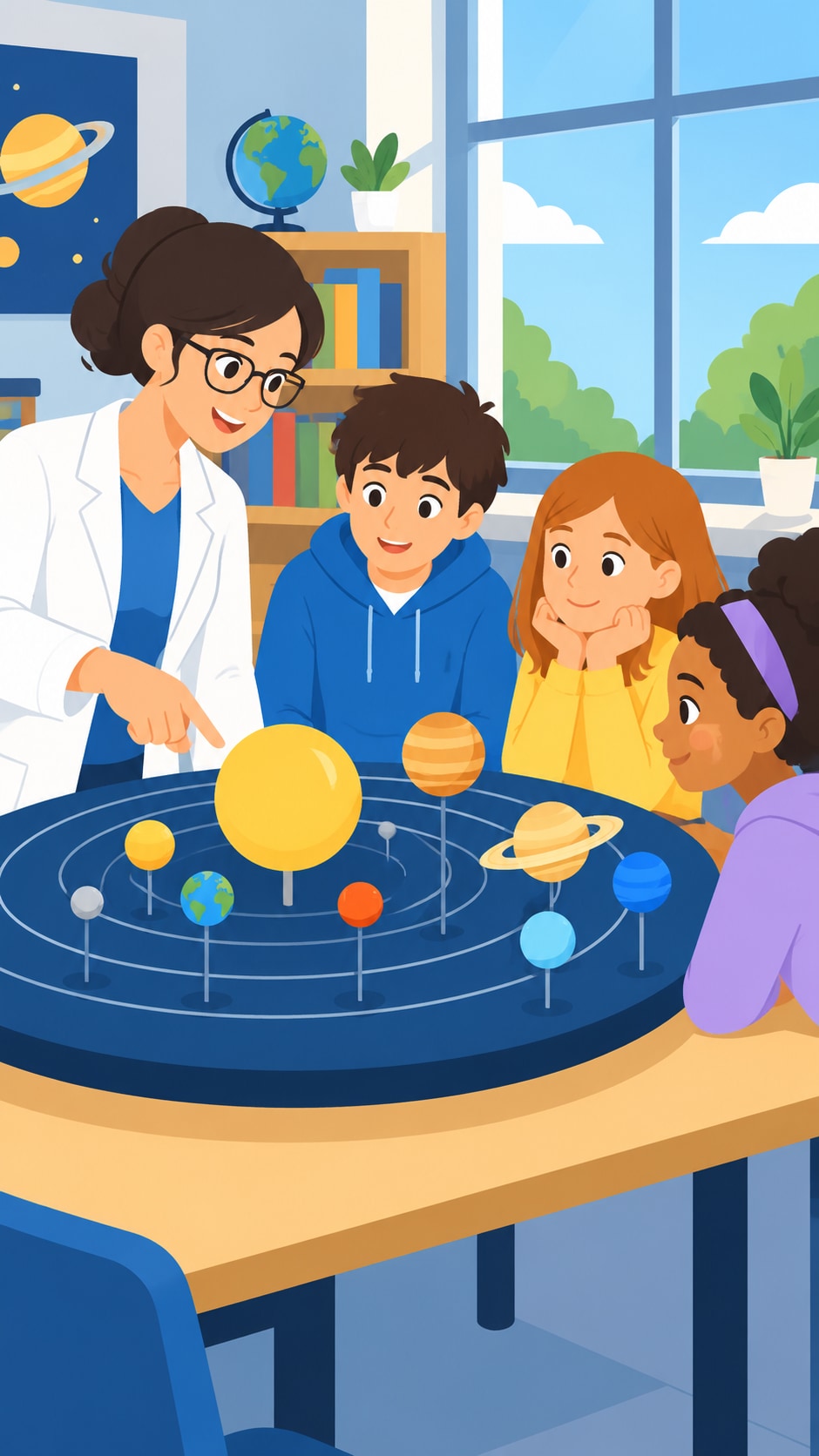 Vector plano
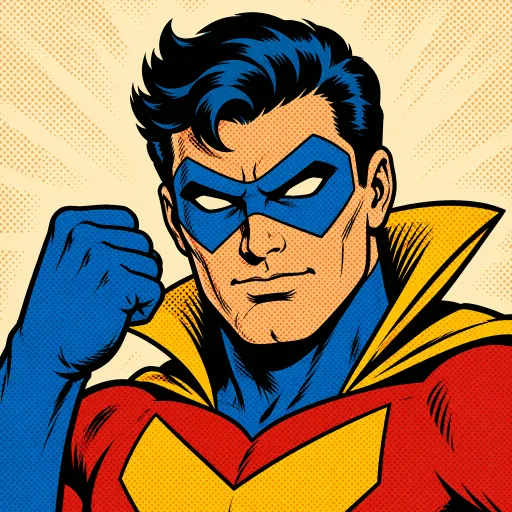 Cómic retro
 Personaje 3D
Making game assets instead? Sprite sheets · Animated GIFs · 2D animation
A pixel art story template
Pixel art videos that work read like a little game: a hero, a goal, an obstacle and a win. Paste a script in this shape, or ask the AI to write one in it. Around 130 narrated words make a minute.
- 1
Press start · 0–5 s
“Every morning, Pip the fox delivers the village mail. Today, one letter is glowing.” One line that makes the viewer stay.
- 2
Level 1 · 5–20 s
Where the hero is and what they want: the glowing letter is addressed to the castle on the hill.
- 3
The obstacles · 20–40 s
A dark forest, a broken bridge, a grumpy guard. One obstacle per scene, each a clear moment to animate.
- 4
The boss · 40–55 s
The big turn: the castle gate is shut, and the letter opens itself to reveal a key.
- 5
Game over, or continue? · 55–60 s
“Pip delivered the mail. Tomorrow, two letters glow.” A short last line that sets up the next episode.
How to make a pixel art animation with AI
- 1
Type the story or paste your script
“A 1-minute 8-bit story about a robot who wants to become a chef” is enough. Or switch to Paste a script and paste your own words; the maker splits them into scenes.
- 2
Read the script, for free
The AI writes it in seconds at no cost. Rename the hero, add a twist, change the ending.
- 3
Keep 8-bit Pixel Art and set the cast
The maker opens on 8-bit Pixel Art. Up to 3 characters stay the same in every scene; give each one a detail to tell them apart, like a red scarf, a helmet or a tail.
- 4
Animate, narrate and download
Pick a narrator in one of 17 languages, choose which scenes move, pick a track or describe one for AI music (an upbeat chiptune, say), turn on captions and download the pixel art animation.
A pixel animation maker that draws every scene
Real pixel art, every scene
Square pixels, hard edges, a bright game palette and no blur, whether the scene is a village market, a rainy bedroom or a neon rooftop. You do not have to write “pixel art” in your story.
Scenes that move
Pick the scenes to animate and the hero runs, the drone swoops and the signs flicker, in short clips that keep the pixel look (5 credits a second). The other scenes drift slowly.
The same hero throughout
Up to 3 characters are designed once and drawn the same way in every scene, with the scarf, armour or colours that tell them apart.
Narration and retro music
Narration in 17 languages with no microphone. Add music from the library, including retro synth tracks, or describe the track you want for AI music.
Short or long, wide or tall
From 15 seconds to 15 minutes, in 16:9 for YouTube or 9:16 for Shorts, Reels and TikTok, with word-by-word captions. No watermark.
Redraw any scene
Not happy with a scene? Redraw just that one for 15 credits instead of starting over.
Is there a free pixel art animation maker?
Writing the script is free. A new account also gets 100 free credits, and the maker opens on 15 seconds so they cover a first pixel art video: 2 drawn scenes and a narrator come to about 32 credits.
Longer videos use credits from a plan or a credit pack. A one-minute pixel art animation is about 127 credits with still scenes and a narrator, or about 447 with every scene animated (60 seconds of narration). You can animate only the action scenes and leave the rest still.
Plans start at $39 a month for 5,000 credits, about 39 minutes of pixel art video with still scenes. Each step shows its cost before you confirm, and failed animations refund their credits automatically.
Good to know before you start
- It is not pixel art animation software like Aseprite or Piskel. There is no pixel editor, frame-by-frame drawing or onion skinning: you describe what happens, and each scene is drawn and, if you choose, animated for you.
- Animated scenes move smoothly like video, not in a few stepped frames like a hand-made sprite, and a clip does not loop seamlessly on its own.
- It makes videos, not game assets. For a single character on a transparent background, cut into a sprite sheet, use the AI sprite sheet generator.
- It does not convert an existing video into pixel art; scenes are drawn from your story.
- One narrator tells the whole story; characters do not speak in their own voices. Scenes carry no drawn words or game dialogue boxes, so turn on captions to put the narration on screen. A video keeps up to 3 AI-designed characters and up to 5 of your own pictures fixed across its scenes.
Pixel art animation FAQ
Can AI make pixel art animation?
Yes. Give ToonBee AI a story or paste a script, keep 8-bit Pixel Art, and it writes the script, draws every scene in retro game pixels, animates the scenes you choose, adds a narrator and music and puts it together as one video.
Is there a free pixel art animation maker?
Writing and editing the script is free, and a new account gets 100 free credits: enough for a 15-second pixel art video with 2 still scenes and a narrator (about 32 credits). Animated scenes and longer videos use paid credits, and each step shows its cost first.
Is it 8-bit or 16-bit?
The 8-bit Pixel Art style draws chunky, bright pixels with the detail of a 16-bit game scene: a market, a forest or a city reads clearly while staying blocky. 2D Game Art is a softer side-scrolling game look if you want less pixelation.
Do the pixel art scenes actually move?
In the scenes you choose to animate, yes: each becomes a short clip where characters run, fly or fight and lights flicker, keeping the pixel look. It costs 5 credits a second of clip. Scenes you leave still drift slowly behind the narration.
Can I use my own game characters?
You can attach up to 5 pictures of your own, such as your game’s hero or a location, and write @ and its name in the script; the scenes are drawn with them. They are redrawn in the video’s style, not animated pixel for pixel, so for sprites that stay exactly as you drew them use a pixel editor or the AI sprite sheet generator.
Can I make a pixel art sprite sheet or GIF here?
This page makes narrated videos. For a game character’s walk, run or attack frames on a transparent background, use the AI sprite sheet generator; for a short looping pixel art GIF, use the AI GIF generator.
Can I turn my own video into pixel art?
Not here. The scenes are drawn from your story or script, not converted from footage you upload.
How long can a pixel art animation be?
From 15 seconds to 15 minutes, in 16:9 or 9:16.
How much does a one-minute pixel art video cost?
About 127 credits with still scenes and a narrator. Animating scenes costs 5 credits a second of clip, and you choose which scenes move. The script is free.
Can the narration be in another language?
Yes. Narration is available in 17 languages. Write or paste the script in that language and pick a narrator for it.
Can I use the videos on YouTube and TikTok?
Yes. Videos made with credits have no watermark and can be posted on YouTube, TikTok and Instagram or used in a game trailer or devlog. Follow each platform’s rules for AI-generated content.
Tell it in pixels
Type the story or paste your script. The script is free, and the first short pixel art video fits the free credits.
Make a pixel art animationHerramientas relacionadas
Otras páginas que abren el mismo estudio, preparado para otro tipo de video.