
Stick Figure Animation: Turn Any Story into a Stickman Video with AI
Type what happens, or paste your script. The AI writes or splits the script for free, draws every scene with stickmen, in bright cartoon settings or classic black lines on white, animates the scenes you pick and adds a narrator, so you get a finished stick figure video without drawing a single frame.
- Stick figures in every scene
- Script written for free
- Narrated in 17 languages
- A 15-second video fits the free sign-up credits
Vidéo en un clic avec ToonBee 1.0. Sans étapes : il découpe les plans, ajoute la narration et la musique à toute la vidéo en une seule fois, à la durée voulue.
Le contenu sexuellement explicite (NSFW) est strictement interdit.
What is a stick figure animation?
A stick figure animation (or stickman animation) tells a story with the simplest character there is: a round head and a few straight lines for the body, arms and legs, drawn in black. With nothing to distract, the eye goes to the action and the joke, which is why the style carries so many YouTube story channels, history and “what if” explainers, comedy skits and school projects. The classic version is black lines on a white page; the narrated stickman Shorts all over YouTube and TikTok put big round white heads into bright, detailed cartoon scenes.
Drawing one by hand means posing the figure frame by frame in an animation app. An AI stick figure animation maker skips that: ToonBee AI writes the script from your idea (or uses yours), draws each scene with stick figures to match what the narrator says, makes the scenes you choose move, and puts it together with the narration, captions and music.
How it turns a story into a stick figure video
- You type the story, who it is for and the length, or switch to Paste a script and paste your own words.
- The AI writes the script and splits it into scenes. You read and edit every line for free.
- It draws each scene with stick figures in the look you pick, the same characters in every scene, and records a narrator.
- You review the scenes, redraw any you do not like, choose which ones move, turn on captions and download the video.
Stick figure animation examples
Narrated stickman stories, explainers and skits: round heads, line limbs and one beat per scene, in colorful cartoon settings or plain black on white. That is the format the stick figure animation maker writes and draws to.
Stickman fight
After the end of the world
Chaos in court
Five minutes to the deadline
If you fall through ice
The midnight intercom
Disc brakes vs drum brakes
Stick figure videos people make with it
Stick figures work for anything with people in it. Say what happens and who is watching, and keep each scene to one action.
YouTube story channels
Story time, “a day in the life”, true stories retold: faceless narrated channels in the stick figure look, from a 15-second Short to a 15-minute video.
History and “what if” explainers
Battles, inventions, famous lives and big hypotheticals, told by stick figures in helmets, crowns and lab coats.
Comedy skits and memes
A slip, a chase, an awkward moment at work. Stick figures make a joke land fast, and the scenes you animate act it out.
School projects and presentations
Turn a book report, a science idea or a class presentation into a short drawn video, narrated for you.
Life lessons and motivation
Habits, money, relationships and self-improvement told as a little story about one stick figure, the format many advice channels use.
Training and how-tos
A safety rule, a customer situation or a process acted out by stick figures, so the point is clear without a film crew.
The stick figure look, and other drawn styles
The maker opens on Stickman Story: big round white heads and thin black limbs in bright, detailed cartoon scenes, the look of narrated stickman Shorts. Next to it, Stick Figure is the classic version, black lines on a plain white page. With either one, every person in every scene is a stick figure, even if your story never says so. Line Art, Whiteboard Doodle, Sketch and 66 looks in all are one tap away; those draw ordinary people unless your story asks for stick figures.
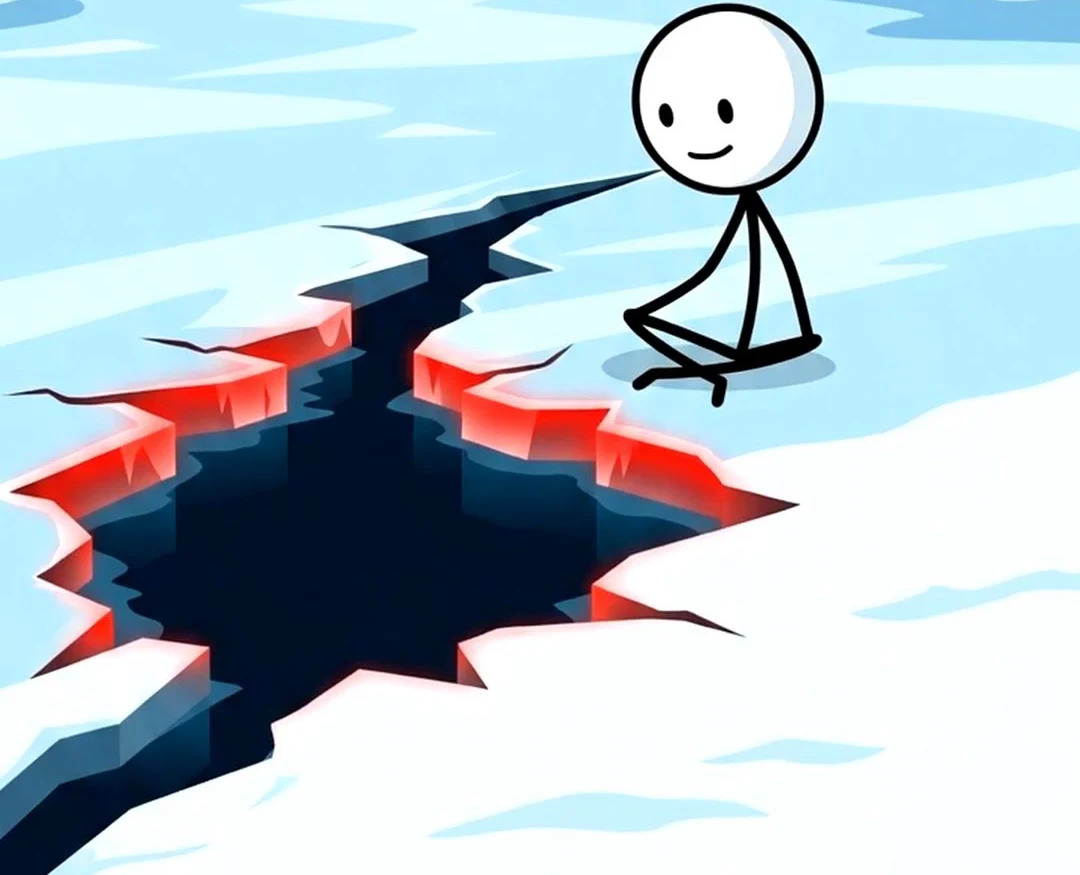 Histoire en bonhommes bâtons
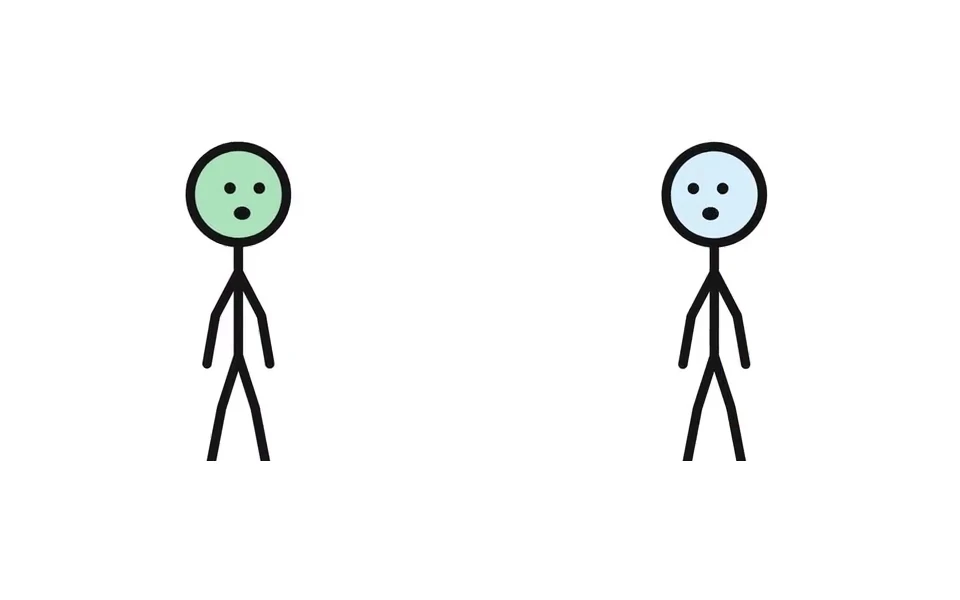 Bonhommes bâtons
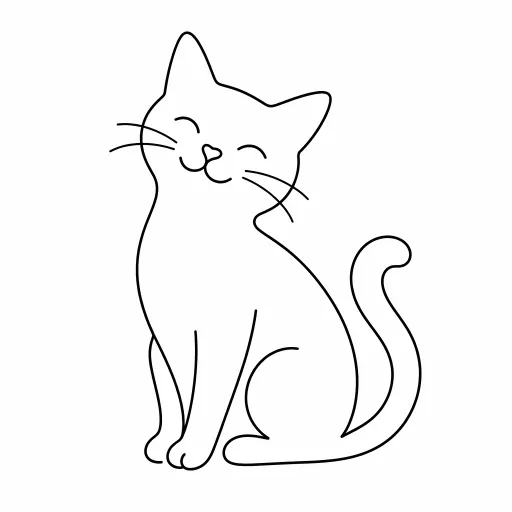 Dessin au trait
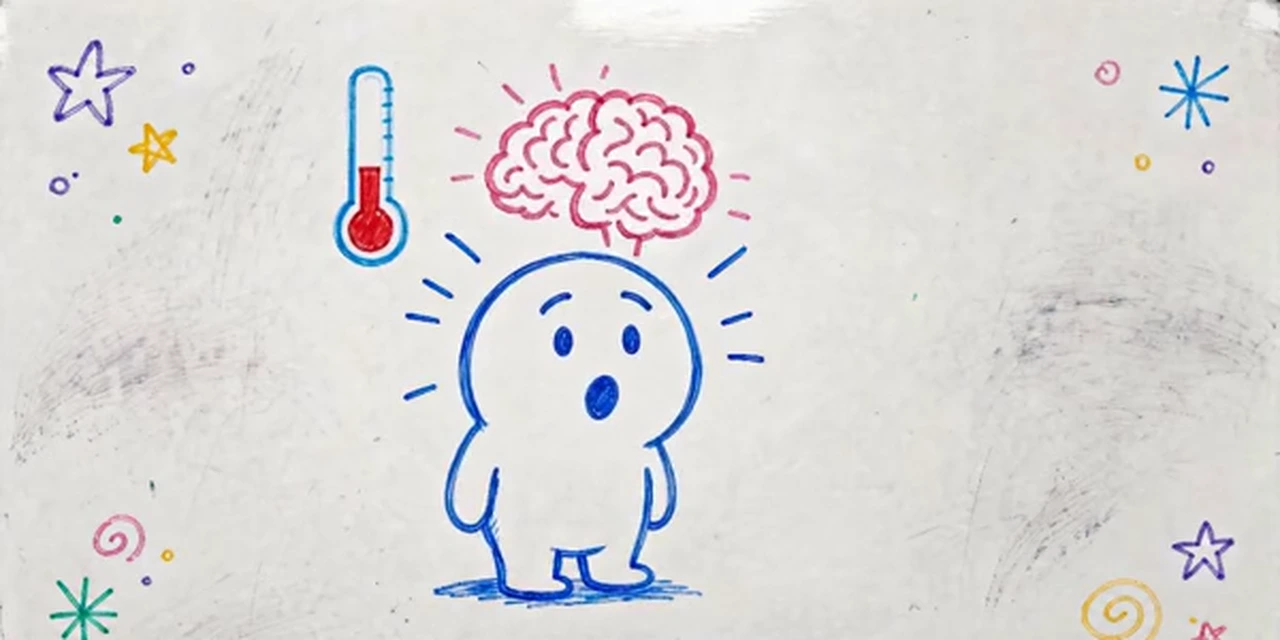 Dessin au tableau blanc
 Croquis
 Dessin à l'encre
 Vectoriel plat
 Minimalisme
Want a different drawn look? Whiteboard animation · 2D animation · Explainer videos
A stick figure story template
Stick figure videos that work keep one action per scene and a clear turn at the end. Paste a script in this shape, or ask the AI to write one in it. Around 130 narrated words make a minute.
- 1
The hook · 0–5 s
“This is Dave. Dave is about to have the worst morning of his life.” One line that makes the viewer stay.
- 2
The setup · 5–15 s
Who the stick figure is, where they are and what they want: Dave has to catch the 8:00 bus.
- 3
Things go wrong · 15–40 s
Oversleeping, the toast, the banana peel. One mishap per scene, each one a clear action to animate.
- 4
The turn · 40–55 s
The surprise or the lesson: the bus leaves, and an empty one pulls up right behind it.
- 5
The closer · 55–60 s
“Dave learned nothing.” A short last line, or a question for the comments.
How to make a stick figure animation with AI
- 1
Type the story or paste your script
“A 1-minute stick figure video about a guy who tries to go to the gym for a week” is enough. Or switch to Paste a script and paste your own words; the maker splits them into scenes.
- 2
Read the script, for free
The AI writes it in seconds at no cost. Punch up a joke, rename the characters, change the ending.
- 3
Pick a stickman look and set the cast
The maker opens on Stickman Story; switch to Stick Figure for classic black and white. Up to 3 characters stay the same in every scene; give each one detail to tell them apart, like a hat, a tie or a ponytail.
- 4
Animate, narrate and download
Pick a narrator in one of 17 languages, choose which scenes move, turn on captions, add music and download the stick figure animation.
A stickman animation maker that does the drawing
Stick figures, every scene
The Stickman Story and Stick Figure styles turn every person into a round-headed line figure, so a story about a chef, a knight or your boss still comes out as stick figures.
Scenes that actually move
Pick the scenes to animate and the stick figures run, fall, wave and fight in short clips that keep the line drawing (38 credits a second). The other scenes drift slowly.
The same characters throughout
Up to 3 characters are designed once and drawn the same way in every scene, with the hat, tie or hairstyle that tells them apart.
Narrated in your language
Narration in 17 languages, including English, Spanish, French, Arabic, Hindi and Portuguese. No microphone, no recording.
Short or long, wide or tall
From 15 seconds to 15 minutes, in 16:9 for YouTube or 9:16 for Shorts, Reels and TikTok, with word-by-word highlighted captions like the ones on stickman Shorts. No watermark.
Redraw any scene
Do not like a drawing? Redraw that one scene for 15 credits instead of starting over.
Is there a free stick figure animation maker?
Writing the script is free. A new account also gets 100 free credits, and the maker opens on 15 seconds so they cover a first stick figure video: 4 drawn scenes and a narrator come to about 62 credits.
Longer videos use credits from a plan or a credit pack. A one-minute stick figure animation is about 232 credits with still scenes and a narrator, or about 2,512 with every scene animated (60 seconds of narration). You can animate only the action scenes and leave the rest still.
Plans start at $39 a month for 5,000 credits, about 21 minutes of stick figure video with still scenes. Each step shows its cost before you confirm, and failed animations refund their credits automatically.
Good to know before you start
- It is not a frame-by-frame animator like Pivot or FlipaClip. There are no drawing tools, keyframes or joints to pose: you describe what happens, and each scene is drawn and, if you choose, animated for you.
- One narrator tells the whole story. The stick figures do not speak in their own voices and there is no lip sync.
- Scenes carry no drawn words: speech bubbles, signs and labels are not drawn in. Turn on captions to put the narration on screen.
- A video keeps up to 3 AI-designed characters and up to 5 of your own pictures fixed across its scenes. Long fight choreography is beyond it; each animated clip acts out one short action.
Stick figure animation FAQ
Can AI make a stick figure animation?
Yes. Give ToonBee AI a story or paste a script, keep Stickman Story or pick Stick Figure, and it writes the script, draws every scene with stick figures, animates the scenes you choose, adds a narrator and puts it together as one video.
Is there a free stick figure animation maker?
Writing and editing the script is free, and a new account gets 100 free credits: enough for a 15-second stick figure video with 4 still scenes and a narrator (about 62 credits). Animated scenes and longer videos use paid credits, and each step shows its cost first.
Do I have to write “stick figure” in my story?
No. With Stickman Story or Stick Figure selected, every person in every scene is drawn as a stick figure, whatever the story says. If you pick another style, such as Line Art, people come out as ordinary drawings unless the story asks for stick figures.
Do the stick figures actually move?
In the scenes you choose to animate, yes: each becomes a short clip where the figures run, fall, wave or fight while keeping the line drawing. It costs 38 credits a second of clip. Scenes you leave still drift slowly behind the narration.
Can I paste my own script?
Yes. Switch the box to Paste a script and paste it; your words are kept as the narration and split into scenes, and each scene is drawn for what is being said.
Can I make a stick figure fight animation?
Short ones. An animated scene acts out one action, such as a punch, a dodge or a fall, so a fight becomes a few quick scenes in a row. Long, choreographed fights posed move by move need a frame-by-frame animator.
How long can a stick figure animation be?
From 15 seconds to 15 minutes, in 16:9 or 9:16.
How much does a one-minute stick figure video cost?
About 232 credits with still scenes and a narrator. Animating scenes costs 38 credits a second of clip, and you choose which scenes move. The script is free.
Can the narration be in another language?
Yes. Narration is available in 17 languages. Write or paste the script in that language and pick a narrator for it.
Can I use the videos on YouTube and TikTok?
Yes. Videos made with credits have no watermark and can be posted on YouTube, TikTok and Instagram or used in class and at work. Follow each platform’s rules for AI-generated content.
Tell it with stick figures
Type the story or paste your script. The script is free, and the first short stick figure video fits the free credits.
Make a stick figure animationOutils associés
D’autres pages qui ouvrent le même studio, préparé pour un autre type de vidéo.