Whiteboard Animation Maker: Turn a Script into a Hand-Drawn Whiteboard Video
Type what you want to explain, or paste your script. The AI writes or splits the script for free, draws every scene as colorful marker doodles on a white board, keeps the same characters from start to finish and adds a narrator, so you get a finished whiteboard animation without drawing, placing images or recording a voice.
- Marker-on-whiteboard look
- Script written for free
- Narrated in 17 languages
- A 15-second video fits the free sign-up credits
Vidéo en un clic avec ToonBee 1.0. Sans étapes : il découpe les plans, ajoute la narration et la musique à toute la vidéo en une seule fois, à la durée voulue.
Le contenu sexuellement explicite (NSFW) est strictement interdit.
What is a whiteboard animation maker?
A whiteboard animation is an explainer drawn as if with markers on a white board: simple characters, arrows, icons and doodles in a few bright colors, with a voice talking the viewer through one idea at a time. The plain board keeps every eye on the idea, which is why the style is used so much for business pitches, training and lessons.
Classic whiteboard animation software has you pick images from a library, place them scene by scene and record or upload a voice-over. An AI whiteboard animation maker skips that: ToonBee AI writes the script from your topic (or uses yours), draws a fresh whiteboard picture for every scene to match what the narrator says, and puts it together with the narration, captions and music.
How it turns text into a whiteboard video
- You type the topic, the audience and the length, or switch to Paste a script and paste your own words.
- The AI writes the script and splits it into scenes. You read and edit every line for free.
- It draws each scene as marker doodles on a white board, the same characters in every scene, and records a narrator.
- You review the scenes, redraw any you do not like, choose which ones move, turn on captions and download the video.
Whiteboard animation examples
Whiteboard explainers on business, science, health, history and family life: mostly black marker with one or two accent colors on a plain white board, one idea per scene and a narrator. That is the format the whiteboard animation maker writes and draws to.
Why read with your kids
From idea to solution
The water cycle
How cells send signals
A famous speech, explained
A three-icon pitch
AI in cancer diagnosis
A cybersecurity framework
Whiteboard videos people make with it
Whiteboard works best when there is one idea to get across. Say who is watching and what they should understand at the end.
Business explainers and pitches
What your company does, why a plan makes sense, how a process saves time. Drawn simply enough for a sales call, a landing page or an investor deck.
Training and onboarding
A policy, a safety rule or how the team works, explained the same way to every new hire, in the language they speak.
Lessons and study notes
Turn a chapter or your notes into a short drawn summary: one idea per scene, a recap at the end, captions to read along.
Money, health and science explained
Compound interest, how a vaccine works, why the sky is blue. Abstract ideas become coins, arrows, cells and lightbulbs on a board.
YouTube doodle channels
Faceless explainer channels in the whiteboard look, from a 15-second Short to a 15-minute video, in 16:9 or 9:16.
Presentations and events
Open a talk, a webinar or a conference booth with a short drawn story instead of a slide full of bullet points.
Whiteboard and other drawn styles
The maker opens on Whiteboard Doodle: loose felt-tip outlines and flat marker colors on a white board, with small stars and squiggles. Line Art, Colored Pencil, Flat Vector and Minimalism are next to it for a cleaner or softer drawn look, and 66 looks are one tap away in all. Every scene and character is drawn in the one you pick.
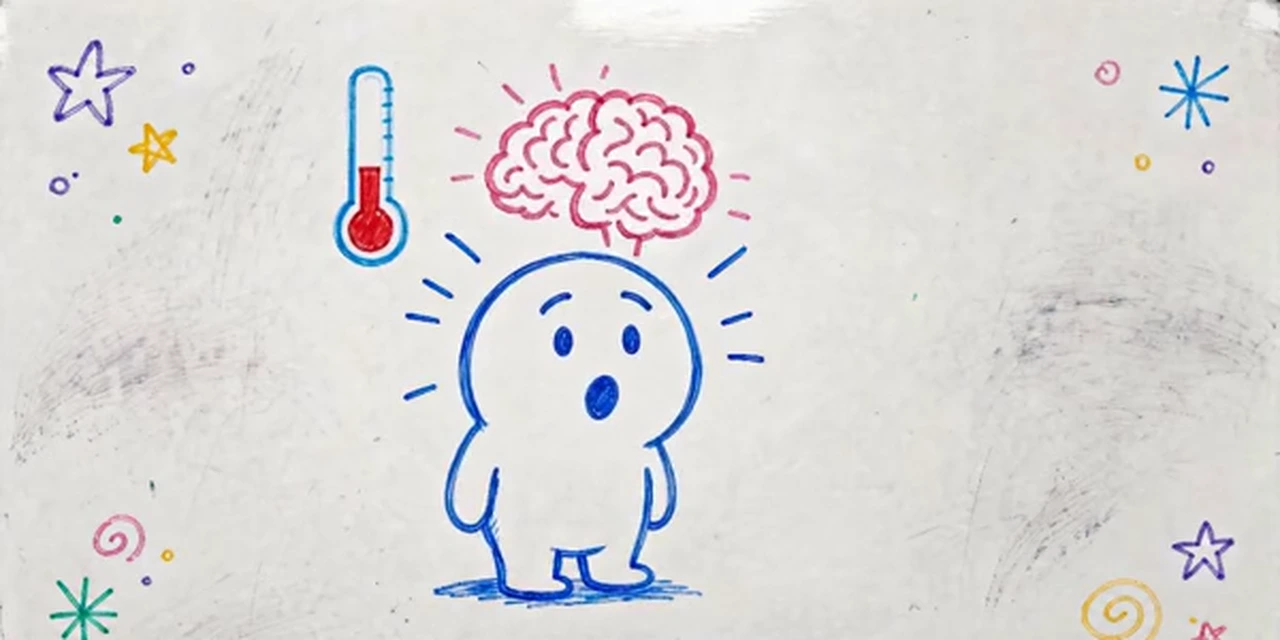 Dessin au tableau blanc
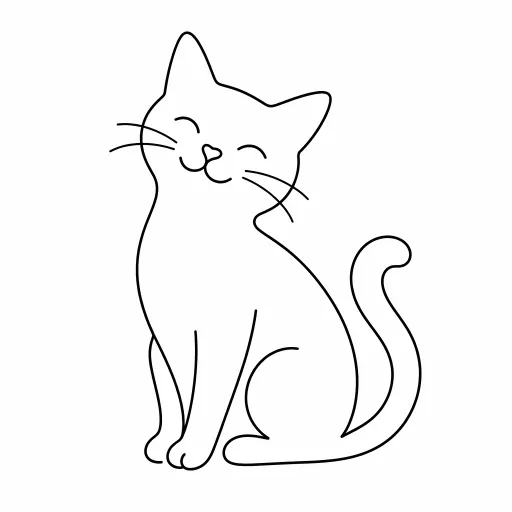 Dessin au trait
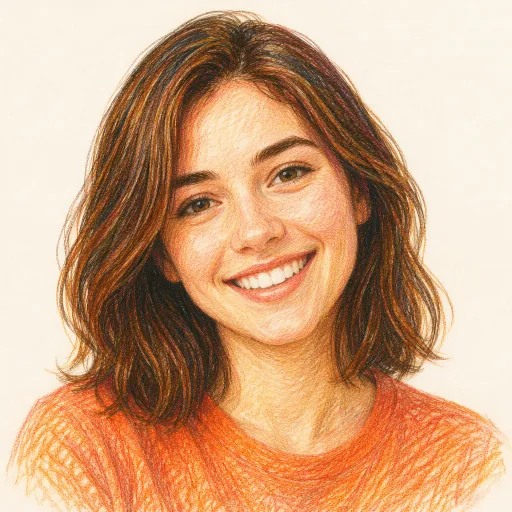 Crayons de couleur
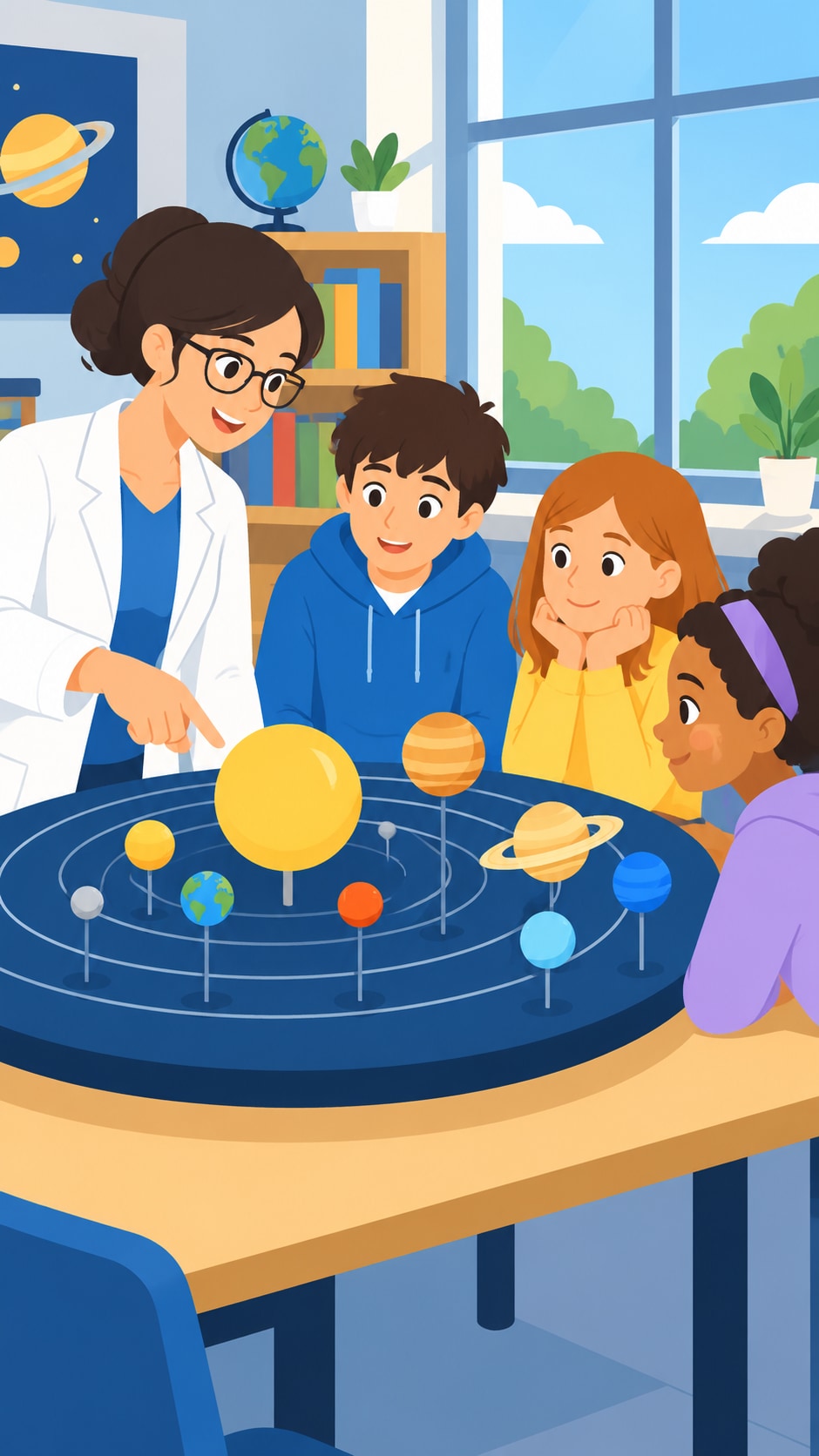 Vectoriel plat
 Minimalisme
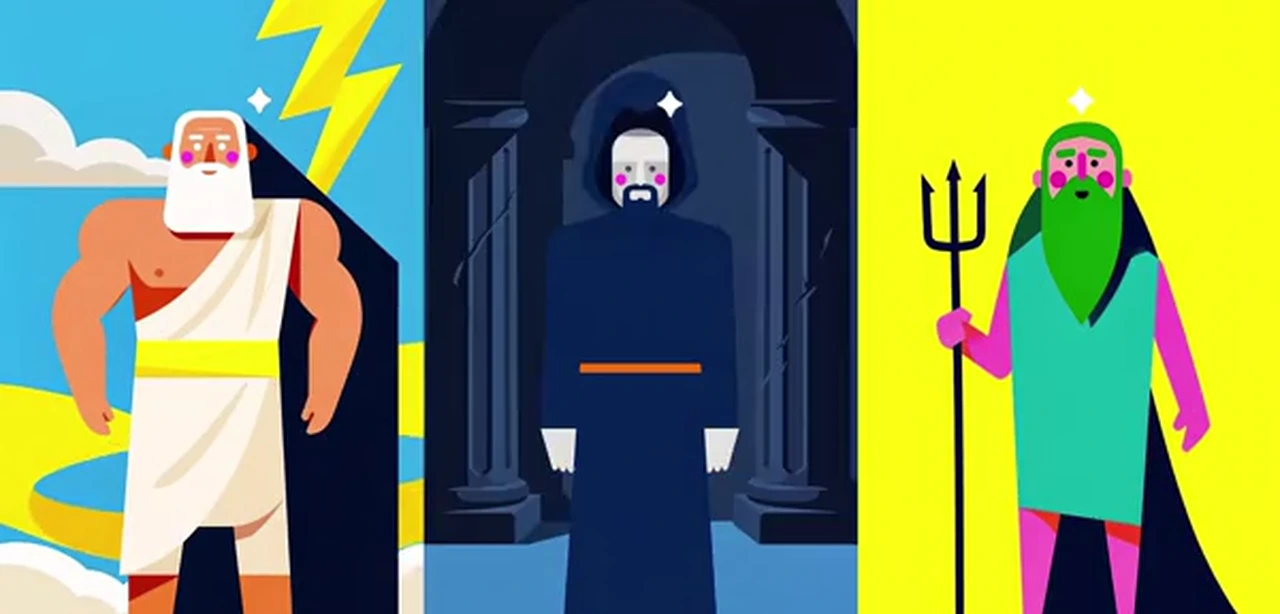 Affiche vectorielle
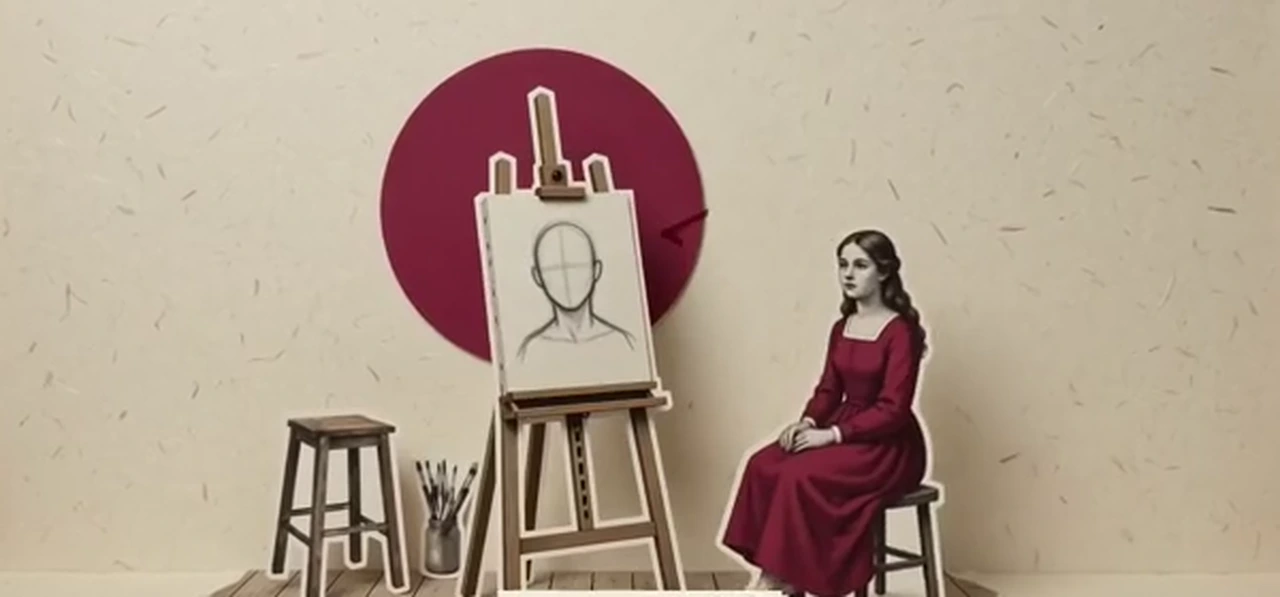 Collage éditorial
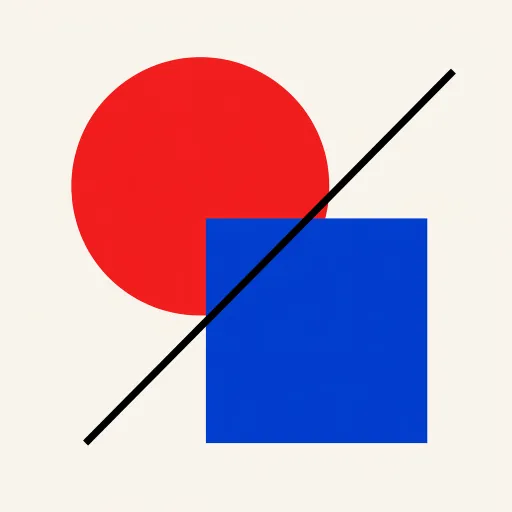 Design géométrique
Want the same look for a particular kind of video? Explainer videos · Tutorials and training · Lessons for class
A whiteboard animation script template
Good whiteboard videos explain one idea in a few clear beats, each one a picture on the board. Paste a script in this shape, or ask the AI to write one in it. Around 130 narrated words make a minute.
- 1
The question · 0–10 s
“Why does money saved at 20 grow so much more than money saved at 40?” One question the viewer wants answered.
- 2
The picture of the problem · 10–20 s
One simple drawing of what goes wrong or what is confusing: a small coin and a long road ahead.
- 3
The idea, one drawing per step · 20–45 s
Coin, then interest, then interest on interest. Each step gets its own scene, so the board never gets crowded.
- 4
An example to remember · 45–55 s
A snowball rolling downhill, getting bigger. The image people repeat when they explain it to someone else.
- 5
One takeaway · 55–60 s
“Start early, even with a little.” One short line the viewer leaves with.
How to make a whiteboard animation with AI
- 1
Type the idea or paste your script
“A 1-minute whiteboard video on how compound interest works, for beginners” is enough. Or switch to Paste a script and paste your own words; the maker splits them into scenes.
- 2
Read the script, for free
The AI writes it in seconds at no cost. Shorten a line, add your own example, change the closing sentence.
- 3
Keep Whiteboard Doodle and add characters
The maker is already on the whiteboard look. Let the AI design the characters, or attach up to 5 pictures of your own, such as a mascot or your product, and write @ and its name in the script.
- 4
Narrator, captions and download
Pick a narrator in one of 17 languages, turn on captions, add music, look over every scene, choose which ones move and download the whiteboard video.
A whiteboard video maker that draws for you
A new drawing for every scene
No clip-art library to search. Each scene is drawn for what the narrator says at that moment, so a niche topic gets its own pictures.
The same characters throughout
Up to 3 characters are designed once and drawn the same in every scene. Attach up to 5 pictures of your own, such as a mascot, and they appear as whiteboard drawings too.
Narrated in your language
Narration in 17 languages, including English, Spanish, French, Arabic, Hindi and Portuguese. No microphone, no recording.
Captions on the board
Burn the narration into the video as captions in one of nine styles, so the key words are on screen and the video works with the sound off.
Short or long, wide or tall
From 15 seconds to 15 minutes, in 16:9 for YouTube and slides or 9:16 for Shorts, Reels and TikTok. No watermark.
Redraw any scene
Do not like a drawing? Redraw that one scene for 15 credits instead of starting over.
Is there a free whiteboard animation maker?
Writing the script is free. A new account also gets 100 free credits, and the maker opens on 15 seconds so they cover a first whiteboard video: 4 drawn scenes and a narrator come to about 62 credits.
Longer videos use credits from a plan or a credit pack. A one-minute whiteboard animation is about 232 credits with still scenes and a narrator, or about 2,512 with every scene animated (60 seconds of narration).
Plans start at $39 a month for 5,000 credits, about 21 minutes of whiteboard video with still scenes. Each step shows its cost before you confirm, and failed animations refund their credits automatically.
Good to know before you start
- There is no drawing hand and no line-by-line reveal. Each scene appears as a finished whiteboard drawing; still scenes drift slowly, and scenes you choose to animate move their characters.
- The board carries no handwritten words: labels, titles and charts are not drawn in. Turn on captions to put the narration on screen.
- Start from a topic or pasted text. PDFs, slides and web pages cannot be uploaded; copy in the part you want explained.
- A video keeps up to 3 AI-designed characters and up to 5 of your own pictures fixed across its scenes. One narrator tells the whole video; there is no avatar, lip sync or voice cloning.
Whiteboard animation FAQ
Can AI make a whiteboard animation?
Yes. Give ToonBee AI a topic or paste a script, keep the Whiteboard Doodle style, and it writes the script, draws every scene as marker doodles on a white board, adds a narrator and puts it together as one video.
Is there a free whiteboard animation maker?
Writing and editing the script is free, and a new account gets 100 free credits: enough for a 15-second whiteboard video with 4 still scenes and a narrator (about 62 credits). Longer videos and animated scenes use paid credits, and each step shows its cost first.
Can I paste my own script?
Yes. Switch the box to Paste a script and paste it; your words are kept as the narration and split into scenes, and each scene is drawn for what is being said.
Can it write words or labels on the whiteboard?
Not in the drawings. The scene pictures carry no text, so labels, titles and charts are not drawn in. Turn on captions to burn the narration into the video, or add titles in an editor.
Does it show a hand drawing the pictures?
No. There is no drawing hand and no line-by-line reveal: each scene appears as a finished whiteboard drawing, then drifts slowly or, if you animate it, its characters move.
How long can a whiteboard animation be?
From 15 seconds to 15 minutes. Most whiteboard explainers work best at one to three minutes per idea.
How much does a one-minute whiteboard video cost?
About 232 credits with still scenes and a narrator. Animating scenes costs 38 credits a second of clip, and you choose which scenes move. The script is free.
Can the narration be in another language?
Yes. Narration is available in 17 languages. Write or paste the script in that language and pick a narrator for it.
Can I use the videos for business and YouTube?
Yes. Videos made with credits have no watermark and can be used on your website, in sales and training, and on YouTube and social media. Follow each platform’s rules for AI-generated content.
Explain it on a whiteboard
Type the idea or paste your script. The script is free, and the first short whiteboard video fits the free credits.
Make a whiteboard animationOutils associés
D’autres pages qui ouvrent le même studio, préparé pour un autre type de vidéo.