
AI Explainer Video Maker: Explain Anything as an Animated Video
Describe what you want to explain and who it is for. The AI explainer video maker writes a clear script for free, then draws every scene in one consistent style, adds a narrator and music, and hands you a finished animated explainer video. No avatar, no timeline, no stock footage.
- Writing the script is free
- Scenes drawn, not stock footage
- Narrated in 17 languages
- Captions burned in if you want
Sexually explicit (NSFW) content is strictly prohibited.
What is an AI explainer video?
An explainer video is a short video, usually 60 to 90 seconds, that explains one product, process or idea in plain words: what it is, why it matters and how it works. An AI explainer video is one an AI makes for you from a topic or a script, so there is nothing to storyboard, draw or record yourself.
Most AI explainer video tools put an avatar in front of stock footage. That works for a company update, but people learning something new remember pictures of the idea better than a face talking about it. ToonBee AI draws the idea instead: every scene is an illustration of what the narrator is saying, in one style, with the same character from start to finish.
How an AI explainer video generator works
- You type the topic, the audience and the length, or paste a finished explainer video script.
- The AI writes or tidies the script and splits it into scenes. You read and edit every line for free.
- It designs the main character, draws each scene in the style you picked and records a narrator.
- You review the scenes, choose which ones move, add captions and music, and download the video.
AI explainer video examples in 22 styles
Short explainers on science, history, everyday objects and myths. Each keeps one look from the first scene to the last; pick the look first, then the topic.
Pastel Flat 2D
Whiteboard Doodle
Editorial Motion Graphics
Colorful 3D
Poster Vector
Cozy Cartoon
Stickman Cartoon
Hand Drawn
2D Illustration
Paper Collage
Claymation
Studio 3D
Watercolor
Paper Diorama
3D Papercraft
Low Poly
Mixed Media
3D Mix
Fluffy Toy
Mannequin
Pixel Art
Fairy Tale & Myth
Explainer videos you can make
Say who will watch and what they should know or do at the end. The explainer video maker writes for that audience and that goal.
Product explainer videos
What your product does and why it matters, in one minute. For a homepage, a launch post or the top of a sales deck.
SaaS and app explainers
Walk a new user through the problem, the idea behind your app and the first three things to do. Characters and scenes stand in for the screens.
Educational explainers
Photosynthesis, compound interest, how a vaccine works. Concepts drawn as pictures students can follow, not a talking head reading notes.
Training and onboarding
A safety rule, a new process or the company history, explained the same way for every new hire, in their own language.
YouTube explainer channels
Science, history and “how does it work” videos for a faceless channel, with one narrator voice and one look across every episode.
Nonprofits and health
What a program does, how to take a medicine, what to expect at a first visit. Calm pictures and simple words for a wide audience.
Animated explainer video styles
The explainer video maker opens on Minimalism: calm, uncluttered scenes that leave room for the words. Flat Vector, Whiteboard Doodle, Poster Vector and Editorial Collage were added for explainers, and 64 looks are one tap away in all. Every scene and character is drawn in the one you pick.
 Minimalism
 Flat Vector
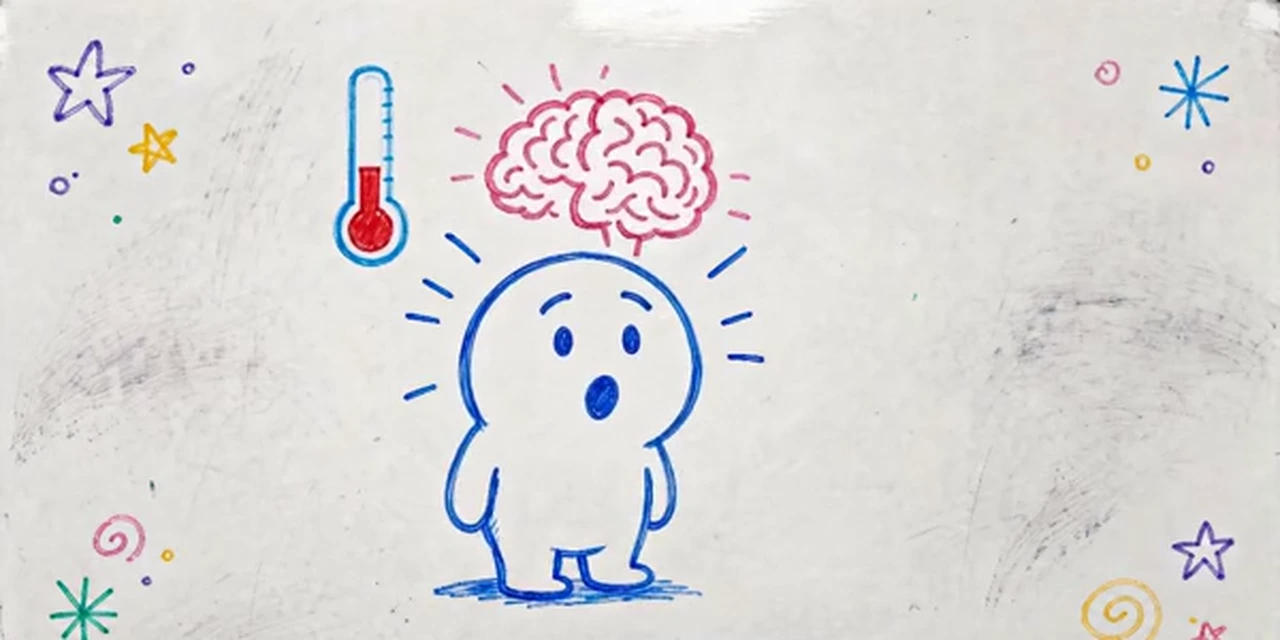 Whiteboard Doodle
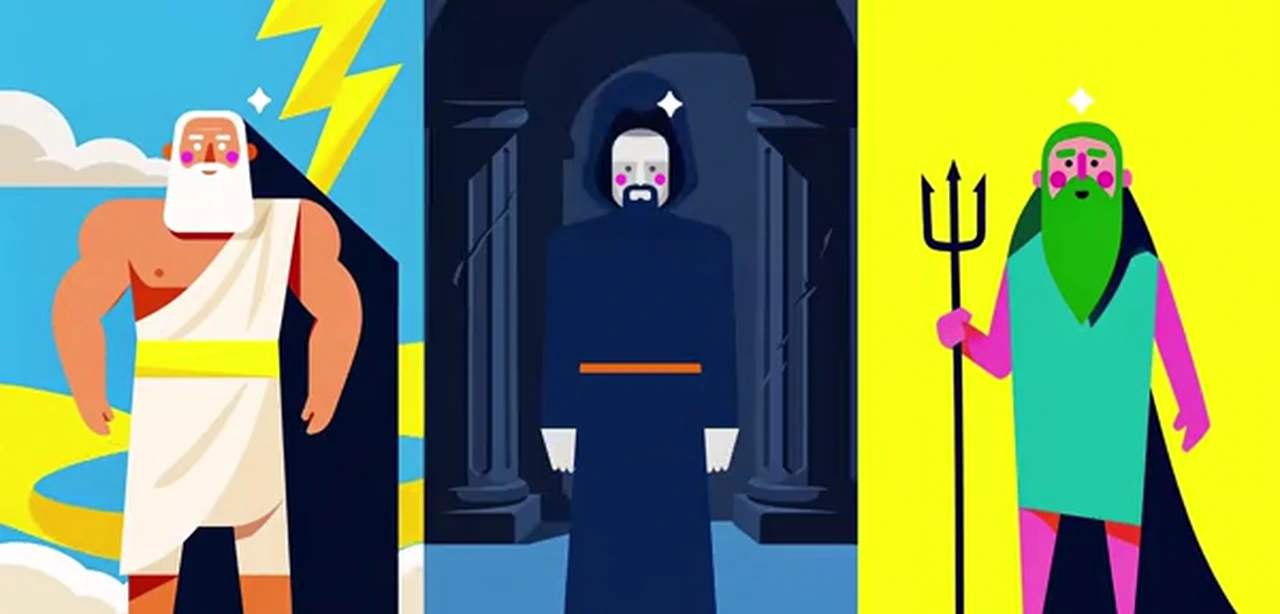 Poster Vector
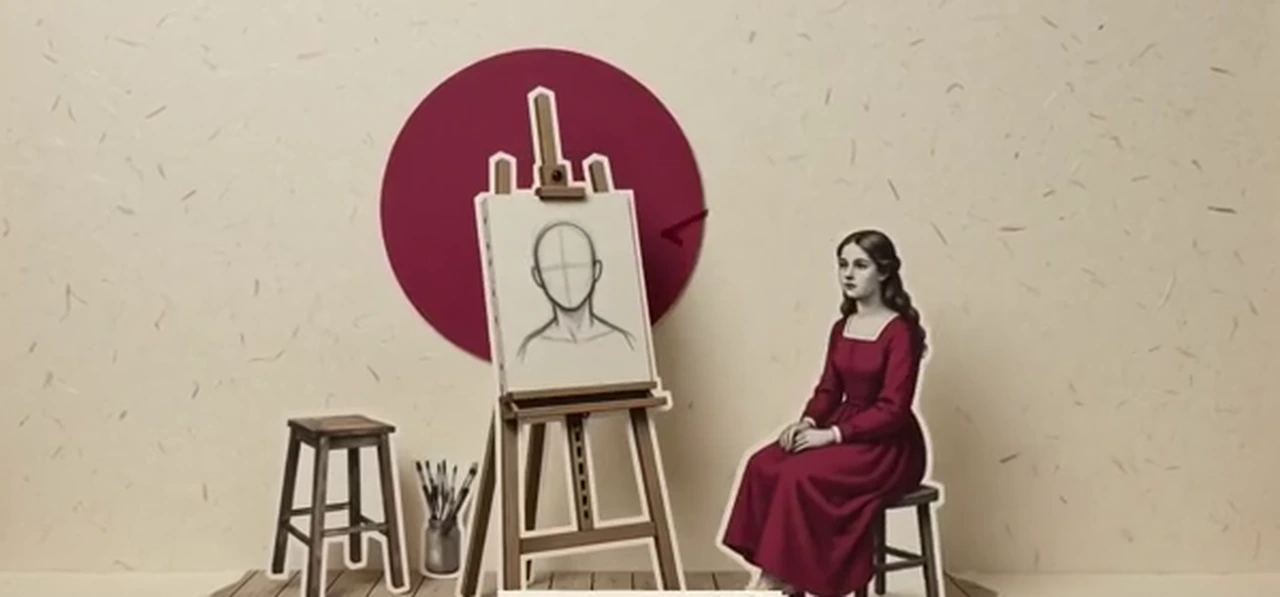 Editorial Collage
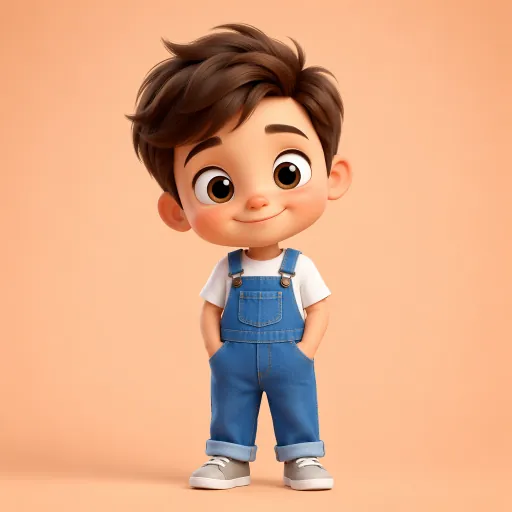 3D Character
 Line Art
 Geometric Design
Telling a story rather than explaining one? AI story video generator · Script to video AI
A simple explainer video script template
Most good explainers follow the same five beats. Paste a script in this shape into the story box, or ask the AI to write one in it. A 60-second explainer is around 100 narrated words, and the story box shows the estimated length as you type.
- 1
Hook · 0–5 s
One line the viewer recognises. “Ever reach the end of the month and wonder where your money went?”
- 2
Problem · 5–15 s
Why it matters, with one concrete picture. “Small spends add up, and most budgets are too fiddly to keep.”
- 3
Solution · 15–30 s
Your product or idea in one sentence. “JarBudget sorts every purchase into three jars: needs, wants and savings.”
- 4
How it works · 30–50 s
Three steps or three benefits, one scene each. Fewer, clearer points beat a long feature list.
- 5
Call to action · 50–60 s
The one thing to do next. “Download JarBudget free and fill your first jar today.”
How to make an AI explainer video
- 1
Describe the topic and the audience
“A 60-second explainer on how solar panels work, for 12-year-olds” is enough. Or switch to Paste a script if you already wrote one.
- 2
Read the script, for free
The AI explainer video generator writes it in seconds at no cost. Cut a point, simplify a word, change the call to action.
- 3
Pick a style and a presenter
Choose Minimalism, Flat Vector, Whiteboard Doodle or another look. Let the AI design a presenter character, or attach up to 5 pictures of your own: a mascot, your product, a place.
- 4
Narrator, captions and download
Pick a narrator in one of 17 languages, turn on captions, add music, look over every scene, choose which ones move and download the explainer.
An explainer video creator that draws the idea
Pictures of the idea, not an avatar
Every scene illustrates what the narrator is saying at that moment. Viewers see the concept instead of a face describing it.
One look, start to finish
The whole explainer is drawn in the style you picked, so it looks designed, not stitched together from stock clips.
The same presenter in every scene
Up to 3 main characters are designed once and drawn from that design in every scene: a mascot, a customer, a teacher.
Calm narrators for explainers
Choose from narrator voices in 17 languages, including clear, composed voices made for explainers, over music you pick or upload.
Captions on the picture
Burn captions into the video in about 20 styles, at the top, middle or bottom of the frame, for viewers who watch with the sound off.
Any length, any screen
From 15 seconds to 15 minutes, in 16:9 for a website or YouTube, or 9:16 for Shorts, Reels and TikTok. No watermark.
AI explainer video maker vs the alternatives
There are three common ways to get an explainer video made. They differ most in cost, time and how much work is left for you.
| Explainer video agency | ToonBee AI explainer video maker | Avatar and template tools | |
|---|---|---|---|
| What you do | Write a brief, review drafts | Describe the topic or paste a script | Pick a template or avatar, edit a timeline |
| Pictures | Custom illustration | Every scene drawn for your script, one style | An avatar over stock footage or templates |
| Time | Weeks | Minutes | An hour or more of editing |
| Cost | Usually quoted per finished minute, often in the thousands | About 232 credits for a narrated minute | Monthly subscription |
| On-screen text and charts | Yes, designed by hand | Captions only | Yes, from templates |
An agency is still the right choice for a flagship brand film with charts, logo animation and pixel-perfect text. For a fast explainer per product, lesson or episode, an AI explainer video maker does the job in minutes.
Is there a free AI explainer video maker?
Writing the script is free. Make a free account and the AI explainer video maker writes and rewrites as many explainer scripts as you like; read, edit and copy them without spending anything.
Pictures, narration and animation use credits, which you buy with a plan or a credit pack. A one-minute explainer is about 232 credits with still scenes and a narrator, or about 1,732 with every scene animated (60 seconds of narration).
Plans start at $39 a month for 5,000 credits, about 21 minutes of illustrated, narrated explainers. Each step shows its cost before you confirm, and failed animations refund their credits automatically.
Good to know before you start
- The scenes are illustrations without written words: titles, labels, numbers and charts are not drawn into the picture. Turn on captions to put the narration on screen.
- Start from a topic or a script. PDFs, slides and web pages cannot be uploaded yet; paste the text you want explained instead.
- A video keeps up to 5 of your own pictures and up to 3 AI-designed main characters fixed. Logos and screenshots guide the look but are not copied into the frame.
- One narrator tells the whole explainer. There is no talking avatar, lip sync or voice cloning.
AI explainer video FAQ
What is an explainer video?
A short video, usually 60 to 90 seconds, that explains one product, process or idea in plain words: the problem, the solution and how it works. Companies put them on homepages and in sales decks, and teachers use them for lessons. An AI explainer video is one an AI writes, draws and narrates for you.
Can I make an explainer video with AI for free?
You can write and edit explainer scripts for free with a free ToonBee AI account. Turning a script into pictures, narration and video uses paid credits, and each step shows its cost before you confirm.
How long should an explainer video be?
60 to 90 seconds suits most product and app explainers, and two to three minutes suits a lesson. ToonBee AI makes explainers from 15 seconds to 15 minutes and opens on 60 seconds.
How do I write an explainer video script?
Use five beats: a hook, the problem, the solution, how it works in three steps, and one call to action. Write about 100 words for each minute and keep one idea per scene. You can also give the AI the topic and audience and let it write the script in that shape.
How much does an explainer video cost?
Agencies usually quote per finished minute, often in the thousands of dollars. With ToonBee AI a one-minute explainer with still scenes and a narrator is about 232 credits, the script is free, and failed animations are refunded automatically.
Do I need an avatar or a presenter on camera?
No. ToonBee AI does not use avatars. You can have an illustrated presenter character, designed once and kept the same in every scene, or none at all. Up to 3 main characters can be fixed per video.
Can I paste my own script?
Yes. Switch the story box to Paste a script and the explainer video maker turns your exact words into scenes, pictures and narration, without rewriting them. It suits a script your team has already approved, or one written to the five-beat template above.
Can it put text, titles or charts on screen?
Captions, yes: the narration can be burned into the video in about 20 caption styles. Designed titles, labels and charts are not drawn into the scenes today, so for number-heavy explainers add those in an editor afterwards.
Can I add my logo or product?
You can attach up to 5 pictures, such as your mascot, product or office, and the scenes are drawn to match them. The AI follows their look but does not paste a logo or a screenshot into the frame exactly.
What languages can the explainer be narrated in?
17 languages, including English, Spanish, French, German, Portuguese, Hindi, Japanese and Arabic. Write the script in the language you want and pick a narrator for it, so one explainer can be made again for each market or class.
Can I use AI explainer videos commercially?
Yes. Videos you make with credits have no watermark and can be used on your website, in ads, in courses and on YouTube. Follow each platform’s rules for AI-generated content.
Explain it in a minute
Tell the AI explainer video maker what you need to explain and who is watching. The script is free, and the pictures are one step away.
Write an explainer script for freeRelated tools
Other pages that open the same studio, set up for a different kind of video.
- Script to Video AIPaste a finished script and get an animated video back.
- AI Cartoon Video GeneratorTurn an idea or a script into a narrated cartoon video.
- AI Animation GeneratorShort animated clips, or a still image brought to life.
- AI Story Video GeneratorAny story, told in the art style you pick.
- AI Movie MakerCinematic short films from a story idea, with narration.