
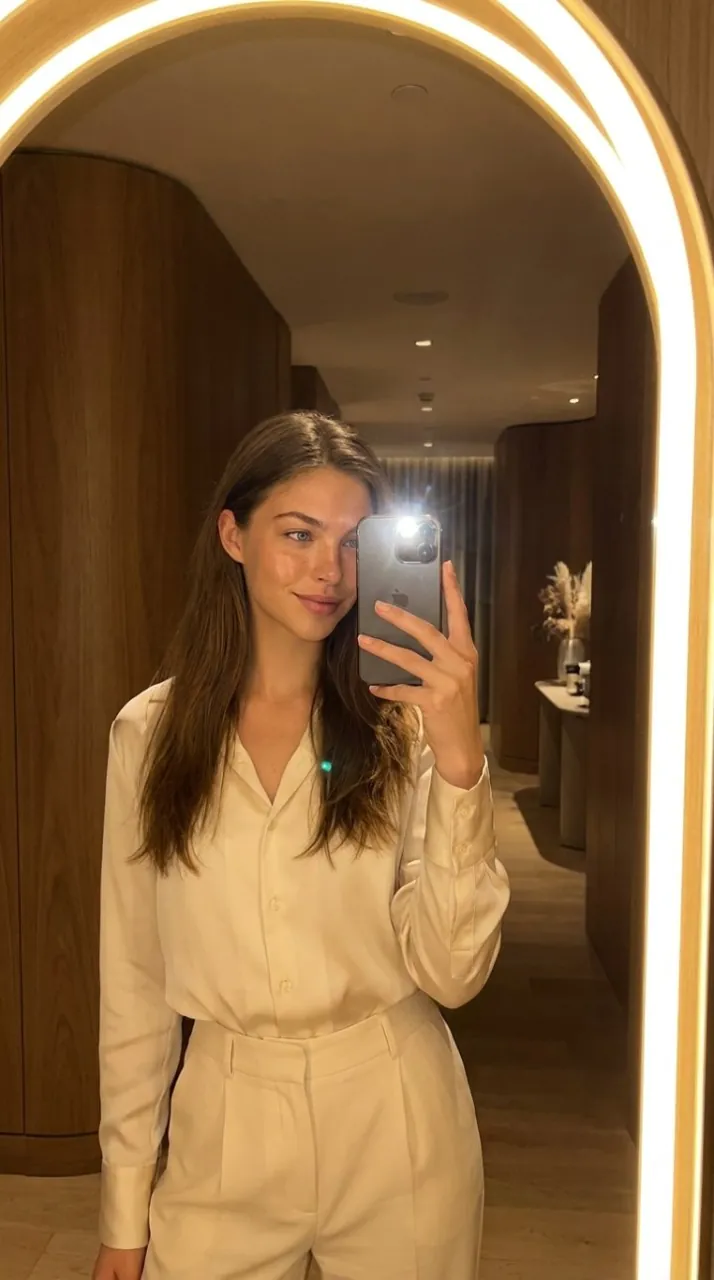
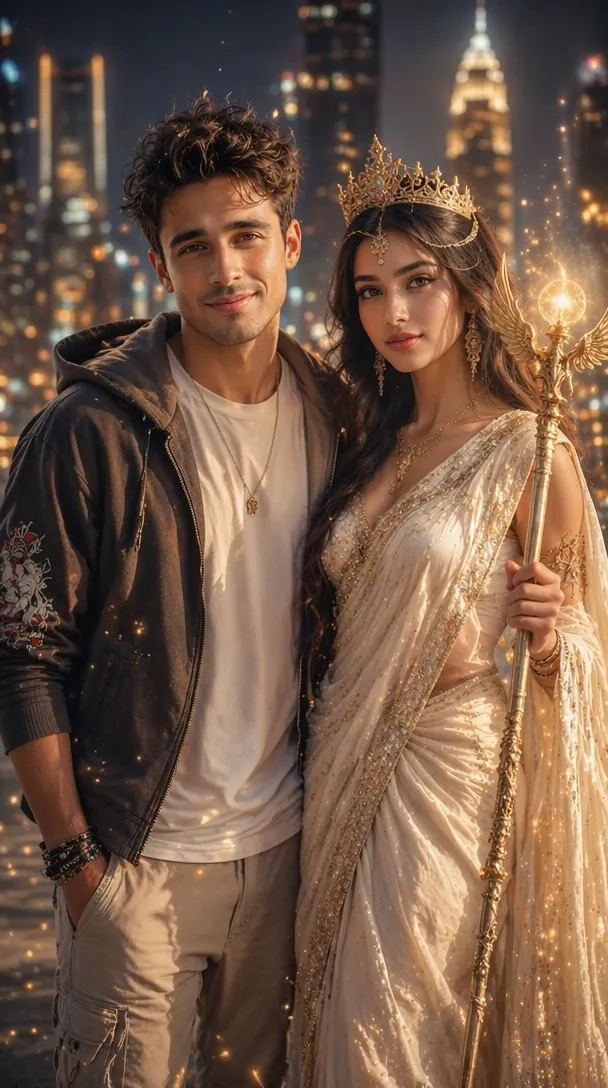
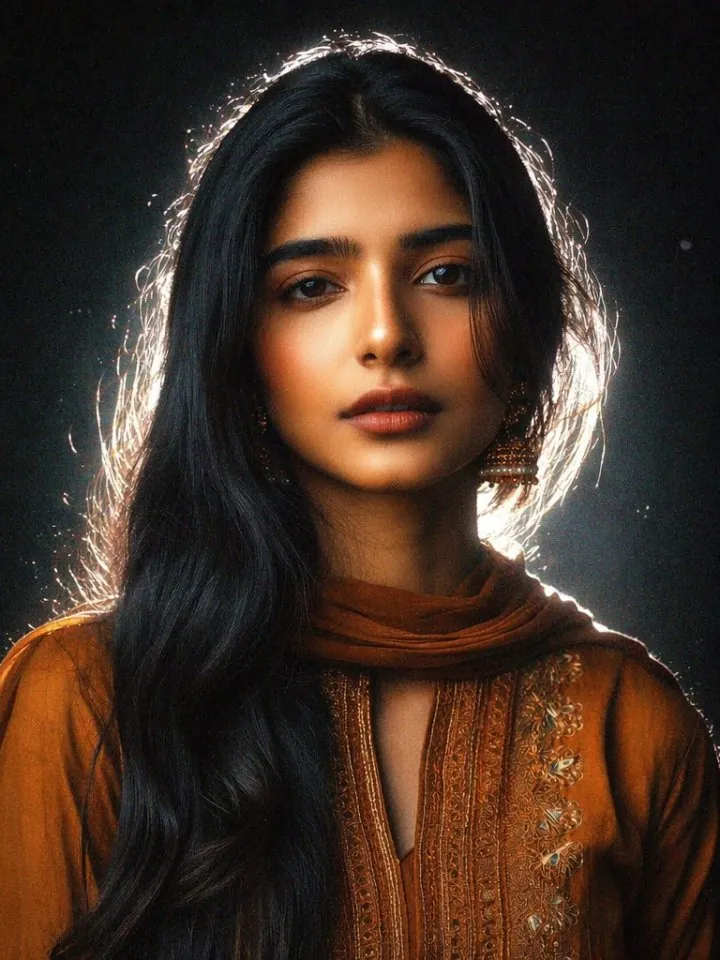
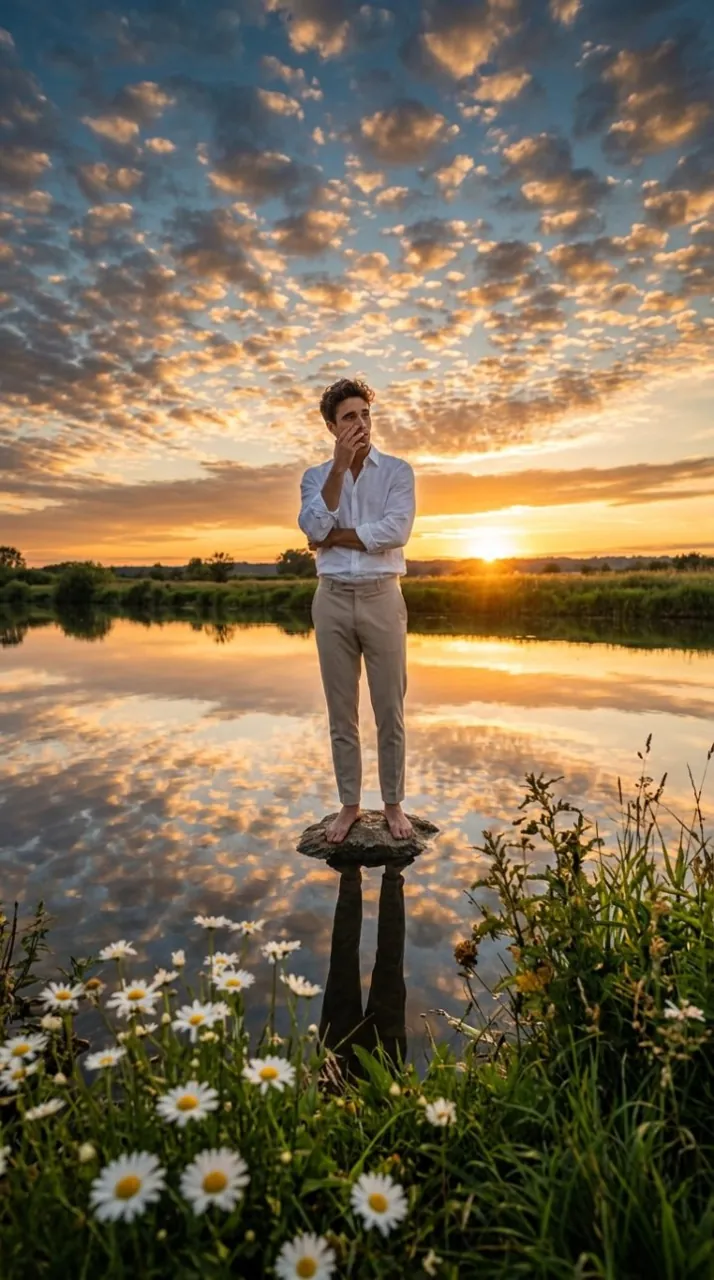
What is a Vikas edit?
"Vikas edit" and "editing by Vikas" started as the name of an Indian Reels editing style: moody colour, glow, light leaks and beat-synced cuts made on a phone with CapCut or VN. In 2026 the Vikas name moved to AI. Today a Vikas edit usually means a copy-paste prompt that turns a normal photo into something cinematic, first as a still and then as a short video.
The video part is what spreads fastest on Instagram and YouTube Shorts. Creators post a photo, run it through an image-to-video model with a Vikas edit prompt, and get a clip where they stay exactly the same while the world around them moves: wings unfold, petals fall, a car drives off, a ghost appears. That is what this page is built for.
ToonBee is not affiliated with Editing by Vikas or any Vikas editor channel. We collect the trending looks, write prompts that work for image-to-video, and give you a place to run them on your own photo.
How to make a Vikas edit video in four steps
- 1
Pick a photo where your face is clear
A sharp, well-lit photo works best: face visible, not too small in the frame, no heavy filters. Vertical photos suit Reels, so keep 9:16 if you can.
- 2
Choose a Vikas edit prompt
Press "Use this prompt" on any card. It drops into the box at the top of the page, where you can change the action, the light or the place to match your photo.
- 3
Attach your photo as the first frame
Use the + button in the box to upload your photo. The first frame mode keeps the video starting from your exact picture, which is what keeps the face the same.
- 4
Generate and download
Press Generate video. You will see the credit cost before it runs. The finished Vikas edit video is saved to your history, ready to post with your song on Reels or Shorts.
Why make your Vikas edit on ToonBee
Your face stays your face
Every Vikas edit prompt here starts by telling the model what must not change: face, pose, clothes, background and light. Combined with first frame mode, the person in the Vikas clip is the person in your photo.
Several video models in one box
Switch between models such as Seedance and Kling without leaving the page. If one model moves too much, try the same Vikas edit prompt on another and keep the better take.
Built for vertical Reels
Choose 9:16, 5 to 10 seconds and the resolution you need. The output drops straight into Instagram, YouTube Shorts or WhatsApp status.
No prompt hunting
Instead of scrolling through Telegram channels for the latest Vikas edit prompt, use the cards above or open the full prompt gallery for more scenes.
How to write your own Vikas edit prompt
Every working Vikas edit prompt has the same four parts. First, the lock: "Use the photo as the exact first frame. Keep the face, pose, clothes and background unchanged." Second, one action, described plainly: wings unfold, petals fall, the head turns. Third, the camera: "locked camera, no zoom" keeps the frame steady so only the action moves. Fourth, the look: light, mood and "realistic, no text".
Keep it to one action per clip. Five seconds is short, and two or three actions make the model rush or bend your face. If you want a story, make two clips and join them in CapCut or VN. Hinglish works too, as most Vikas editor channels write that way: the models understand "photo ko cinematic banao", but English gives the most control over small details.
Vikas edit tools compared
Most Vikas edit guides send you to two or three different apps. Here is what each one is good at for the Vikas trend.
| Tool | Best for in a Vikas edit | Photo to video |
|---|---|---|
| Gemini and ChatGPT | Editing the still photo with a prompt: new outfit, place or light | Not the main use; video needs another tool or plan |
| Google Flow | Cinematic clips from images with Google video models | Yes, with a Google account and its own credits |
| CapCut and VN | Templates, cuts, music sync and text on the final reel | Mostly editing, not generating the motion |
| ToonBee | Turning your photo into the moving Vikas edit clip | Yes, several video models, first frame from your photo |
Is the Vikas edit maker free?
New accounts get free trial credits, enough to test a Vikas edit prompt on your own photo. Every generation shows its credit cost before you press the button, so nothing is charged by surprise. When you need more Vikas clips, plans add monthly credits and work with every video model.
See plansVikas edit FAQ
What is a Vikas edit prompt?
A Vikas edit prompt is a ready-made instruction you paste into an AI tool together with your photo. It tells the AI what to keep (your face, pose and outfit) and what to add, so a normal photo becomes a cinematic Reels clip in the Vikas editing style.
Who is Vikas editor?
"Editing by Vikas" is an Indian mobile editing creator whose name became shorthand for a whole style of Reels edits and, later, AI photo and video prompts. Many sites now publish Vikas edit prompts. ToonBee is not affiliated with Vikas or the Editing by Vikas team.
Will the video keep my face the same?
Use your photo as the first frame and keep the "keep the face unchanged" line in the prompt. Clear, front-facing photos hold the face best. If a model drifts, run the same prompt on another model.
Can I use Gemini or ChatGPT prompts here?
Photo prompts written for Gemini or ChatGPT change a still image. Here you make the video, so describe motion instead: what moves, what stays and how the camera behaves. You can edit the still in Gemini first, then bring that photo here to animate it.
Do Vikas edit prompts work in Hindi?
Yes, the video models read Hinglish and Hindi, but English gives more reliable control over details like light and camera movement. Mixing both is fine.
How long does a Vikas edit video take?
Most Vikas clips are ready in about one to three minutes, depending on the model, length and resolution. You can leave the page; finished videos wait in your history.
Want more scenes?
The prompt gallery has hundreds of video prompts by category, from Vikas-style cinematic portraits to cartoon stories.
Open the prompt gallery