
AI Story Video Generator: Story to Video, Up to 15 Minutes
Type an idea or paste your own story. The AI story video generator writes or follows the script, draws every scene in the look you pick, keeps your characters the same from start to finish and adds narration, music and captions — one finished story video, ready to upload.
- Free credits to try
- Your script, word for word
- 73 styles, cartoon to realistic
- No watermark
Sexually explicit (NSFW) content is strictly prohibited.
Story videos made with the AI story video generator
Each film below went from a written story to a finished video in the generator: narrated, scored and with a cast that keeps its face.
Human Curiosity · 1:30
Documentary-style narration over animated scenes — the format that usually needs a studio and a motion designer.
Jonah and the Fish · 1:28
A told story with a recurring cast, the case where a face changing between scenes ruins the whole thing.
Atlantis · 1:21
World-building no stock library carries, scored and narrated end to end.
Savannah Summer · 1:11
A story for children, where the hero has to still look like the hero on the last page.
My Best Friend Max · 0:37
A short character piece — two leads, several scenes, one continuous look.
Tom's Story · 0:34
The short-form cut: a complete beginning, middle and end inside half a minute.
One story, any look
A bedtime fable and a true-crime story should not look the same. Pick from 73 styles — realistic, polaroid, painting, dark fantasy, comic, anime, 3D animated and more — and every scene and character is drawn in it.
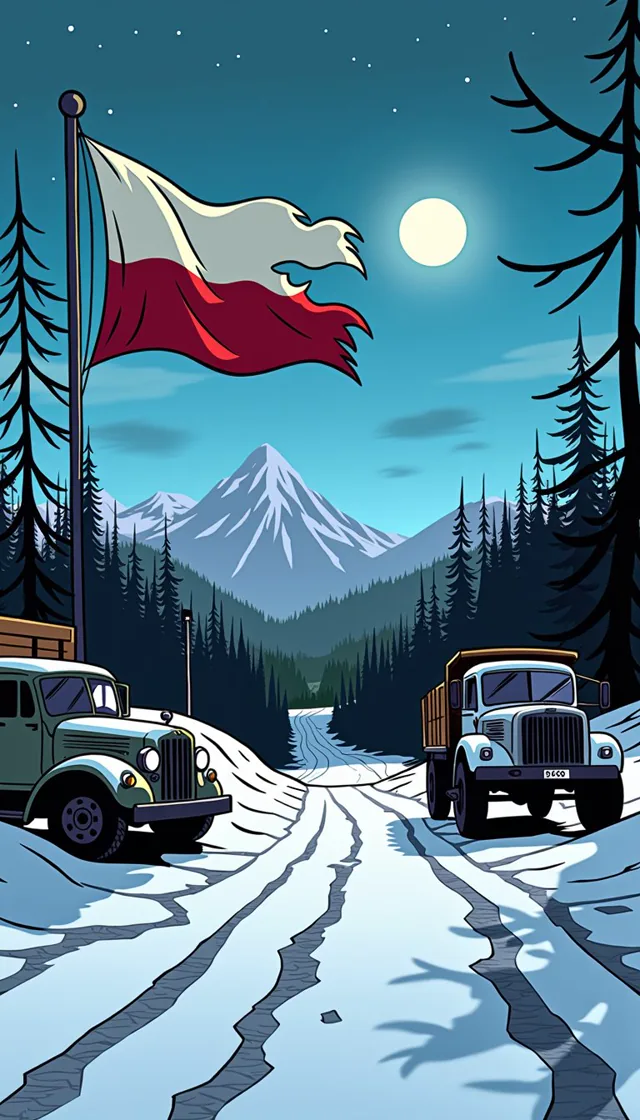 Comic
Comic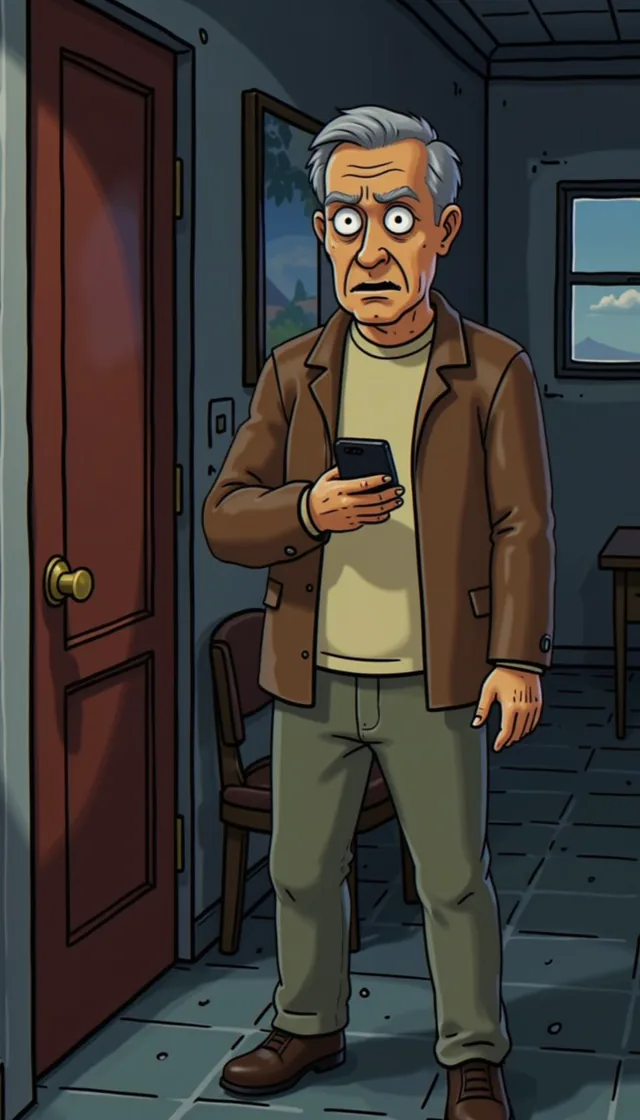 Creepy Comic
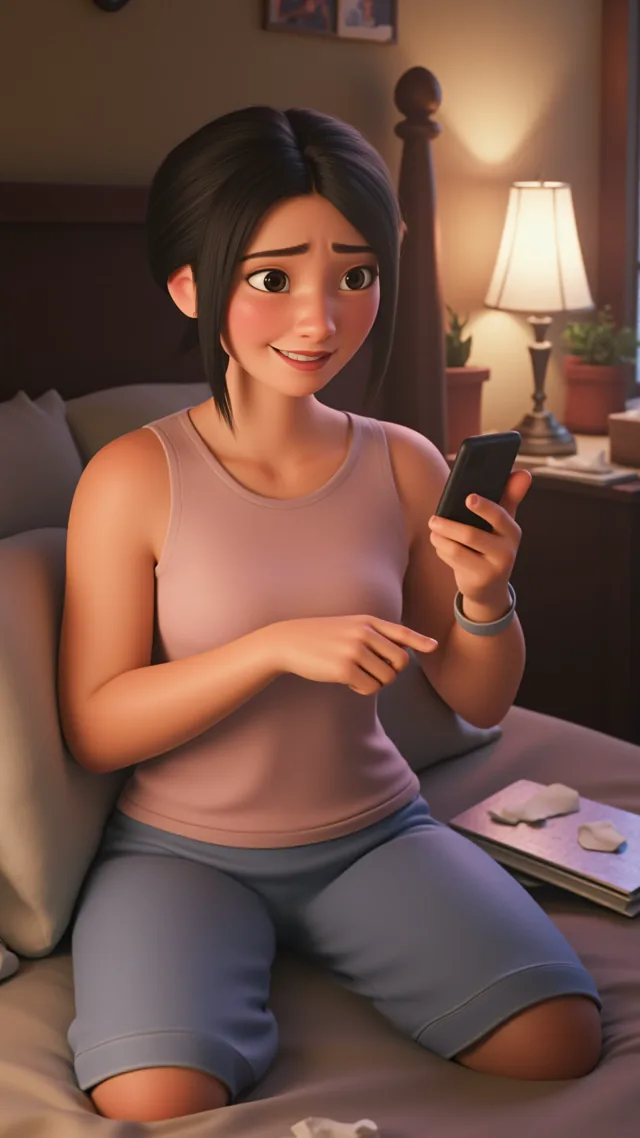 3D Animated
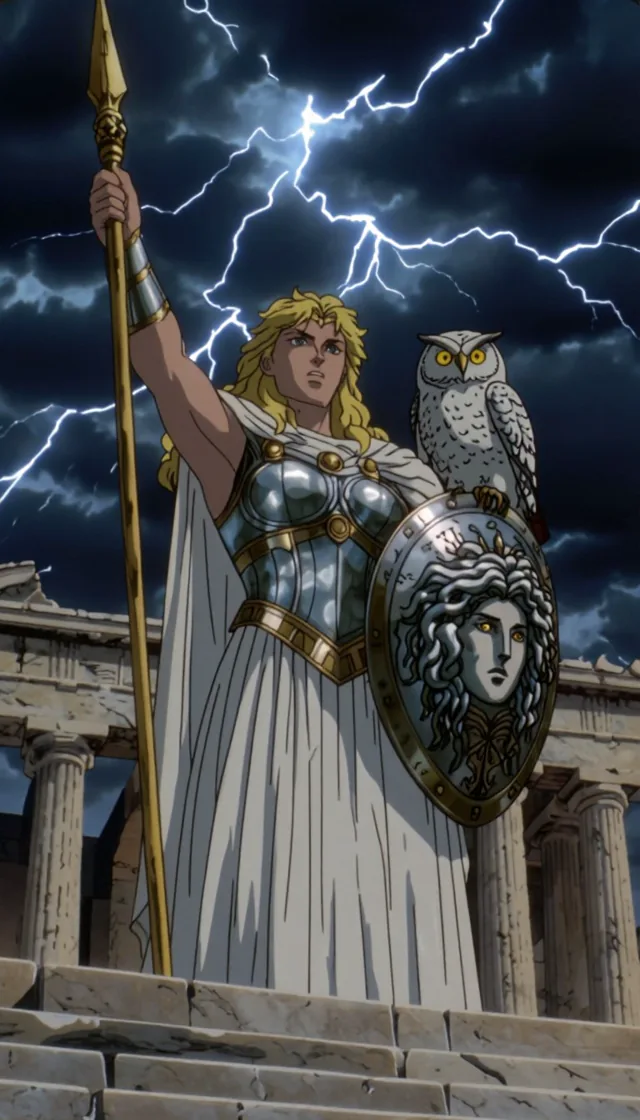 Mythology
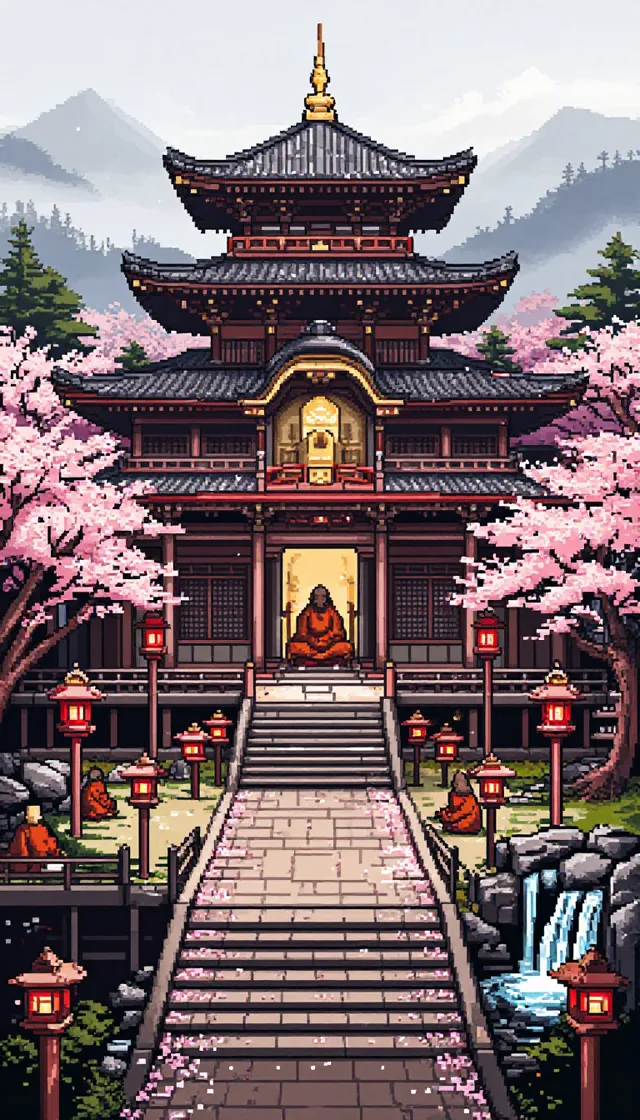 Pixel Art
 Whimsical Watercolor
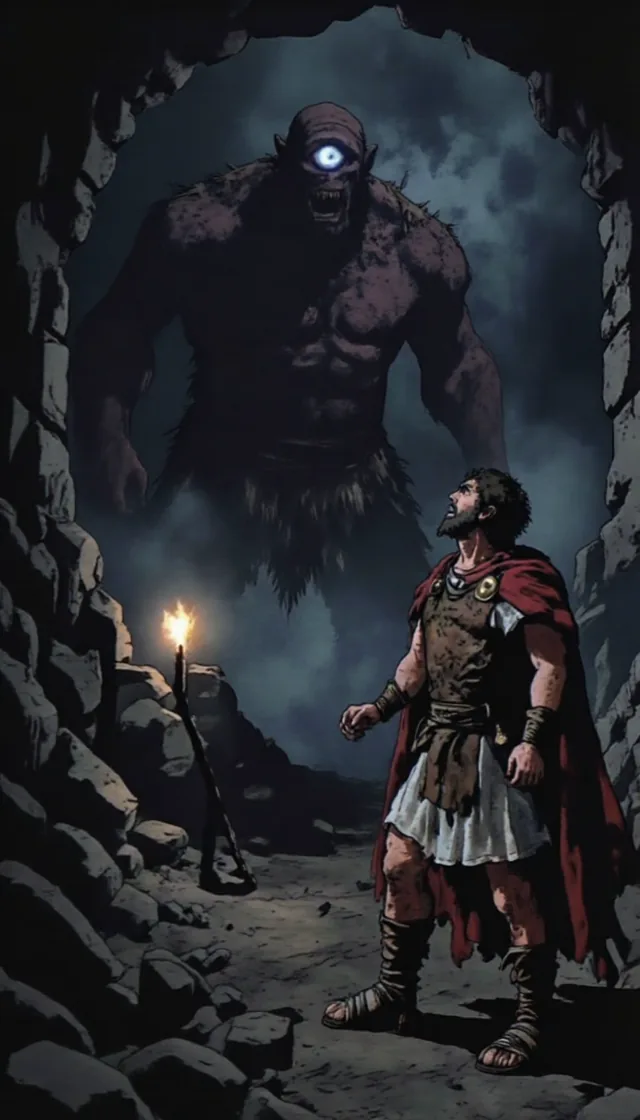 Dark Fantasy
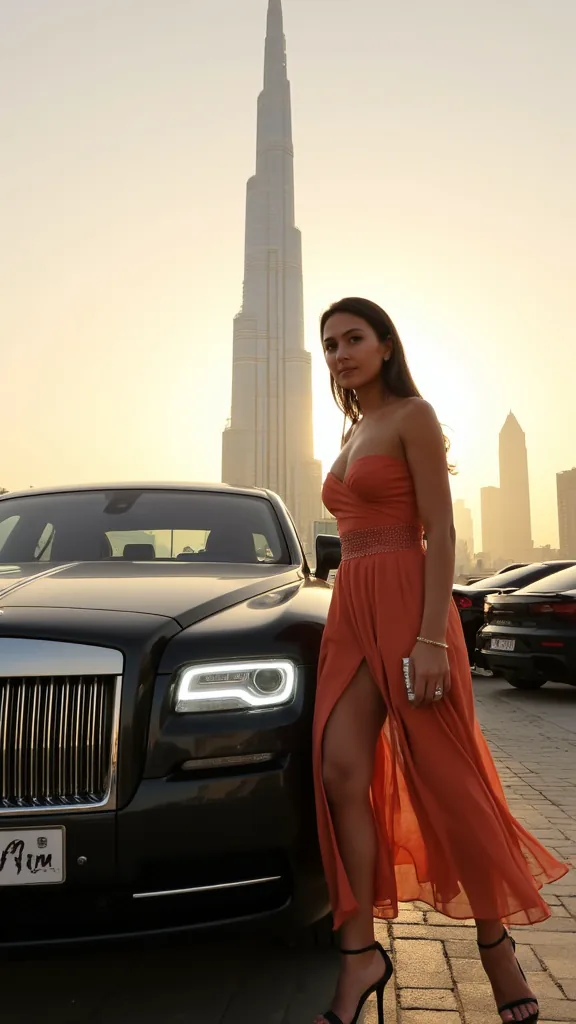 Realism
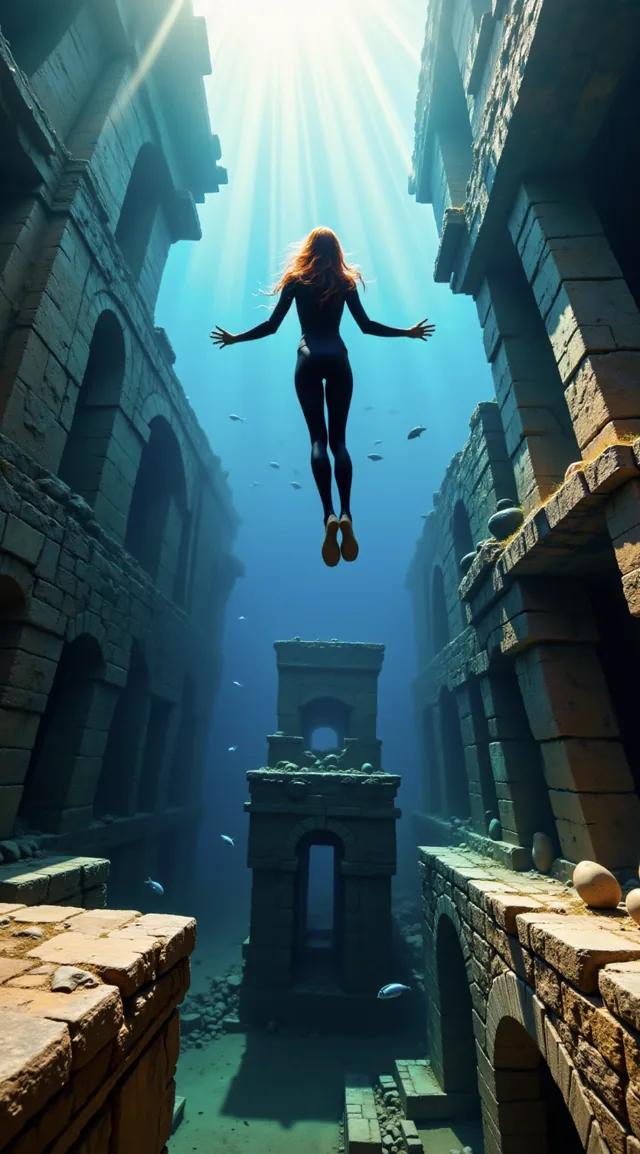 Fantastic
Making a cartoon for kids or a cartoon series? See the AI cartoon video generator Making a short film? Use the AI movie maker Writing a bedtime story? Try the AI children’s story generator
What is an AI story video generator?
An AI story video generator, also called story to video AI or an AI video story generator, turns a written story into a video. You give it an idea or a script; it splits the story into scenes, draws a picture for each one, animates the scenes you want moving, and puts it all together with a narrator, a soundtrack and captions.
Many story-to-video tools cover a script with stock clips that only roughly match the words. Others make one beautiful five-second shot at a time and leave you to stitch dozens of them together. ToonBee AI generates every scene for your story and keeps the same characters across all of them, so the video follows what you wrote.
That makes it a fit for anything told by a narrator: kids’ stories and bedtime tales, faceless YouTube story channels, history and true stories, horror, myths and folktales, or a story you wrote yourself.
How to make an AI story video
- 1
Start from an idea or your own story
One line is enough — “a lighthouse keeper finds a message in a bottle” — and the AI writes the script. Already written it? Paste it, and the narration uses your words exactly as written.
- 2
Pick a look, a voice and a length
Choose an art style, a narrator in one of 17 languages, 16:9 for YouTube or 9:16 for Shorts and TikTok, and how long the story should run.
- 3
Approve the characters and the scenes
Attach pictures of your own characters, objects or places as you write, or let the AI draw the main characters once. Every scene is then drawn with them in it. Redraw any picture you do not like, one scene at a time.
- 4
Animate, add music and export
Choose which scenes move and which stay as still pictures, add music and captions, and export the finished story video.
Why use this AI story video generator
Your words, word for word
Paste a finished script and it is narrated exactly as written. The AI plans the scenes around your text instead of rewriting it as a prompt.
The same characters in every scene
Attach up to 5 pictures of your own characters, objects and places, and let the AI draw up to 3 more main characters. Each is fixed once and reused in every scene, so no one changes face, hair or clothes halfway through the story.
See the price before you press
Every step shows its credit cost first, and failed animations refund their credits automatically. No surprise charge to export what you already made.
Fix one scene, not the whole video
Redraw a single scene picture and keep the rest. Choose which scenes animate; still, illustrated scenes cost far less.
Narration, music and captions included
A narrator in 17 languages, music from a free library or composed for your story, and captions in the style you choose.
Short or long, wide or vertical
From a 15-second short to 15 minutes of narration, in 16:9 for YouTube or 9:16 for Shorts, Reels and TikTok.
Stories people turn into videos
Kids’ stories and bedtime tales
Fables, animal adventures and stories with a moral, in a soft watercolor or 3D animated look with a calm narrator.
Faceless YouTube story channels
A new story every week without filming or animating by hand, in 16:9 for long videos or 9:16 for Shorts.
History and true stories
Documentary-style narration over painted or realistic scenes, for history, biographies and “what really happened” channels.
Horror and mystery
Scary stories and true crime in the creepy comic or dark fantasy styles, with a tense score underneath.
Myths, legends and folktales
Old stories retold with a recurring hero, in the mythology or painting styles.
Your own writing
A short story, a chapter of your novel or a personal story, narrated word for word and illustrated scene by scene.
AI story video generator vs other ways to make a story video
Three common routes from a written story to a video, and where each one fits.
| Stitching several AI tools | ToonBee AI story video generator | Stock-footage video makers | |
|---|---|---|---|
| Pictures | Generated shot by shot | Generated for every scene of your story | Library clips matched to keywords |
| Characters | Often drift between shots | Drawn once, reused in every scene | Different people in every clip |
| Your script | Rewritten into prompts | Narrated word for word | Usually kept |
| Cost | Several subscriptions | One balance, price shown before each step | One subscription |
| Your work | Prompt, download, voice and edit | Review the scenes and approve | Swap clips that do not fit |
Stitching tools gives the most control over each shot, and stock footage suits explainers about real places. For a told story with its own characters, generating the whole video saves the stitching.
Is the AI story video generator free?
You can try it free: a new account gets 100 credits, with no card and no subscription — enough to write a script, draw the cast and see your first scenes. Animation is what uses most credits.
A narrated 60-second story video is about 232 credits with still, illustrated scenes, or about 1,732 with every scene animated. You choose which scenes move, and each step shows its exact cost before you confirm.
Plans start at $39 a month for 5,000 credits: about 21 minutes of story with still scenes, or about 2 fully animated minutes. Videos have no watermark on any plan.
Good to know before you start
- Story videos are told by one narrator; characters do not speak lines to each other.
- A story keeps up to 5 of your own pictures and up to 3 AI-drawn main characters fixed; crowds and extras are drawn scene by scene.
- Characters the AI draws come from your description, so describe faces, hair and clothes clearly. For your own character, a clear picture with the face visible works best.
- Each animated scene is a short shot of 5 to 15 seconds, so long stories are told in more scenes.
AI story video generator FAQ
Is there a free AI story video generator?
Yes. Every new ToonBee AI account gets 100 free credits with no card and no subscription, enough to write a script, draw the characters and see the first scenes. Plans and one-time credit packs are there when you want to make more.
Can I paste my own script and keep my exact wording?
Yes. Choose “paste a script” and the narration uses your text exactly as written; the AI only plans the scenes and pictures around it. Or type a one-line idea and let the AI write the script first.
How is story to video different from text to video?
Text to video makes one short clip from one prompt. Story to video plans the whole story: it splits your script into scenes, keeps the same characters in every one, narrates it and adds music and captions, so you get a finished video of up to 15 minutes instead of a five-second shot to stitch.
How long can an AI story video be?
From 15 seconds to 15 minutes of narration. Longer stories are split into more scenes, and you decide which of them animate.
How much does a one-minute story video cost?
About 232 credits with still, illustrated scenes, or about 1,732 credits with every scene animated, for a 60-second story. The exact cost appears before each step, and failed animations are refunded automatically.
How do I keep the same characters in every scene?
Attach a picture of each character as you write the story, name it, and write @ and the name wherever it appears; or let the AI draw each main character once, before any scene. Either way that picture is the reference for every scene the character appears in, and you approve the cast first. A story can keep up to 5 of your own pictures and up to 3 AI-drawn main characters.
Can I redo just one scene?
Yes. Redraw any single scene picture without touching the others; the previous picture is kept as a variant in case you want it back.
Does it only make cartoons?
No. There are 73 styles, from realistic, polaroid and painting to dark fantasy, comic, anime and 3D animated, so a story video can look like a documentary, a graphic novel or a cartoon.
Which languages can the narrator speak?
17, including English, Spanish, French, German, Portuguese, Hindi, Arabic, Japanese and Chinese. The script is written in the language you choose.
Can I monetize AI story videos on YouTube?
You own the videos you make and can use them commercially. YouTube decides monetization: it accepts AI-assisted videos that are original and add value, and can reject channels that mass-produce near-identical videos. Write your own stories and vary them rather than repeating one template.
Is there a watermark?
No. Story videos export without a watermark by default, on the free credits and on every plan.
Turn your story into a video
Write one line or paste a whole script — the AI story video generator draws the scenes, keeps the cast and adds the voice.
Start with the free credits