AI Mascot Generator: Create Your Brand Mascot, Then Animate It
Tell the AI mascot generator what your brand does and what kind of character you picture, pick a style, and get a full-body mascot on a plain background. Then bring it to life: one click opens a short animation where your mascot waves, jumps or says a line in its own voice.
Your mascots stay private in your account. No watermark.
Mascots made with an AI mascot maker
Coffee beans with caps, app buddies, esports wolves, burger and chili characters, team knights and cuddly 3D animals: one character a brand can come back to.
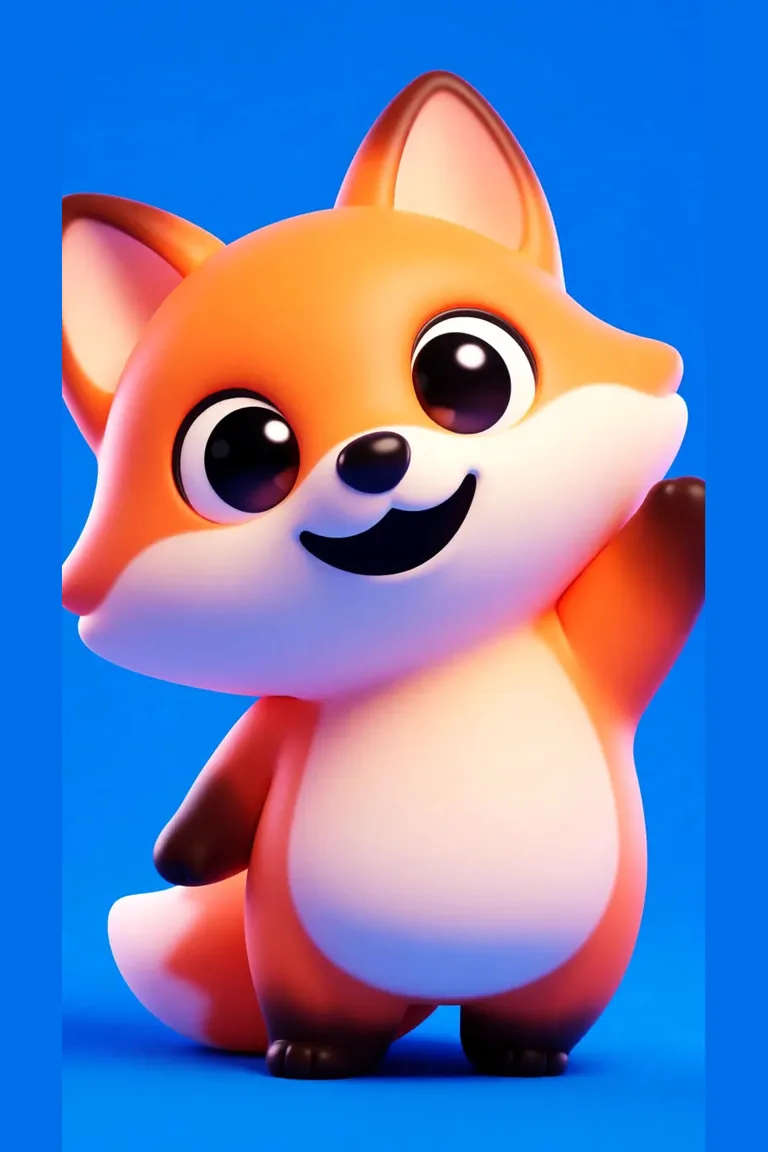
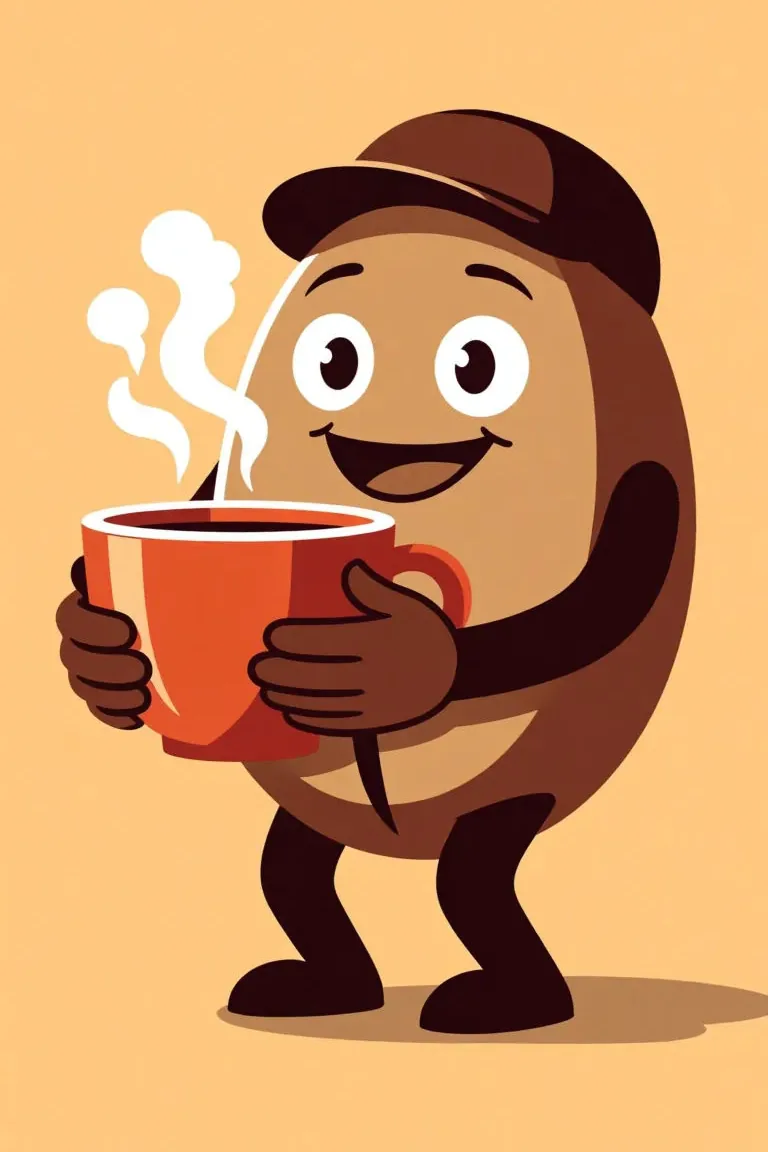
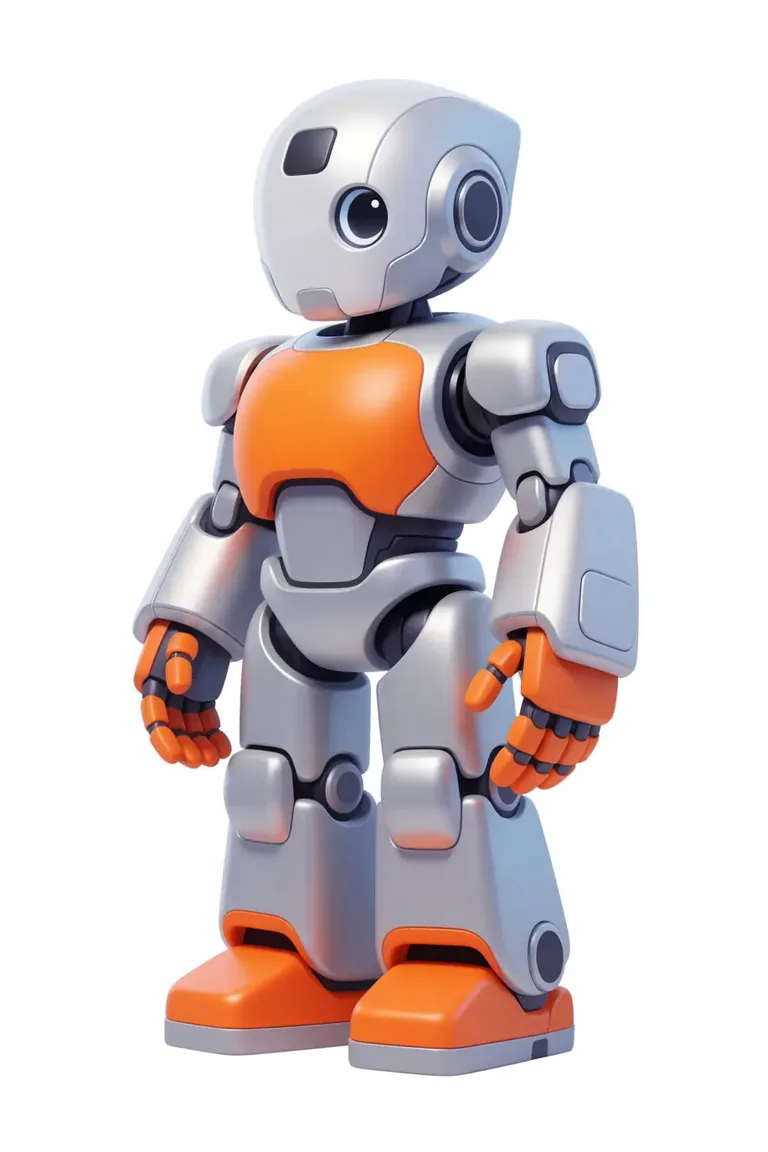
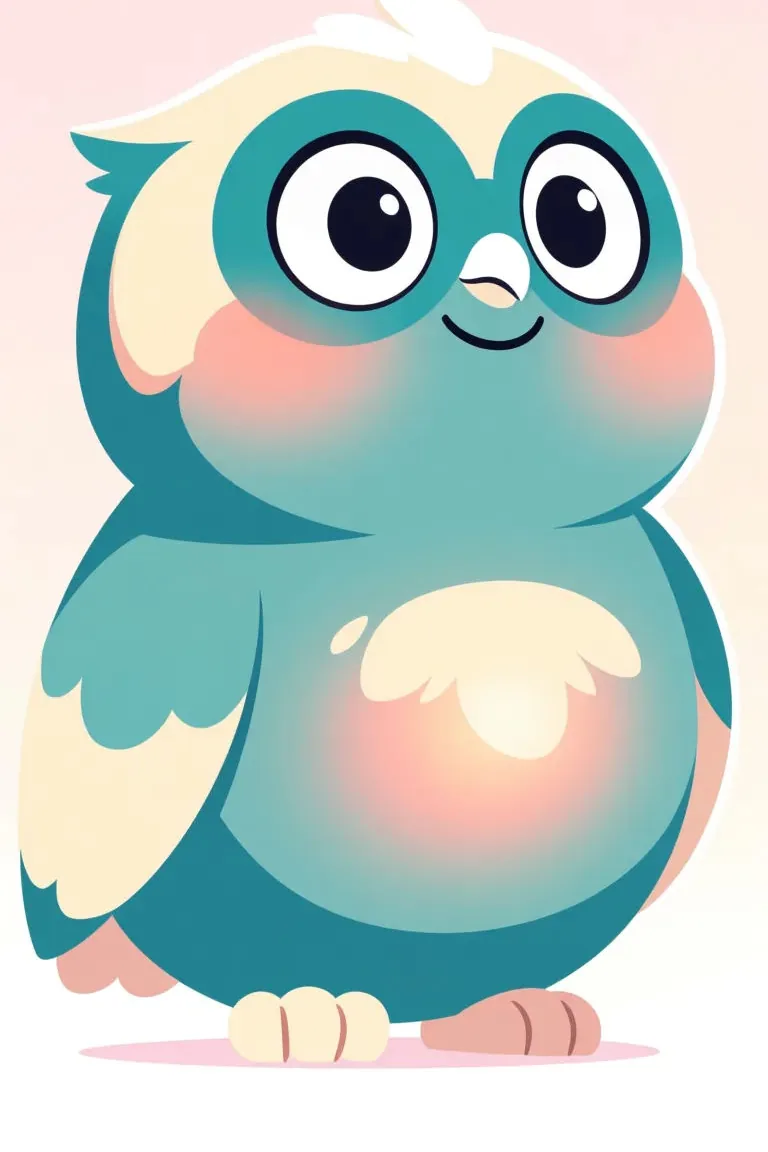
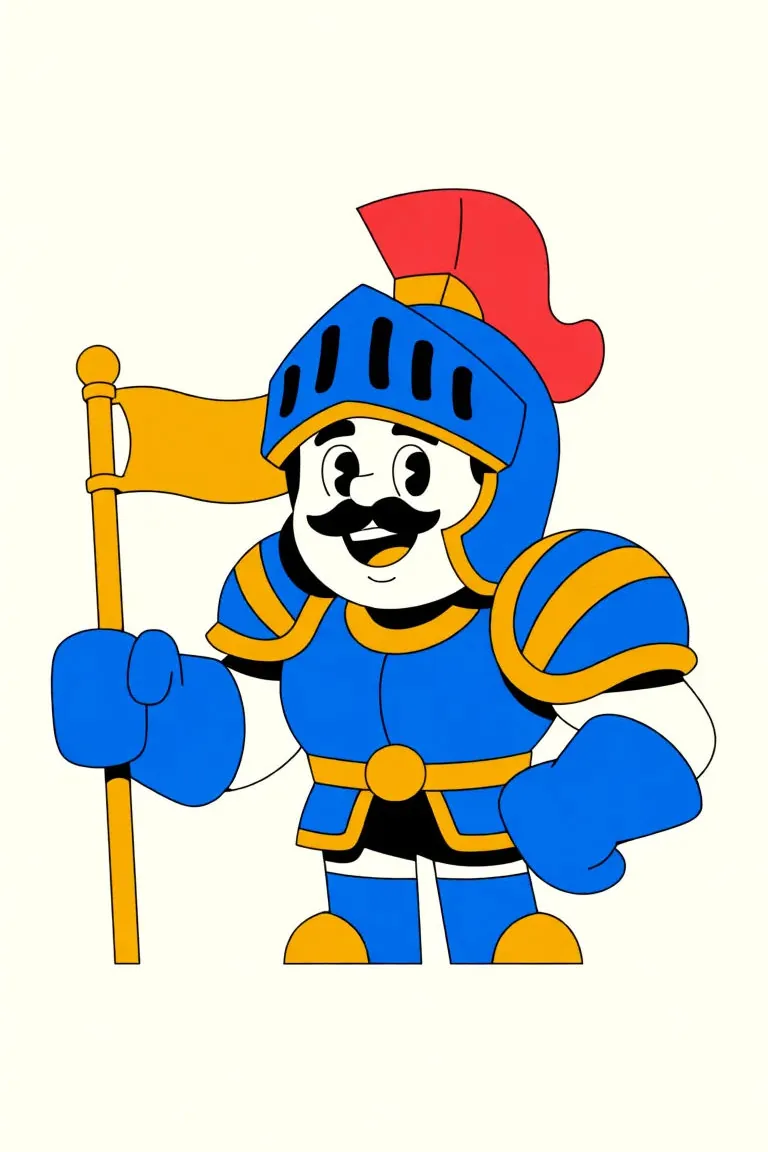
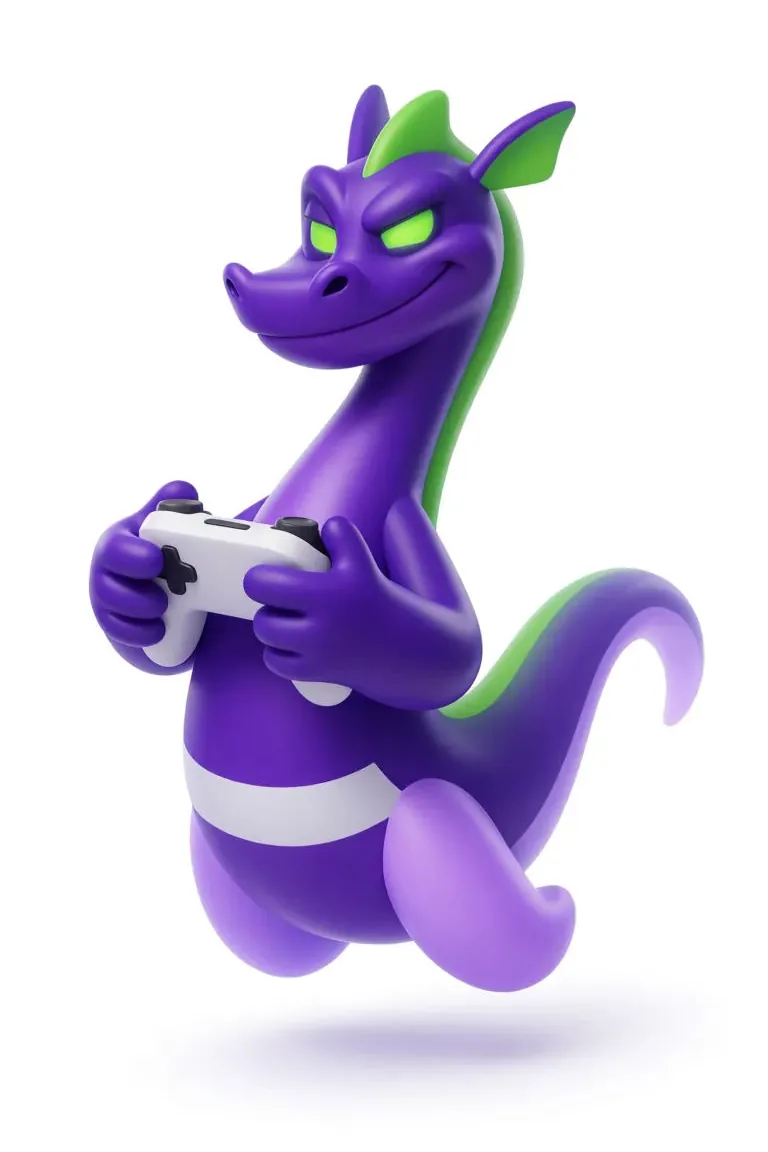
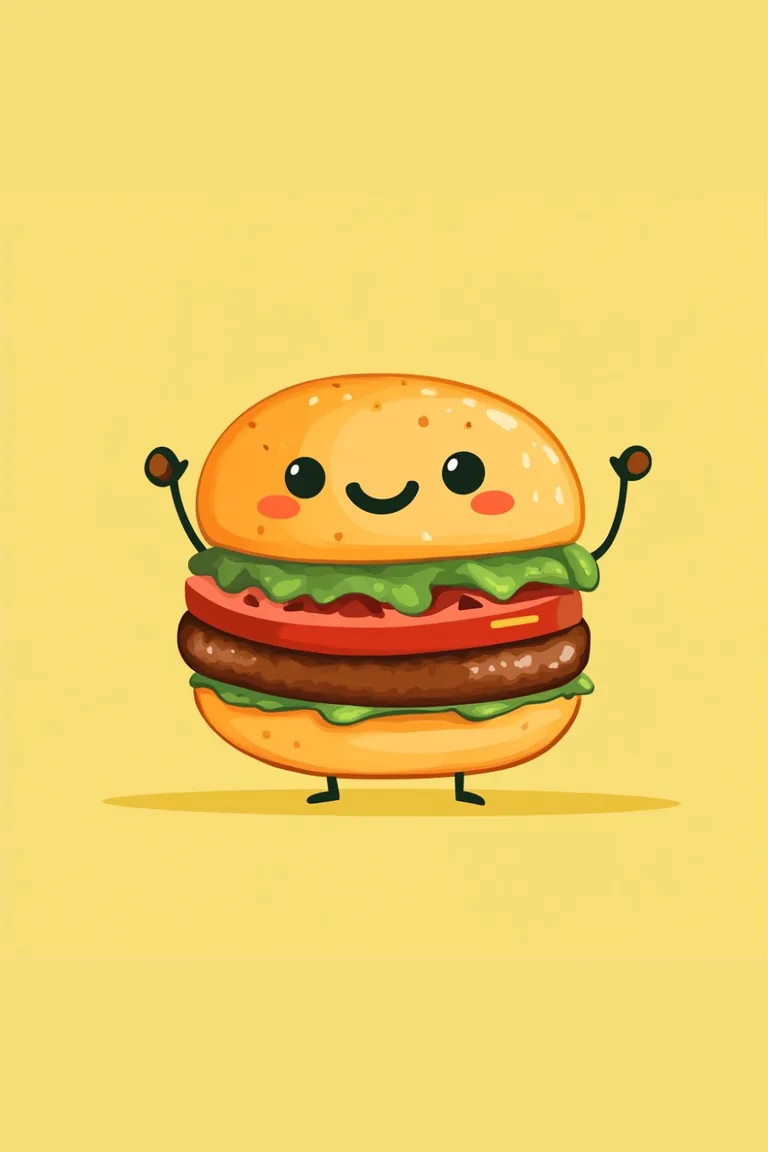
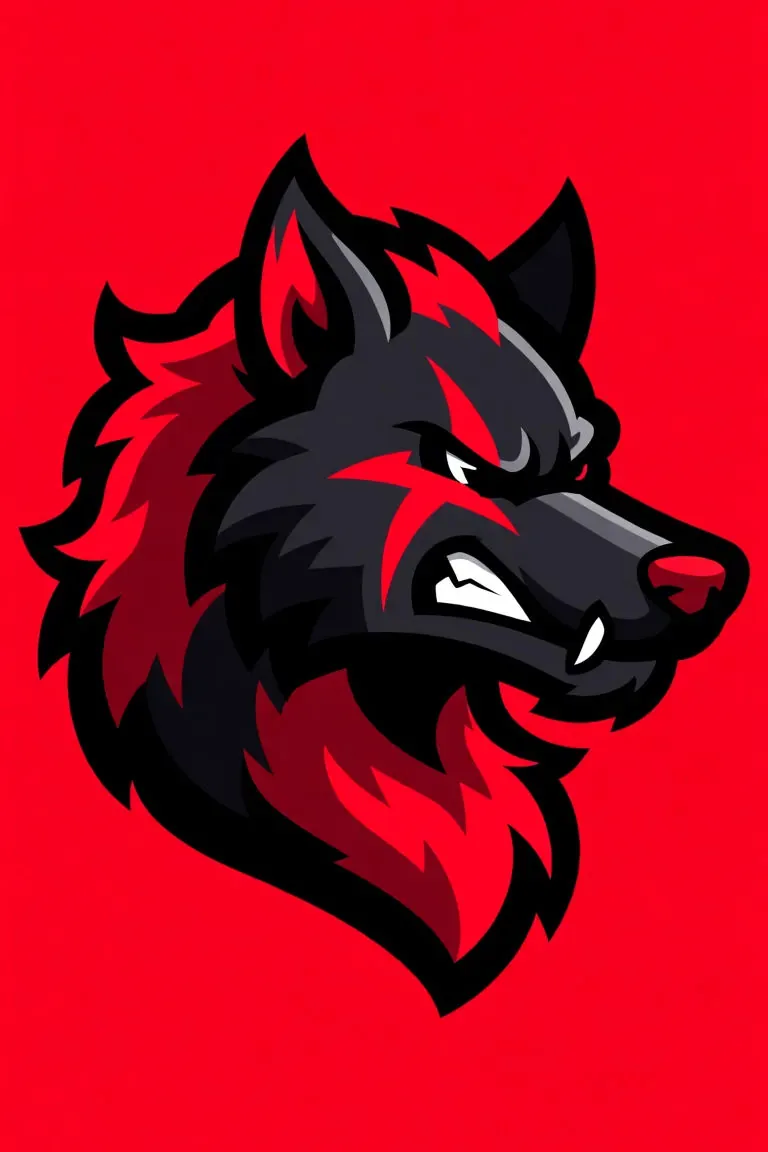
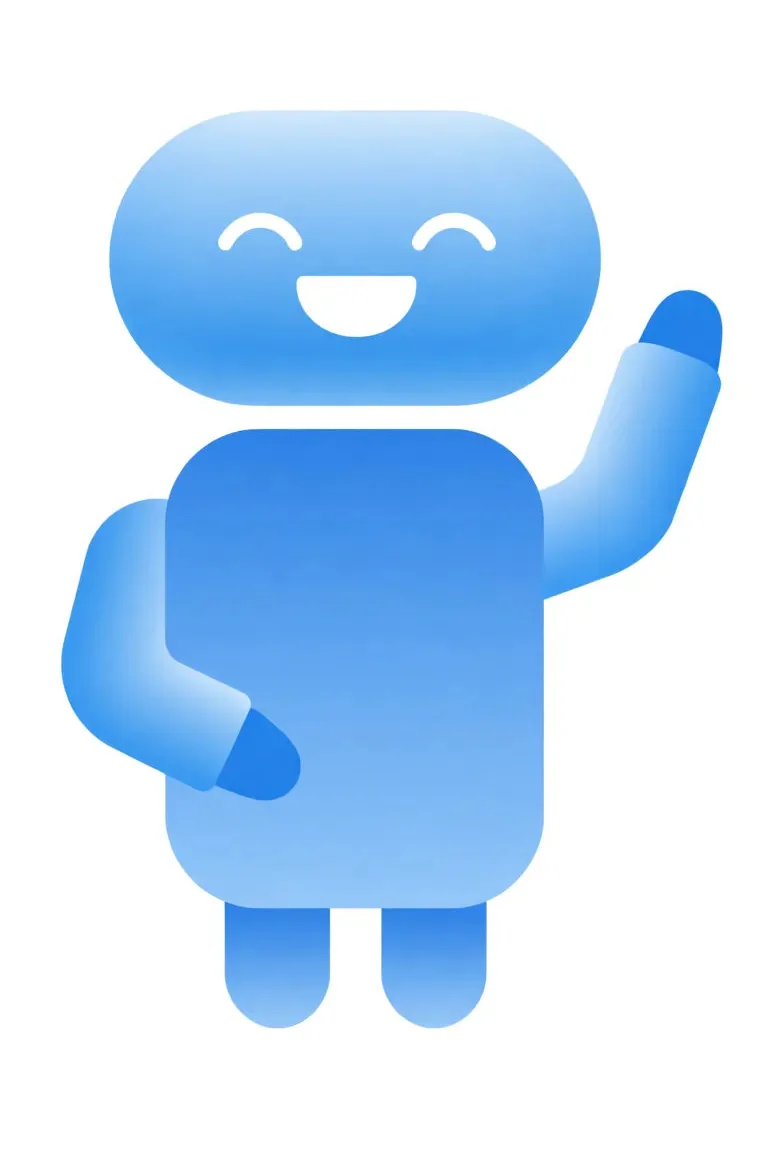
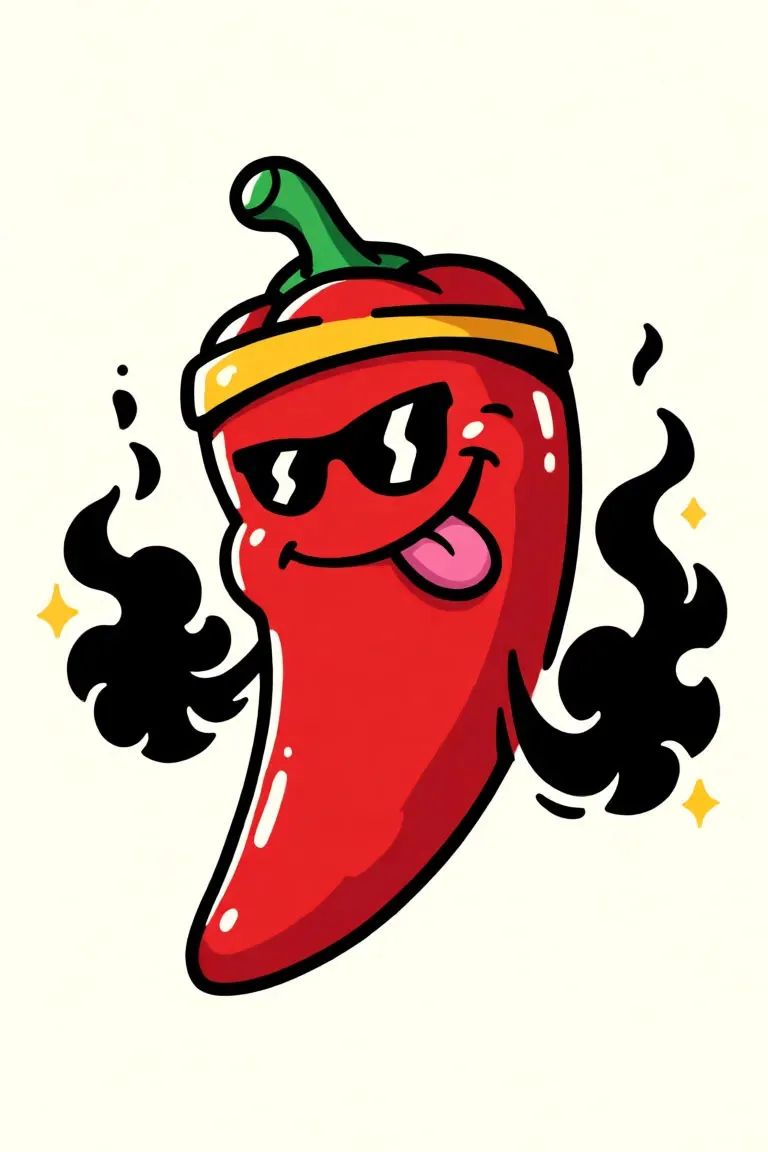
Mascot animation: wave, jump, talk
A mascot works hardest when it moves. Animate my mascot sends yours to the video generator as the first frame, with a wave and a short line already written in. Change the action or the words, and in about a minute you have a 5-second animated mascot clip with sound.
One mascot, many videos
Put in a story opens the story studio with your mascot in the cast. The studio writes a script around it, draws every scene with your mascot as the reference and adds narration and music, so the same character can host a welcome video, a how-to or a holiday greeting.
Eight mascot design styles
3D Mascot is the default: a glossy, toy-like character. Switch to Flat Vector for a sticker or app icon look, Kawaii for something cute, or Sports Mascot for a team.
3D Mascot
A glossy, rounded 3D mascot, like a vinyl toy figure.
Flat Vector
Clean vector art with bold outlines, easy to use on a sticker.
Kawaii
Small, round and cute, with blushing cheeks.
Retro Cartoon
A vintage advertising mascot: warm colours and a big grin.
Sports Mascot
A bold, energetic team mascot in an athletic pose.
Plush Toy
A soft stuffed-toy mascot with fabric and stitching.
Clay
A handmade clay figure, like stop-motion animation.
Anime
An anime-style brand character, like an app or VTuber mascot.
How to make a mascot and animate it
- 1
Describe your brand
Write what you sell, who it is for and any colours or ideas, like “a bakery for families; a smiling croissant in a chef’s hat”. Then pick a mascot type: animal, food or object, person, robot, monster or alien.
- 2
Pick a style and create
Choose one of eight mascot styles and press Create. The mascot is drawn full body on a plain background in about a minute. Not quite right? Regenerate or tweak the description.
- 3
Animate your mascot
Press Animate my mascot to make it wave, jump or say a line in a short video, or Put in a story to cast it in a narrated story. Download the picture any time.
Why use this AI mascot creator
Starts from your brand
The first box asks about your business, not about art terms. The mascot generator turns your description into the prompt, so you get a character that fits what you sell.
Made for mascot design
Every picture is one character with a clear silhouette, centred on a plain background and free of text, so it is easy to place next to your logo, on a sticker or in a slide.
Food, objects and animals
Mascots are rarely human. Pick Food / Object for a coffee bean, a tooth or a parcel with a face, or Animal for a fox, an owl or a team bear.
Your mascot can move
The same picture becomes the first frame of a video, so your mascot keeps its look while it waves, dances or celebrates.
Your mascot can talk
Put a line in quotes, like “Hi there! Come on in!”, and the video comes back with your mascot saying it, with matching mouth movement and sound.
Private, no watermark
Mascots are saved to your own account and stay private unless you share them. Pictures and videos download without a watermark.
What makes a good brand mascot
The mascots people remember are simple: one clear shape, two or three colours, and one detail that says what the brand does, like a barista apron on a coffee bean or a headset on a gaming dragon. Write that detail into the description and the AI mascot generator builds the character around it.
Think about where the mascot will live. A flat vector mascot reads well at small sizes, on a sticker or an app screen. A 3D or plush mascot looks best in videos and social posts. A friendly expression and an open pose also animate better than a stiff one, because the video has something to work with.
What people make mascots for
Shops and restaurants
A friendly face for a café, a bakery, a food truck or a local service, for menus, signs and social posts.
Apps and startups
An app buddy or an official startup mascot that greets new users and stars in onboarding and launch videos.
Teams, schools and events
A team or school mascot, or a character for a festival or a fundraiser, ready to cheer in a short clip.
Creators and channels
A recurring animated mascot that opens every video, hosts shorts or reacts to comments.
Tips for a better AI mascot
- Lead with the brand and one telling detail: “a dental clinic for kids; a brave little tooth with a toothbrush sword”.
- Name your colours in the description so the mascot matches your brand.
- Keep Full body on if you plan to animate the mascot, so its feet and hands are there to move.
- For the animation, describe one action and one short line: “waves and says, ‘Welcome to Sunny Bakery!’”.
- Name the mascot before Put in a story, so the script calls it by name.
Is this AI mascot generator free?
Each mascot costs 7 credits, shown on the button before you start. A new account gets 100 free credits: enough for a mascot and its first 5-second animation (63 credits at the video generator’s default settings), with credits left over to try more designs.
After that, credit packs start at 4,000 credits for $49, about 571 mascots, with no subscription. Longer, sharper animations and story videos cost more, and the price is always shown before you start. A failed picture is refunded.
AI mascot generator FAQ
What is an AI mascot generator?
An AI mascot generator draws a new, original mascot character from a short description of your brand. Here you describe the business, pick a mascot type and a style, and get one full-body mascot on a plain background that you can then animate.
Is the AI mascot generator free?
You can try it free: a new account gets 100 credits, each mascot costs 7 and a 5-second animation at default settings costs 63, so your first mascot and its first animation are covered. After that you buy credits. There is no watermark.
How do I make a mascot for my brand?
Write what your brand does and the character you picture, choose a mascot type (animal, food or object, person, robot, monster or alien) and one of eight styles, then press Create my mascot. Open More details for personality, outfit and colours.
How does mascot animation work here?
After your mascot is drawn, Animate my mascot opens the video generator with the picture as the first frame and a short action already written. Edit it, press Generate and you get a 5-second clip with sound by default, or up to 15 seconds if you choose a longer length.
Can my mascot talk?
Yes. Write the line in quotes in the animation prompt, like says, “Thanks for stopping by!”, and the default video model makes the mascot say it with matching mouth movement, in the same clip. Keep it to a short sentence or two per clip.
Will my mascot look the same in every video?
Start every video from the same mascot picture and it keeps its look: the animation uses the picture as its first frame, and the story studio uses it as the character reference for every scene. Regenerating from the description draws a new mascot, so keep the picture you like.
Can I get my mascot in different poses?
Each picture is one pose. For a different pose, animate the mascot doing it, or add the pose to the description and generate again; a new picture is a fresh drawing, so small details can change. There is no automatic pose sheet or turnaround.
Can I use the same mascot in many videos?
Yes. Your mascots are saved in your account. Download the picture and add it as the first frame in the video generator whenever you need a new clip, or cast it in as many story videos as you like.
Can it put my logo or brand name on the mascot?
No. Mascots are drawn without text or logos, because AI lettering often comes out garbled. Add your logo or name next to the mascot in your own design tool.
Can I animate a mascot I already have?
Yes. This page draws new mascots, but the video generator takes your own picture as the first frame: upload your mascot there and describe what it should do.
Does the mascot come with a transparent background?
The picture comes on a plain light background, not a transparent one. To cut an animated mascot out, run the clip through the Video Background Remover, which gives you a transparent WebM.
Can I use the mascot for my business?
The mascots you generate are yours to use on your site, social posts, videos and merch, and they stay private in your account unless you share them. If you plan to register one as a trademark, check with a trademark lawyer first.
Create your brand mascot now
One line about your brand, one style, and your mascot is ready to wave hello.
Create my mascotRelated tools
Other pages that open the same studio, set up for a different kind of video.
- AI Character GeneratorGenerate a full-body 3D, cartoon or fantasy character, then make it move.
- OC MakerCreate an original character from a style and a few traits, or at random.
- Talking Cartoon MakerMake a cartoon character talk: a picture and a line become a clip.
- AI Animation GeneratorShort animated clips, or a still image brought to life.
- AI 3D Cartoon Video GeneratorPixar-style 3D cartoon videos from a story or a script.
- AI Story Video GeneratorAny story, told in the art style you pick.
- AI Cartoon Series MakerMake a cartoon series with one cast that stays the same in every episode.
- Animated Ad MakerAnimated product ads from a photo or a line, with music and voice-over.
- Logo Animation MakerUpload your logo and get a short intro that ends on it, unchanged.
- Video Background RemoverCut the background out of a video and download a transparent WebM.