
GIF Background Remover: Remove Background from Animated GIF
Upload an animated GIF and the AI GIF background remover cuts out the character in every frame and drops the background. You get the same animation, same speed and same loop, as a transparent GIF and as an animated WebP with smooth edges. No colour to pick, no tolerance to tune.
- GIFs up to 30 seconds
- Transparent GIF + animated WebP
- Stickers, emoji and cartoons
- No watermark
Your GIF stays private to your account. Credits for a failed job come back automatically.
8 credits per second of animation: a 3-second GIF is 24 credits. Turning the result into GIF and WebP is free. New accounts get 100 free credits, and a failed job is refunded in full.
Remove Background from GIF: Before and After
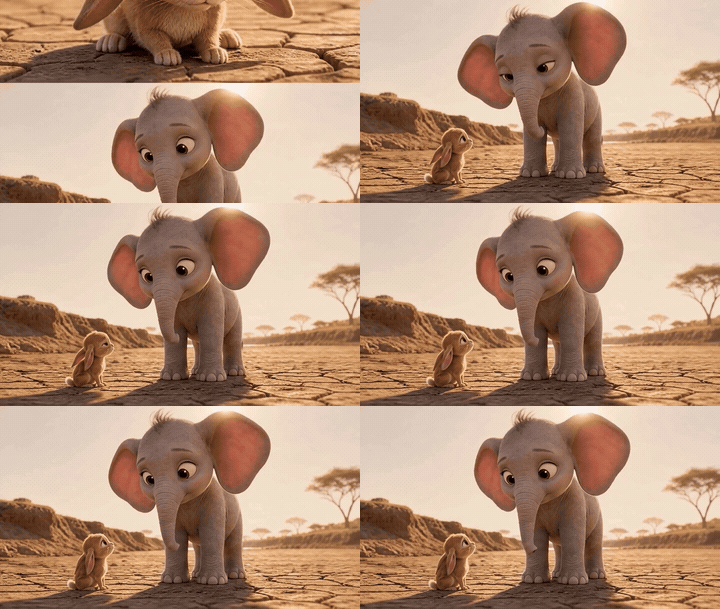
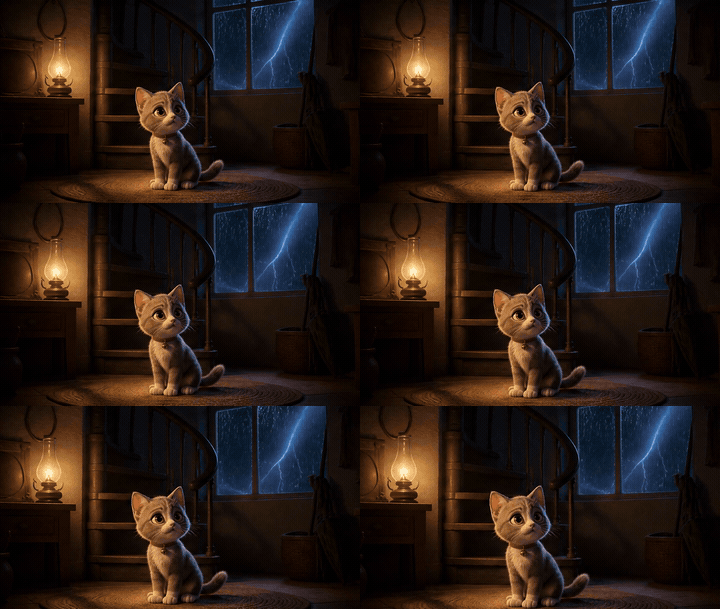
GIFs made from ToonBee’s own cartoon films, run through the GIF background remover and shown on a checkerboard so you can see what is transparent.
Original GIF 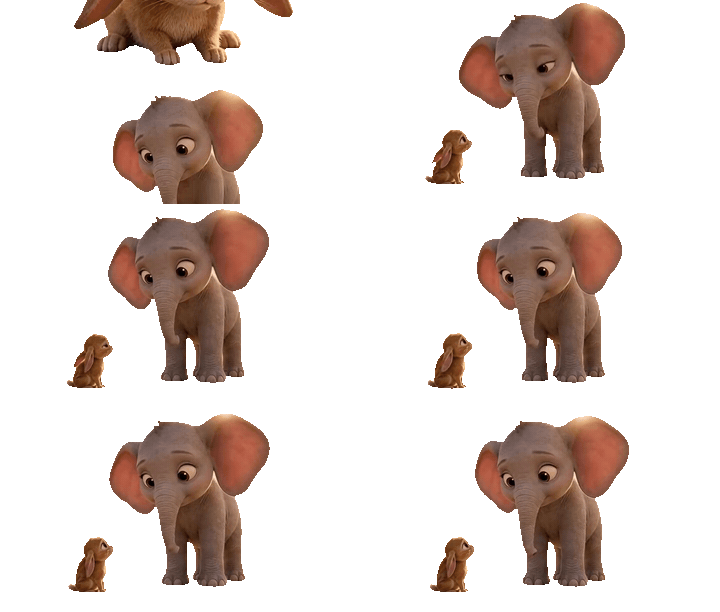
Transparent GIF 
Animated WebP A baby elephant and a bunny
Two characters on a dusty savanna. Both stay, big soft ears included, and the sky and ground are gone from every frame.
Original GIF 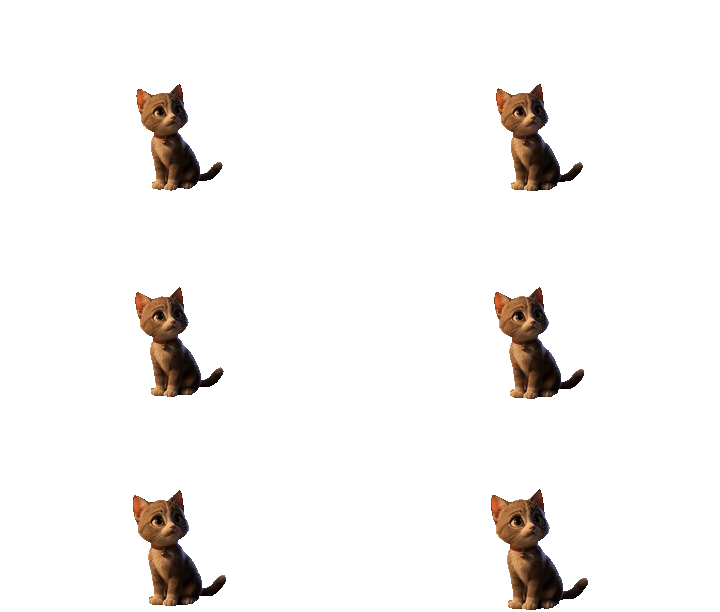
Transparent GIF 
Animated WebP A kitten in a dark room
A dark, grainy scene with warm lantern light. The kitten comes out with its whiskers and tail, and no dark halo around the fur.
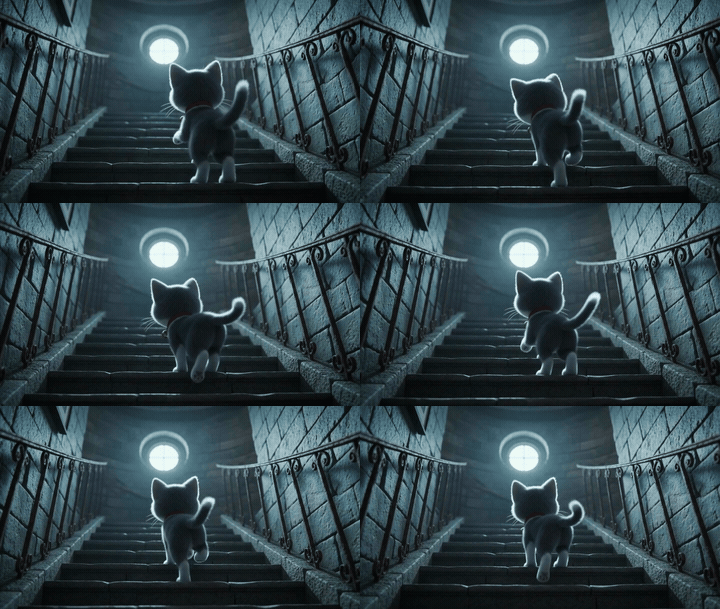
Original GIF 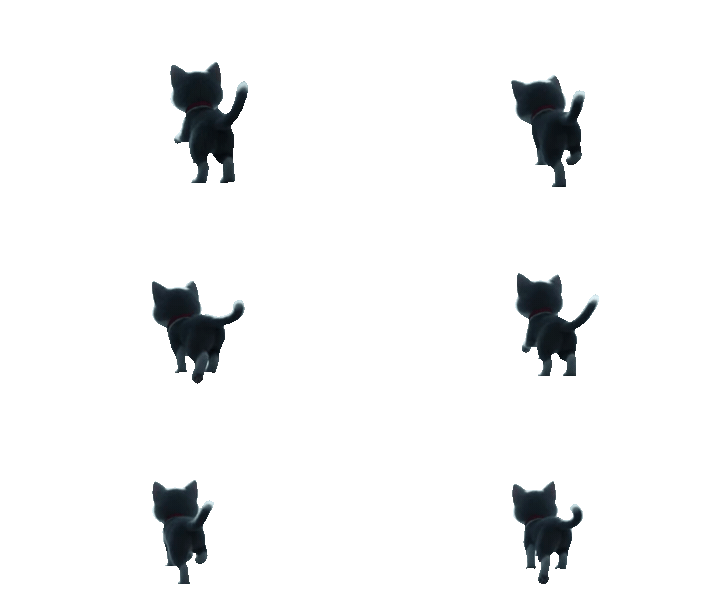
Transparent GIF 
Animated WebP A kitten climbing the stairs
A dark kitten on dark stone, lit from behind. A colour key would eat half of it; the GIF background remover keeps the whole cat.
What Is a GIF Background Remover?
A GIF background remover is a tool that finds the subject in each frame of an animated GIF and makes everything else transparent, so the animation sits on any page, chat or video without a box around it. ToonBee’s background remover does the masking with AI: no colour to pick, no tolerance to set, no frames to erase by hand.
Most free tools that remove a GIF background work by colour: you click the background, and every pixel of that colour disappears. That is fine for a flat white box, and it breaks the moment the background has a gradient, a shadow or texture, or the character wears the same colour as the background. The AI GIF background remover looks at shapes instead of colours, so a white cat on a white background or a black outline on a black background stays whole.
It is built for the GIFs people actually want transparent: cartoon characters, stickers, emoji, chibi and pixel art, mascots, pets and logo loops. You get two files back. The transparent GIF works everywhere a GIF does; the animated WebP keeps soft, smooth edges for web pages and apps that accept it.
How to Remove Background from a GIF in 3 Steps
Here is how to remove background from an animated GIF with ToonBee. The GIF background remover takes three steps and usually under a minute of waiting. There is nothing to install, the background remover works in any modern browser, and the price for your GIF shows on the button before you start:
- Upload your GIF. Add an animated GIF up to 30 seconds and 20 MB. Its frames are prepared in your browser, so the upload is small.
- Choose what stays and start. Keep “Cartoon, animal or object” for characters, stickers and pets, or pick “Person” for real people, then press Remove background.
- Download the transparent GIF or WebP. Check the edges on a checkerboard, dark or white preview, choose the width, and download a transparent GIF or an animated WebP.
Can a GIF Have a Transparent Background?
Yes, but only on or off. A GIF can mark one colour of its palette as transparent, so each pixel is either fully see-through or fully solid. There is no half-transparency, which is why soft edges from a cutout have to be cut somewhere, and why a transparent GIF can show a thin white or dark outline.
Why Does My Transparent GIF Have a White Outline?
The outline is the old background. Pixels on the edge of a character are a blend of the character and what was behind it. When a GIF is made transparent, those blended pixels stay solid, so a ring of the old white or black background remains around the character and shows on a dark or bright page.
The GIF background remover handles this with Clean edges, on by default: it trims that one-pixel rim before the GIF is written, so the outline is gone. If your platform accepts it, the animated WebP avoids the problem altogether, because WebP keeps 256 levels of transparency and the edge blends into whatever is behind it.
GIF, WebP, APNG or WebM: Which Transparent Format?
All four can be transparent; they differ in edge quality, file size and where they are accepted. The GIF background remover exports a transparent GIF and an animated WebP from the same cutout, and the transparent WebM the background remover made is in your history too, for video editors and stream overlays:
| Format | Transparent edges | Where to use it |
|---|---|---|
| GIF | On or off only; Clean edges removes the outline | Everywhere: Discord and Slack emoji, forums, chats, email, Steam pages |
| Animated WebP | Smooth, 256 levels | Web pages, Telegram stickers, apps and browsers; smaller files than GIF |
| APNG | Smooth, 256 levels | Browsers and Discord stickers; large files |
| WebM (VP9 alpha) | Smooth, with sound | Video editors, OBS overlays, web video. Safari shows it opaque. |
Transparent GIFs for Discord and Slack Emoji
Animated emoji are the most common reason to remove a GIF background. Discord’s help centre asks for custom emoji under 256 KB, and Slack’s asks for images under 128 KB with at most 50 frames in a GIF; both show emoji small and recommend a square image.
So after the GIF background remover is done, pick the 128px width: the file shrinks to a fraction of its size and the download button shows the result’s size before you save it. If it is still too large, trim the GIF to fewer frames before you upload it. For a Slack emoji, keep the GIF to 50 frames or fewer.
What People Use a Transparent GIF For
Discord and Slack emoji
Run a reaction GIF or a character loop through the background remover and get an animated emoji that sits cleanly in light and dark mode.
Stickers
Make animated stickers for Telegram, WhatsApp and chat apps from a cartoon or meme GIF.
Streams and overlays
Put a dancing mascot or a pixel-art character over a Twitch or YouTube stream without a box around it.
Websites and profiles
Decorate a homepage, a carrd or a profile with a character that walks over the page instead of inside a rectangle.
Game and store pages
Use the background remover on a sprite or a character loop for a Steam page, an itch.io page or a devlog.
Fan art and OCs
Share an animated original character or chibi on a transparent background, ready for any colour scheme.
GIF Background Remover vs Colour-Key GIF Tools
Free GIF editors remove a background by colour. Here is how that compares with an AI background remover, based on how those tools describe themselves.
| ToonBee GIF background remover | Colour-key GIF tools | |
|---|---|---|
| How the background is found | AI finds the subject in each frame | You pick a colour and a tolerance |
| Gradients, shadows, scenery | Removed | Usually left behind |
| Character the same colour as the background | Stays whole | Gets holes |
| Edges | Clean edges option; smooth WebP | Fringe of the old colour |
| Downloads | Transparent GIF and animated WebP | GIF |
| Price | 8 credits per second; free credits on sign-up | Usually free |
If your GIF really is a character on one flat colour, a colour-key tool may do the job for free. Use the GIF background remover when the background is a scene, or the colours overlap.
Is the GIF Background Remover Free?
You can try it free. New accounts get 100 credits, enough for about 12 seconds of GIF. After that the GIF background remover costs 8 credits per second of animation, rounded up to the whole second: a 2-second sticker is 16 credits, a 3-second loop 24. The background remover never adds a watermark.
Making the GIF and WebP files from the result is free and happens in your browser, so you can try different widths without paying again. Credit packs start at $49 for 4000 credits, and a job that fails is refunded automatically.
| GIF length | Credits |
|---|---|
| 1 seconds | 8 |
| 2 seconds | 16 |
| 3 seconds | 24 |
| 5 seconds | 40 |
| 10 seconds | 80 |
| 30 seconds | 240 |
Limits
- GIFs up to 30 seconds, 500 frames and 20 MB. Trim longer ones first.
- Animated GIFs only. For MP4 or MOV clips, use the video background remover.
- Frame rate above 30 fps is reduced to 30; uneven frame timings become even.
- Small GIFs are enlarged for the cut-out and brought back to their own size for the download.
- The conversion to GIF and WebP runs in your browser. It works best in Chrome, Edge or Firefox on a computer; a phone may be slow on long GIFs.
GIF Background Remover FAQ
How do I remove the background from a GIF?
Open the GIF background remover, upload your animated GIF, keep “Cartoon, animal or object” selected for characters and stickers, and press Remove background. In about a minute you can preview the cutout on a checkerboard and download it as a transparent GIF or an animated WebP. There is no colour to pick.
Is this GIF background remover free?
You can try it free: new accounts get 100 credits. Removing a GIF background costs 8 credits per second of animation, and the price shows before you start. Turning the result into GIF and WebP is free, and a failed job is refunded automatically. Downloads have no watermark.
Does it keep the animation?
Yes. Every frame is cut out, and the transparent GIF keeps the original frame rate and loops forever, like the source. GIFs faster than 30 frames per second are played at 30, and frames with uneven timings are evened out, which you will rarely notice on a short loop.
Can it remove a white background from a GIF?
Yes, and a black one, a gradient or a whole scene. The GIF background remover finds the character by its shape, not its colour, so white parts of a character on a white background stay solid, and dark outlines on a black background are not eaten away as a colour key would.
Why does my transparent GIF have black or white edges?
A GIF pixel is either fully transparent or fully solid, so the soft rim of a cutout keeps some of the old background colour. Leave Clean edges on to trim that rim before the GIF is made, or download the animated WebP, whose edges stay smooth on any background.
How do I make a transparent GIF for Discord?
Remove the background here, choose the 128px width, and download the GIF. Discord asks for custom emoji under 256 KB, and the download button shows the file size before you save. If the file is still too big, trim the GIF to fewer frames and run it again.
How long can my GIF be?
Up to 30 seconds, 500 frames and 20 MB. Most reaction GIFs, stickers and emoji are one to five seconds, which the GIF background remover handles in under a minute. Trim longer GIFs before you upload, or cut a long clip into short loops and run the background remover on each.
Can I convert a video to a transparent GIF?
Yes. For a short loop, save the clip as a GIF and run it through the GIF background remover to get a transparent GIF and WebP. For longer MP4 or MOV clips, the video background remover gives you a transparent WebM for video editors, with the sound kept.
Is my GIF private?
Yes. Your GIF and the transparent result are stored in your own account and never shown in the public gallery. The GIF is prepared in your browser, sent for the cutout only as long as that takes, and the final GIF and WebP are made on your own device.
Make the Cartoon GIF First
No GIF yet? Make an animated cartoon GIF on ToonBee, then bring it to the GIF background remover.
Remove a GIF Background Now
Upload an animated GIF, keep the character, and download a transparent GIF or WebP in about a minute.
Try the GIF background removerRelated tools
Other pages that open the same studio, set up for a different kind of video.
- AI GIF GeneratorText or a picture to a looping cartoon GIF, drawn by GPT Image 2.6.
- Cartoon GIF MakerCartoon GIFs from a sentence or your drawing: flat 2D, chibi, clay.
- Anime GIF MakerAnime GIFs from a prompt, or your selfie and pet redrawn as anime.
- Image to GIF AIUpload one photo or picture and get it back as a looping GIF.
- Video Background RemoverCut the background out of a video and download a transparent WebM.
- AI Sprite Sheet GeneratorAnimated game sprites from text or your character: PNG sheet and GIF.
- AI Character GeneratorGenerate a full-body 3D, cartoon or fantasy character, then make it move.