
Pixar Style AI Generator: Turn Your Photo into a 3D Animated Character
Looking for a Pixar AI filter? Upload a photo and get it back in the Pixar style people love: big expressive eyes, soft rounded features and warm movie lighting, while it still looks like you. It works for selfies, pets and family photos, and one click turns the picture into a short video.
Your photo and the result stay private in your account. No watermark.
ToonBee AI is not affiliated with Pixar or Disney. "Pixar style" describes the look; the AI does not copy their characters.
Pixar style AI examples
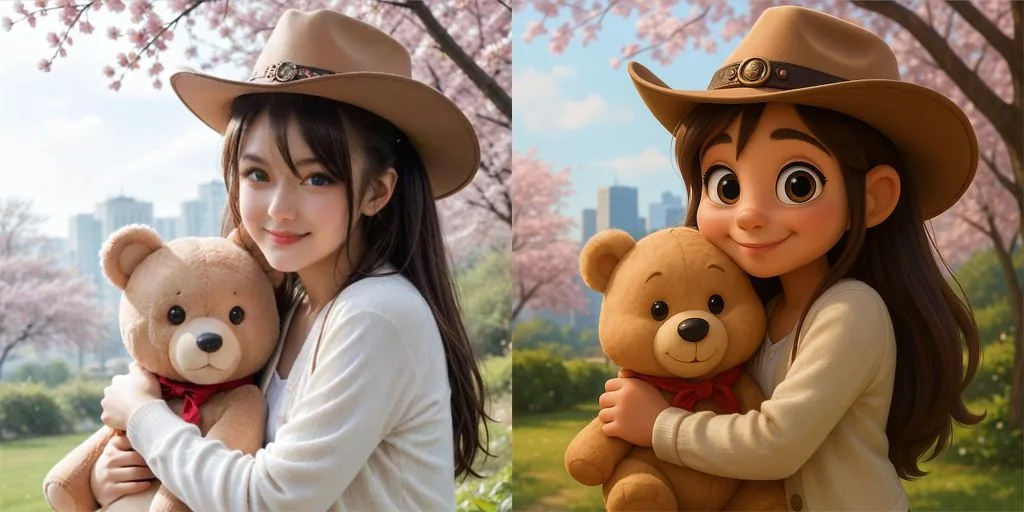
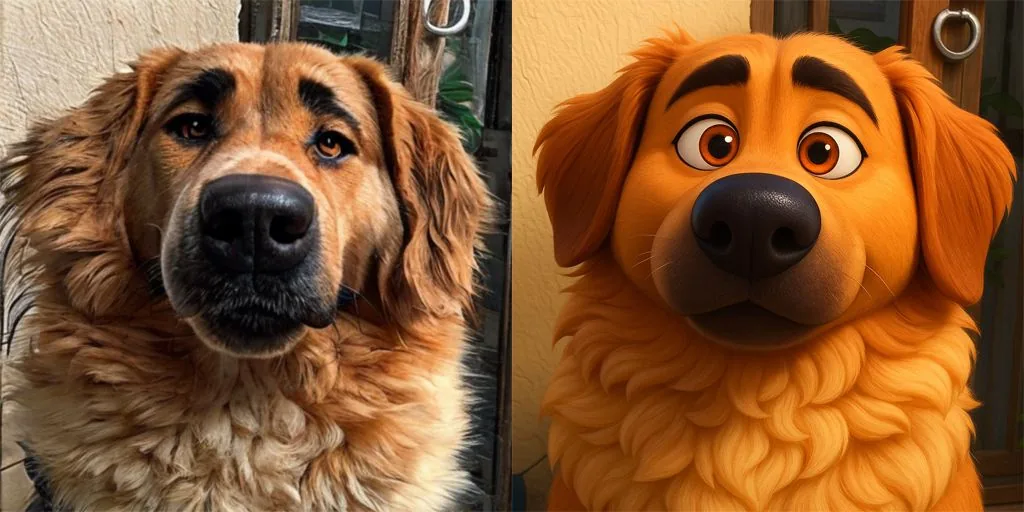
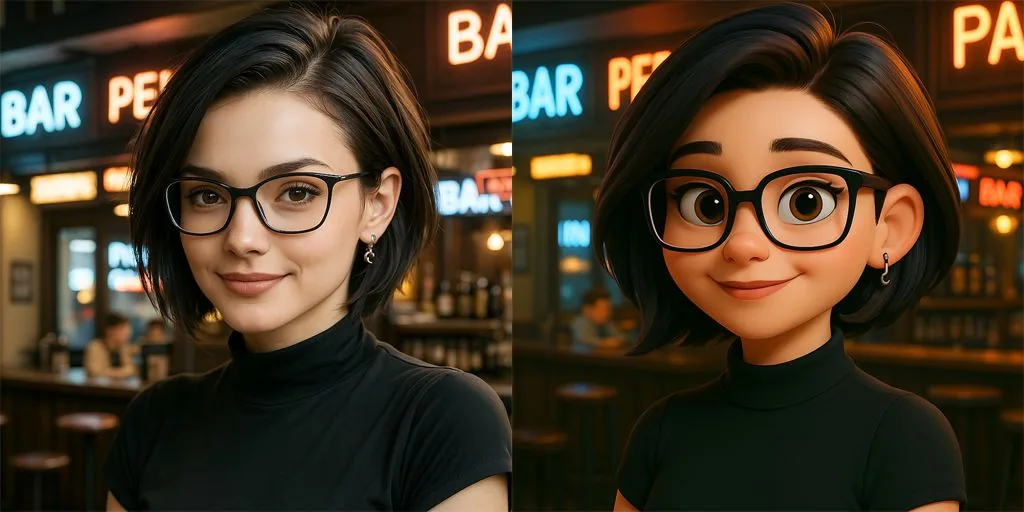
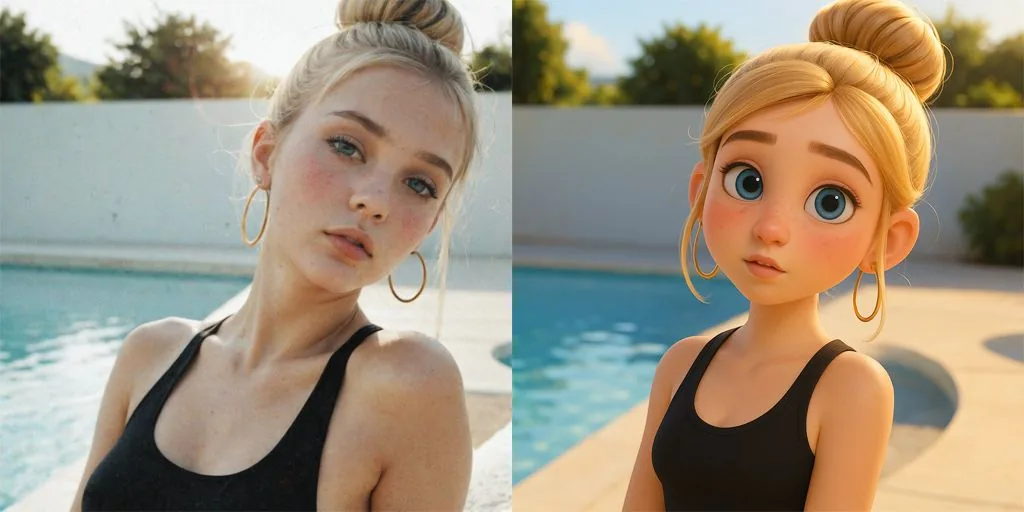
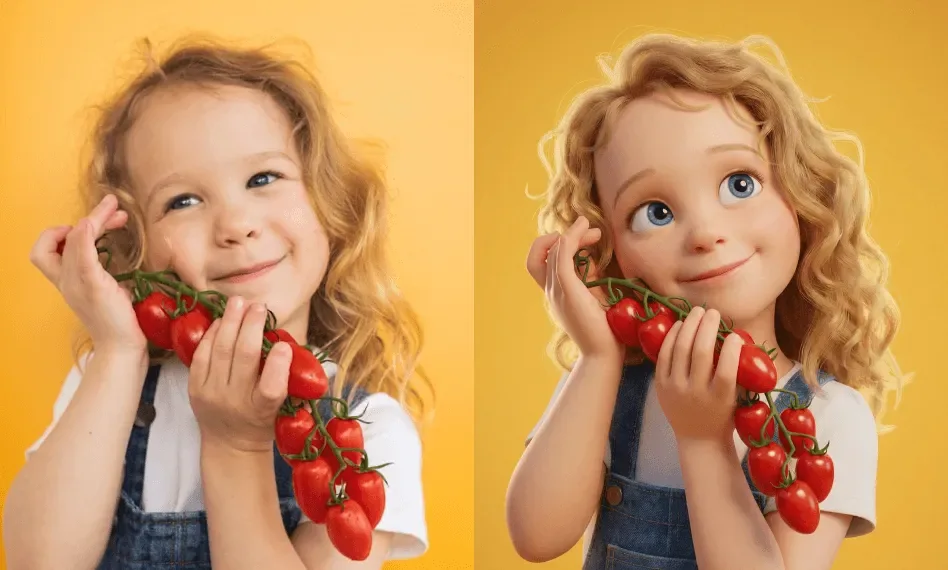
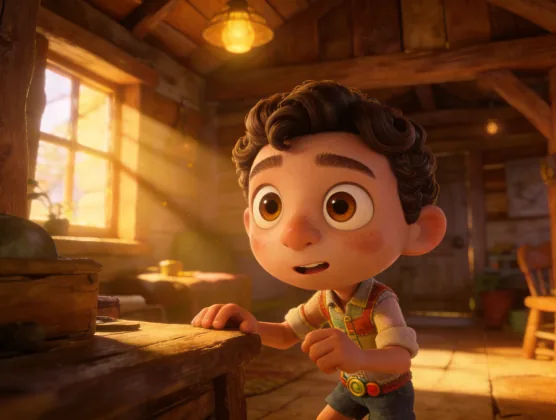
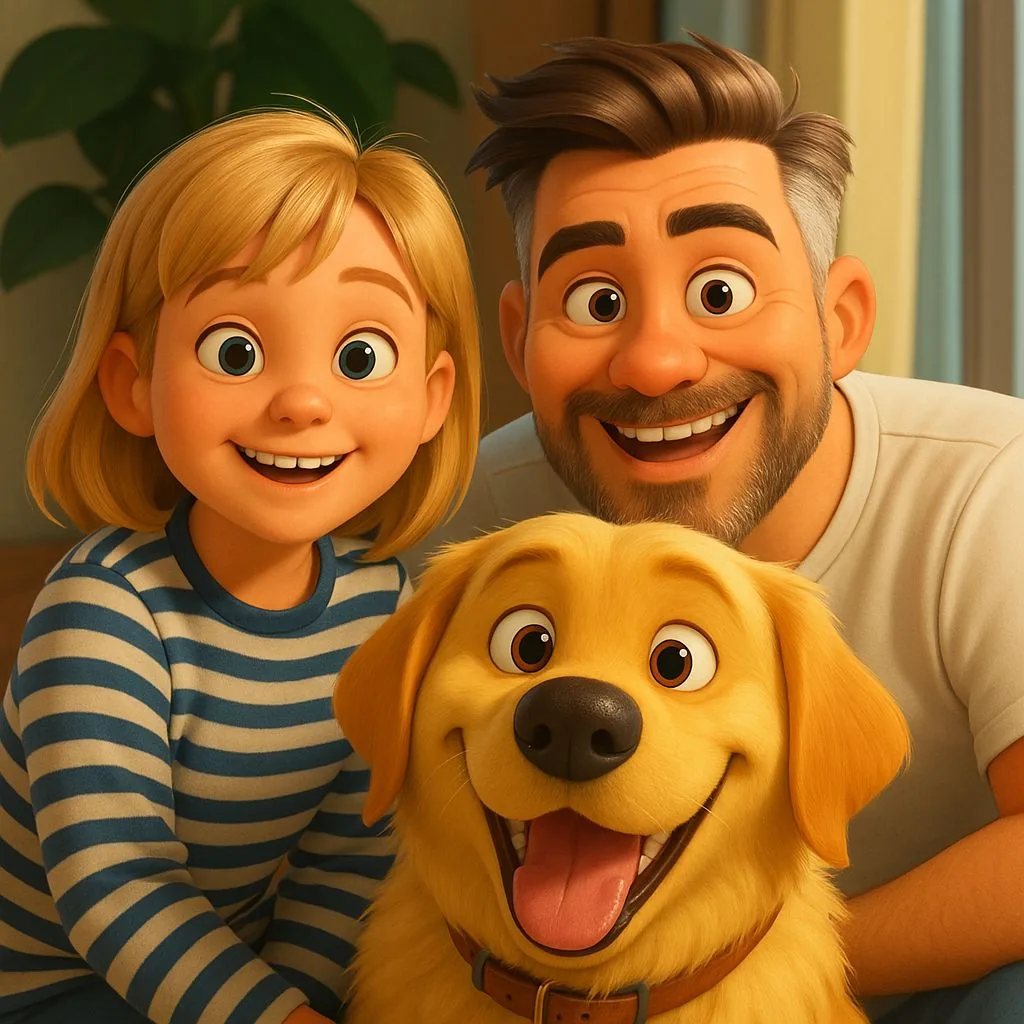
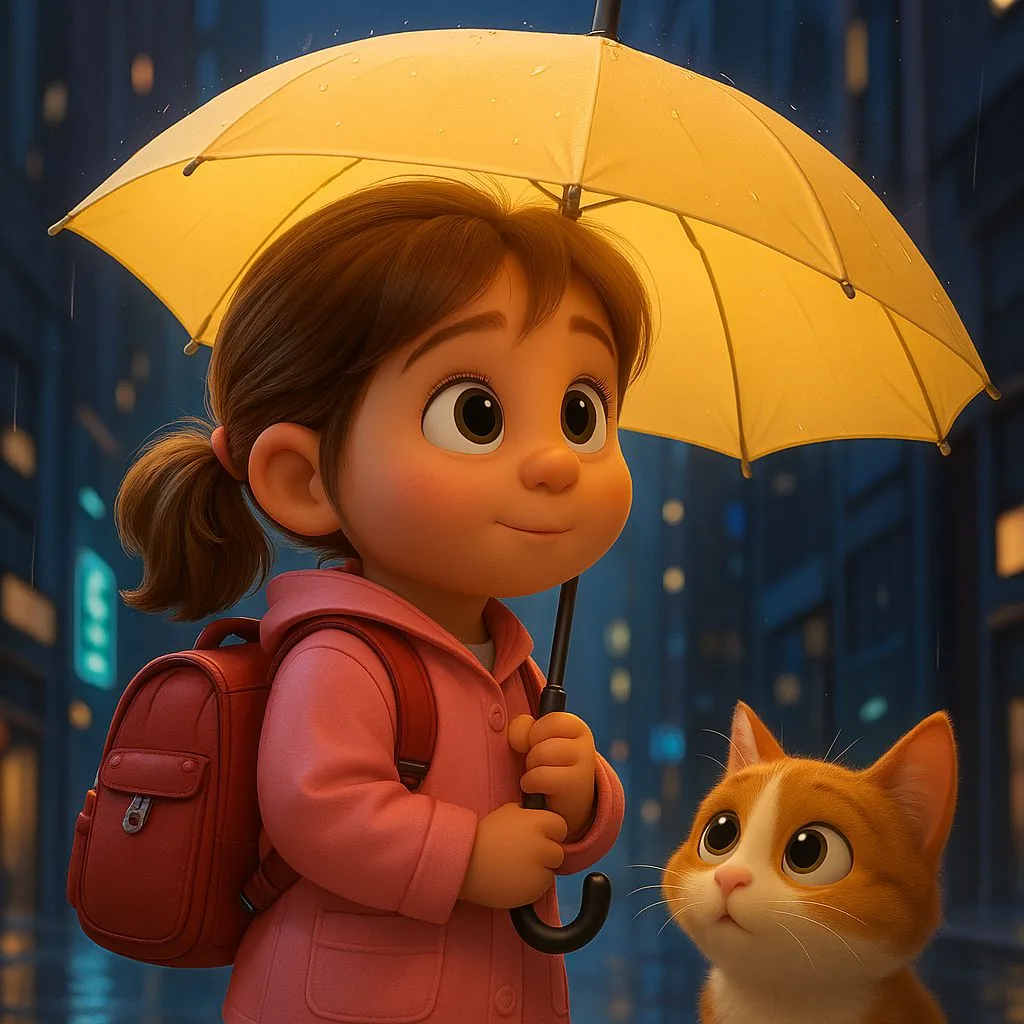
The look this page makes: photos turned into 3D animated movie characters, with the original beside a few of them, plus Pixar-style scenes for ideas.
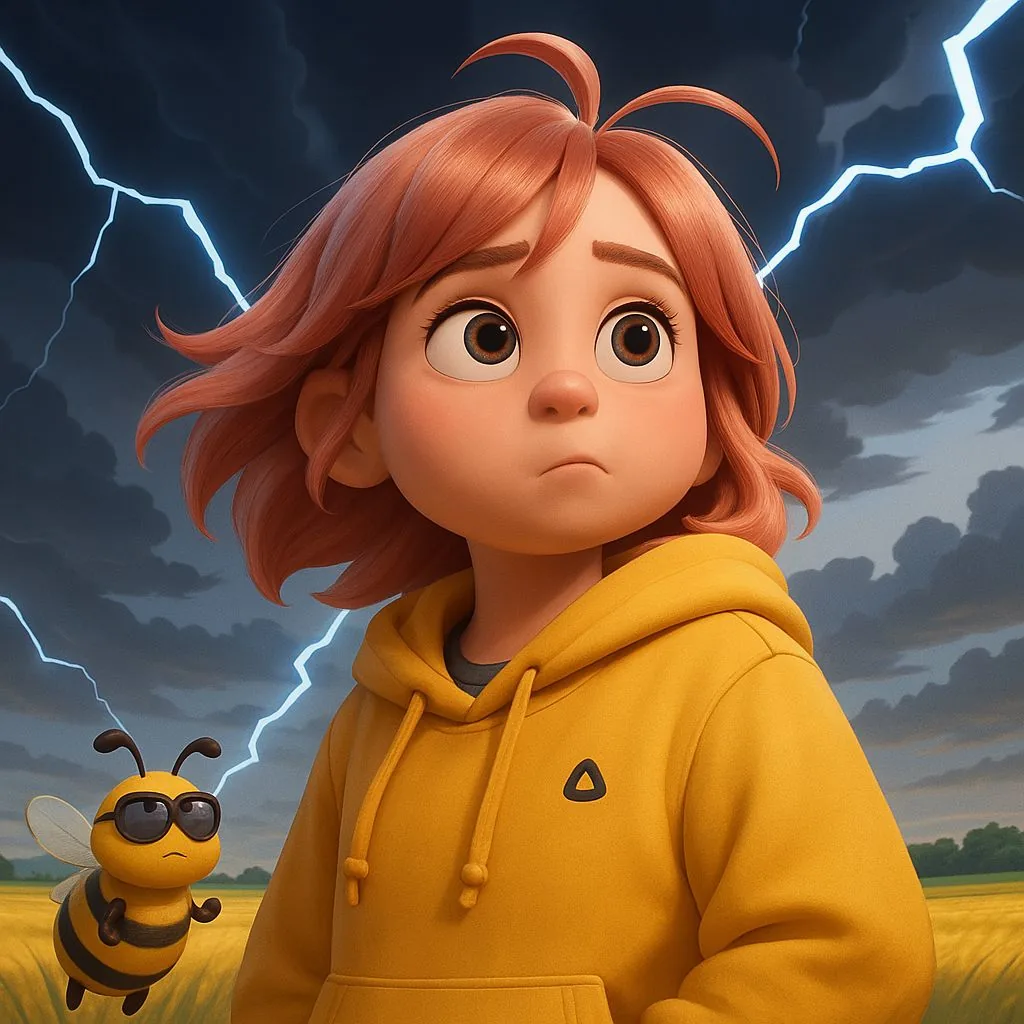
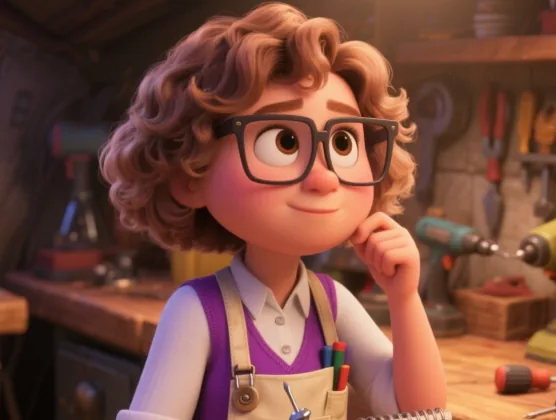
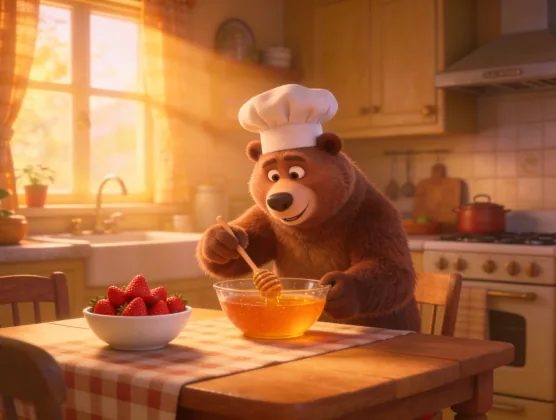
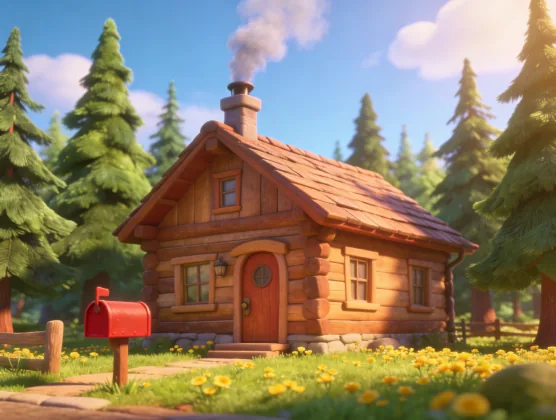
Three ways to go Pixar style
One 3D animated movie look, tuned for who is in the photo. Each keeps faces, fur and outfits recognisable.
Movie hero
You as the lead of a 3D animated film, in soft cinematic light.
Pet character
Your dog, cat or any pet as a lovable 3D movie animal.
Family poster
A couple or family photo as a 3D animated movie poster frame.
How to turn a photo into a Pixar character
- 1
Upload a photo
A clear, well-lit picture works best: a selfie, your pet or a family shot. JPG, PNG, WebP and iPhone HEIC are accepted.
- 2
Pick movie hero, pet or family
Choose the option that matches the photo. The price is on the button before you start.
- 3
Download it, or make it move
The picture is ready in about half a minute. Download it, run it again, or press "Make it move" to turn it into a short animated clip.
Why use this Pixar AI generator
It still looks like you
Photo to Pixar here means your face shape, hairstyle, skin tone, clothes and pose carry over, so the 3D character is recognisably you.
The 3D Pixar style, done properly
Big glossy eyes, soft rounded features, smooth stylised skin and warm rim light: the 3D animated movie look, not a flat cartoon filter.
Pets and families too
A dog keeps its breed and markings; a family keeps everyone in the frame. Each is redrawn together in the same style.
Private, with no watermark
Your photo and the result are saved in your own account and are not published anywhere. Downloads carry no watermark.
Works in the browser
Use the Pixar filter on a phone or a computer. Nothing to install, and iPhone photos upload as they are.
From picture to animation
Make your character move in one click, or take the look further with a full 3D animated story in the same style.
What people make with Pixar style AI
Profile pictures
A 3D animated avatar for Instagram, TikTok, Discord or a work chat.
Pet portraits
Your dog or cat as a movie character, for a poster, a mug or a sticker.
Family and couple gifts
A family photo turned into a 3D animated movie poster for a birthday, an anniversary or the holidays.
Characters for stories
Turn yourself or your kids into a Pixar-style character, then animate it or build a story around it.
Want a whole Pixar-style animated story?
For a single clip, press "Make it move" under your finished picture: it opens the video generator with your character as the first frame. For a full story with the same 3D animated look in every scene, a narrator and music, use the AI 3D cartoon video generator.
AI 3D cartoon video generatorTips for a better Pixar style picture
- Use a sharp photo where the face is not tiny: a head-and-shoulders shot works best for movie hero.
- Soft, even light helps the AI keep skin tone and features right.
- For pets, a photo at eye level where the face is clear gives the cutest result.
- For family poster, pick a photo where every face is reasonably large; very big groups lose detail.
- Not quite right? Run the same photo again: each try is drawn fresh.
Is the Pixar AI generator free?
New accounts get 100 free credits. One Pixar style picture costs 40 credits, so you can make 2 pictures free before paying anything.
After that, credits come in packs or with a plan. The smallest pack is 4000 credits for $49, with no subscription, which covers 100 pictures. Credits are only used when a picture is made, and a failed one is refunded.
Pixar AI FAQ
What is Pixar AI?
People say "Pixar AI" for AI tools that redraw a photo or an idea in the 3D animated movie look Pixar is known for: big expressive eyes, rounded features and soft cinematic lighting. This page is one: upload a photo and get a Pixar-style 3D character back.
Is this an official Pixar or Disney tool?
No. ToonBee AI is an independent AI image and video generator, not affiliated with or endorsed by Pixar or Disney. "Pixar style" describes the look; the AI does not copy their characters, logos or films.
How do I turn myself into a Pixar character?
Upload a clear photo at the top of this page, keep "Movie hero" selected and press the button. In about half a minute you get the same photo as a 3D animated movie character, ready to download.
Is this Pixar AI generator free?
You can try it free: new accounts get 100 credits, enough for 2 pictures at 40 credits each. After that you buy credits or a plan. There is no watermark on free or paid results.
Can I turn my dog or cat into a Pixar-style character?
Yes. Pick "Pet character": the AI keeps the breed, markings and colours and gives your pet big expressive eyes and soft stylised fur, like an animal from an animated film.
Does it work for couples and family photos?
Yes. "Family poster" redraws everyone in the photo, pets included, together in the same 3D style. A photo where each face is reasonably large gives the best result.
Can I pick a specific movie character to become?
No. The tool makes you an original character in a 3D animated movie look. It does not turn photos into existing Pixar or Disney characters.
Can I turn my Pixar-style picture into a video?
Yes. Press "Make it move" next to the finished picture. It opens the video generator with your character as the first frame; describe the motion and generate a short clip. That step is charged as a video: the 40-credit price covers the picture only, and the video's credits are shown on the button before you start.
Can I make a full Pixar-style animated story?
Yes, with the AI 3D cartoon video generator: type a story idea or paste a script and it renders every scene in a 3D animated movie look, with the same characters throughout, a narrator and music.
Is my photo kept private?
Your upload and your picture are stored in your own account and are not shown in the public gallery. You can delete them from your files at any time.
See yourself in Pixar style
Upload a photo and get a 3D animated movie character back in under a minute.
Upload a photoRelated tools
Other pages that open the same studio, set up for a different kind of video.
- AI 3D Cartoon Video GeneratorPixar-style 3D cartoon videos from a story or a script.
- Photo to CartoonTurn a photo into a cartoon picture in 3D, 2D, comic or chibi style.
- Video to CartoonUpload a short clip and get it back as a cartoon or anime.
- AI Character GeneratorGenerate a full-body 3D, cartoon or fantasy character, then make it move.
- AI Animation GeneratorShort animated clips, or a still image brought to life.
- My Talking Pet AIMake your pet talk: a photo and a line become a video.