
GPT Image 2.5 Generator & Photo Editor Online
GPT Image 2.5 is the image model OpenAI released on September 8, 2026, as two API models, Flare and Sunburst. The box below runs Flare: type a prompt to draw a picture, or add a photo and describe the change to edit it. Legible text, dense layouts and edits that leave the rest of the picture alone, at 1K, 2K or 4K.
One picture per run. Pictures stay private in your account, with no watermark. A picture the model declines costs nothing.
ToonBee AI runs GPT Image 2.5 through fal’s API. This is not ChatGPT, and ToonBee AI is not affiliated with OpenAI.
GPT Image 2.5 examples, with their prompts
Eight unrelated briefs, all made on GPT Image 2.5 Flare at high quality. Open a prompt and send it to the box to try it yourself.
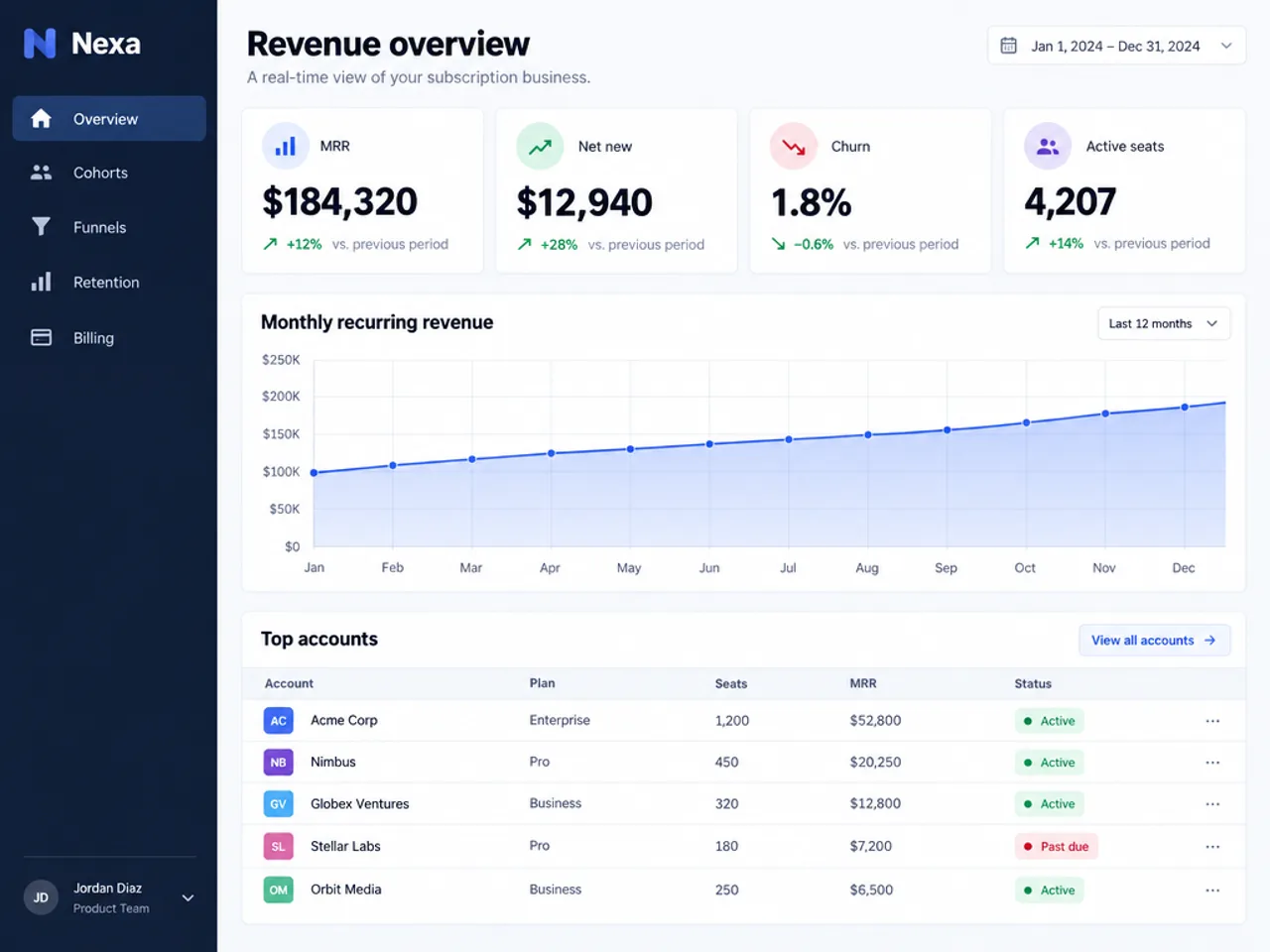
Interface design
A full SaaS dashboard with every label, figure and table heading spelled right.
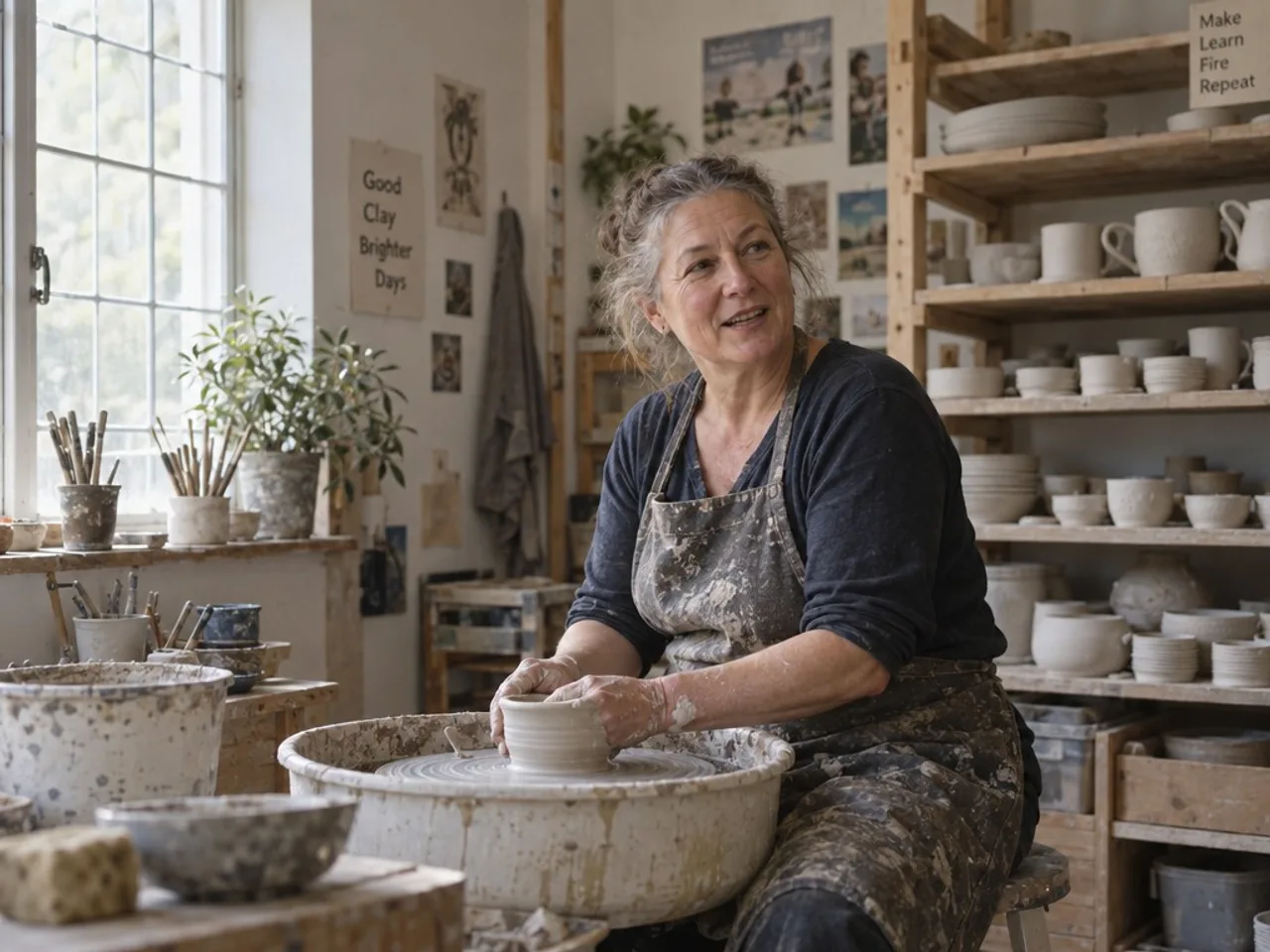
Portraiture
A candid environmental portrait with real skin texture and film-like colour.
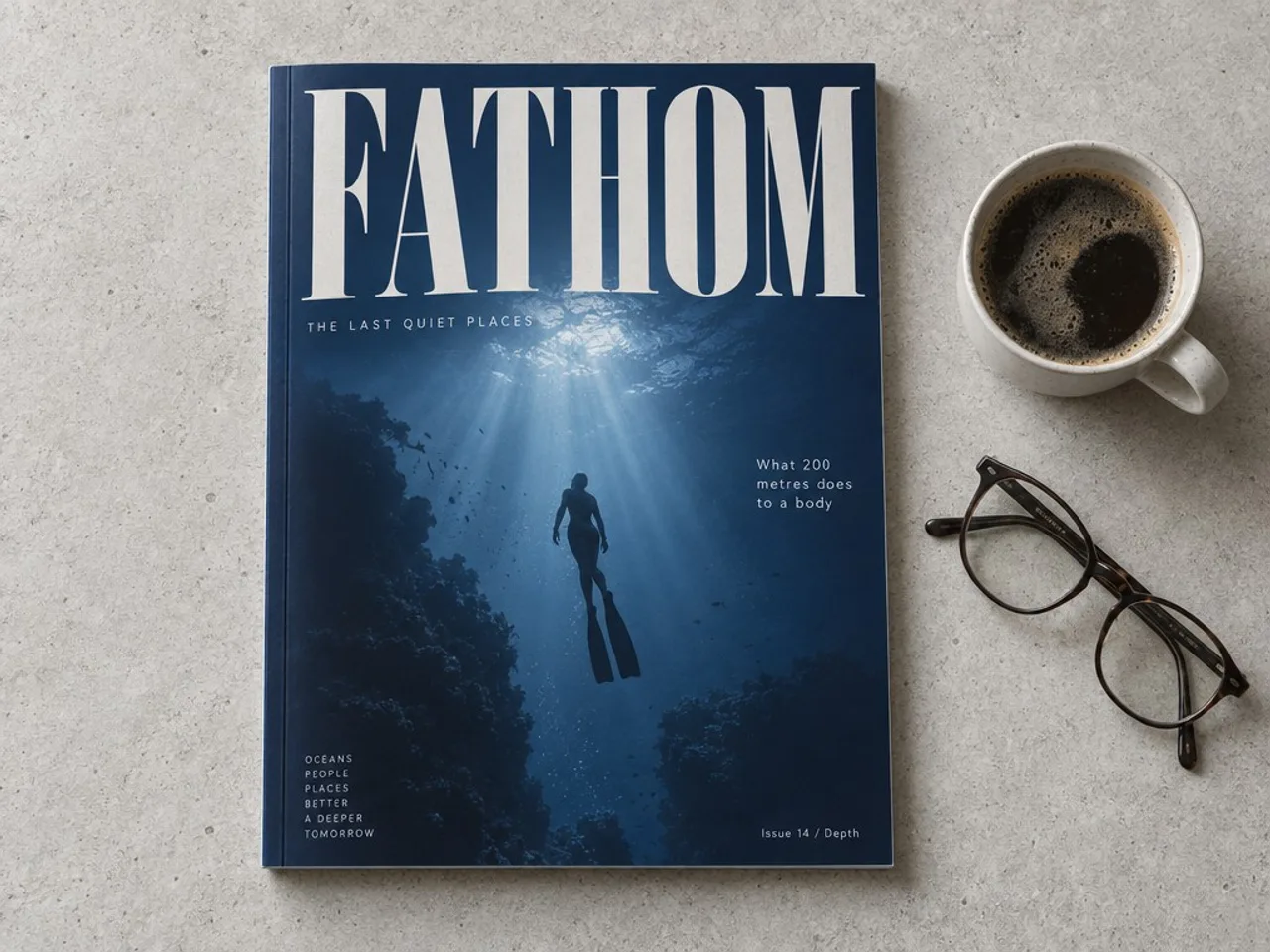
Magazine cover
An overhead shot of a printed cover: masthead, photo and cover lines all legible.
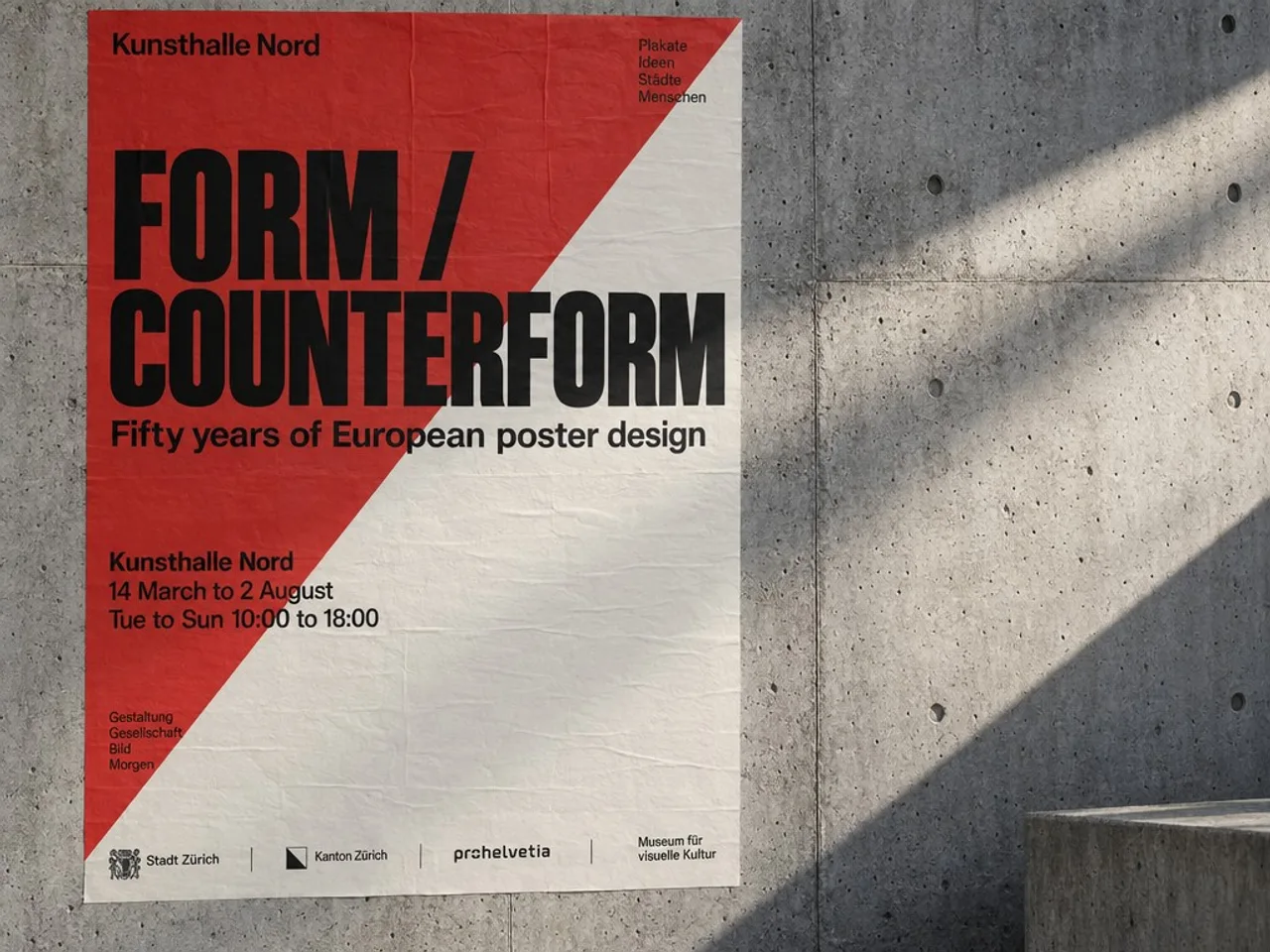
Poster design
A Swiss-style exhibition poster in raking light, with a full venue block.
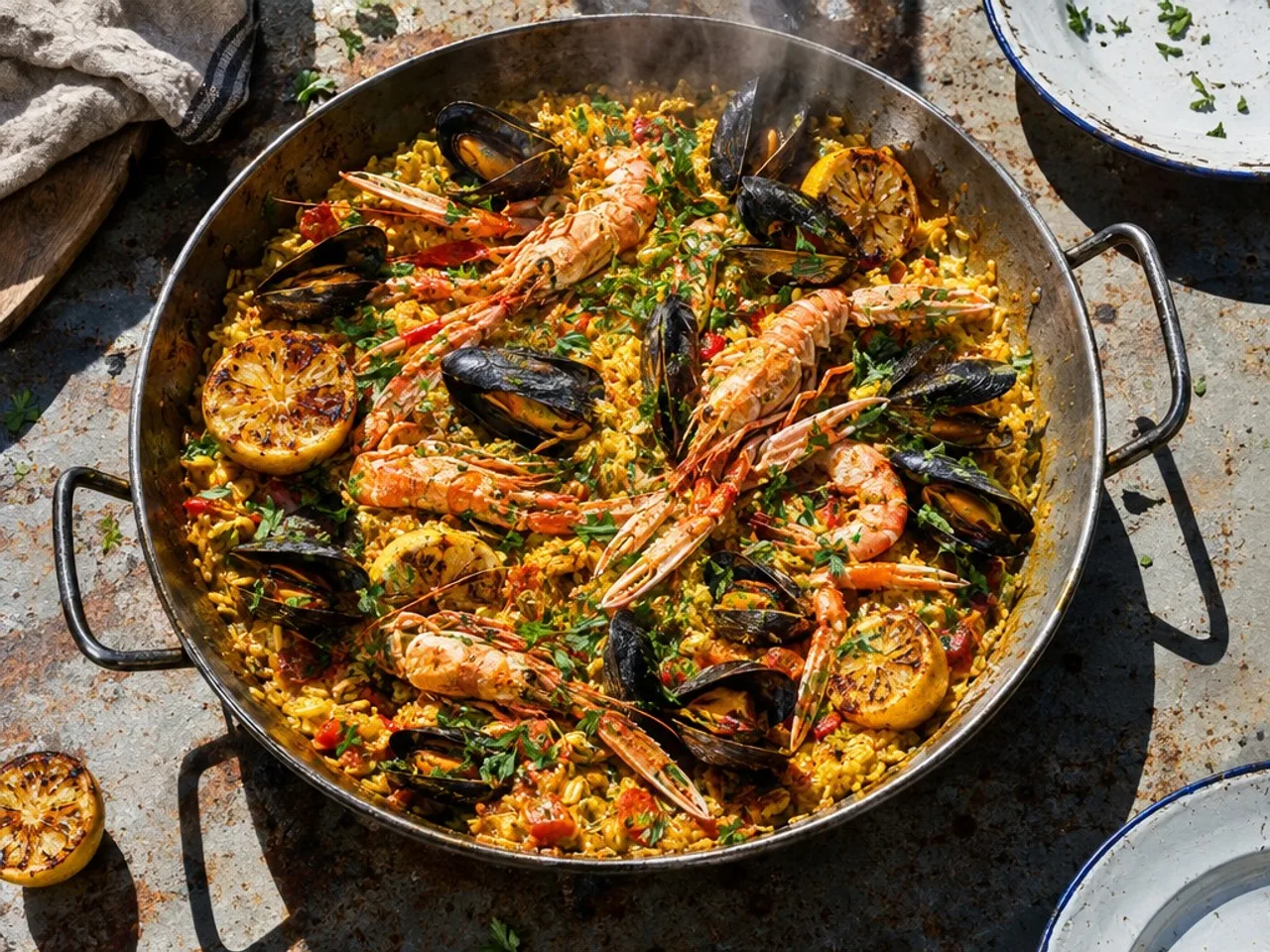
Food photography
A saffron seafood rice in hard midday sun, steam and all.
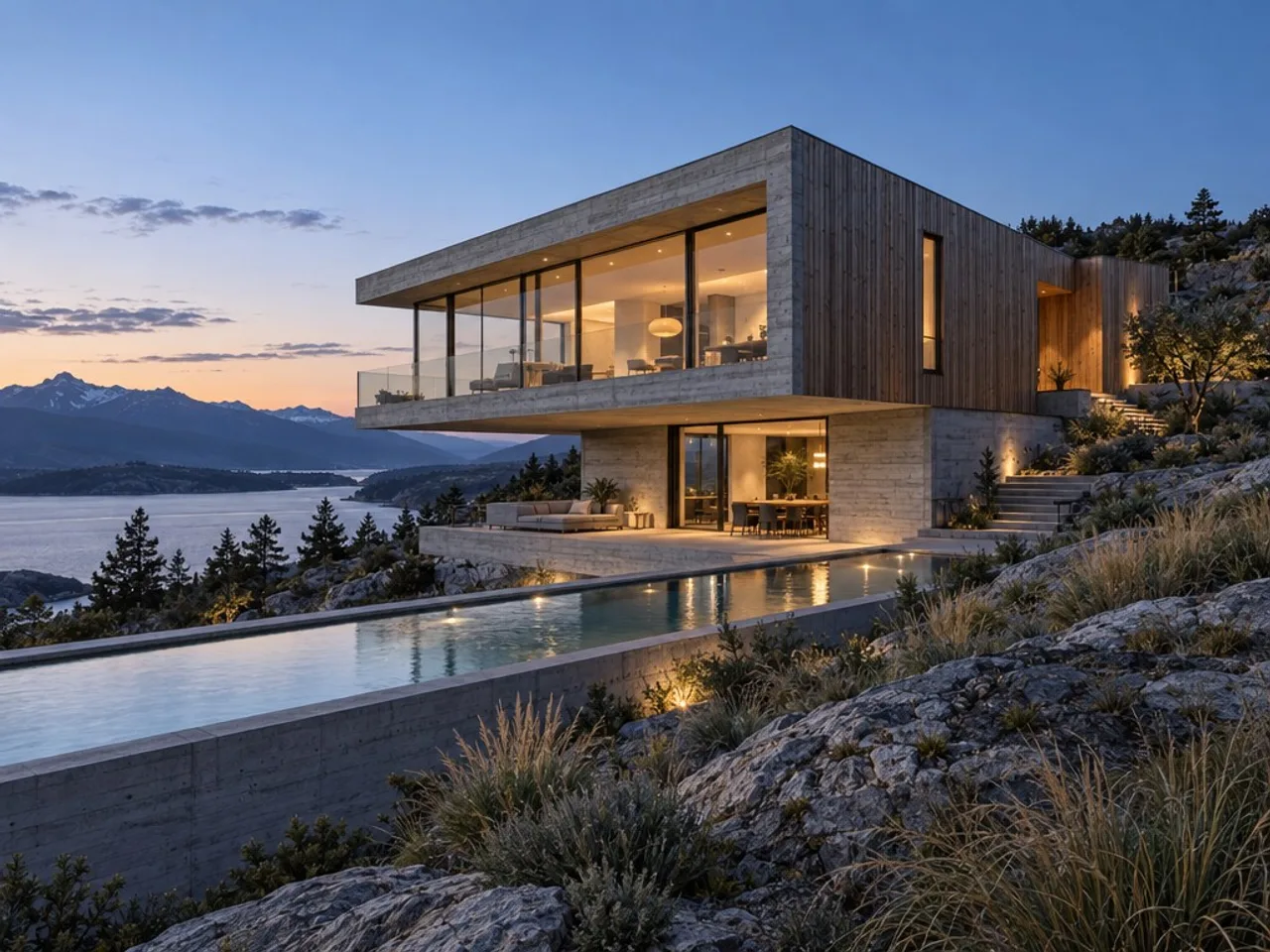
Architectural visualisation
A concrete and timber house at dusk, with the materials readable.
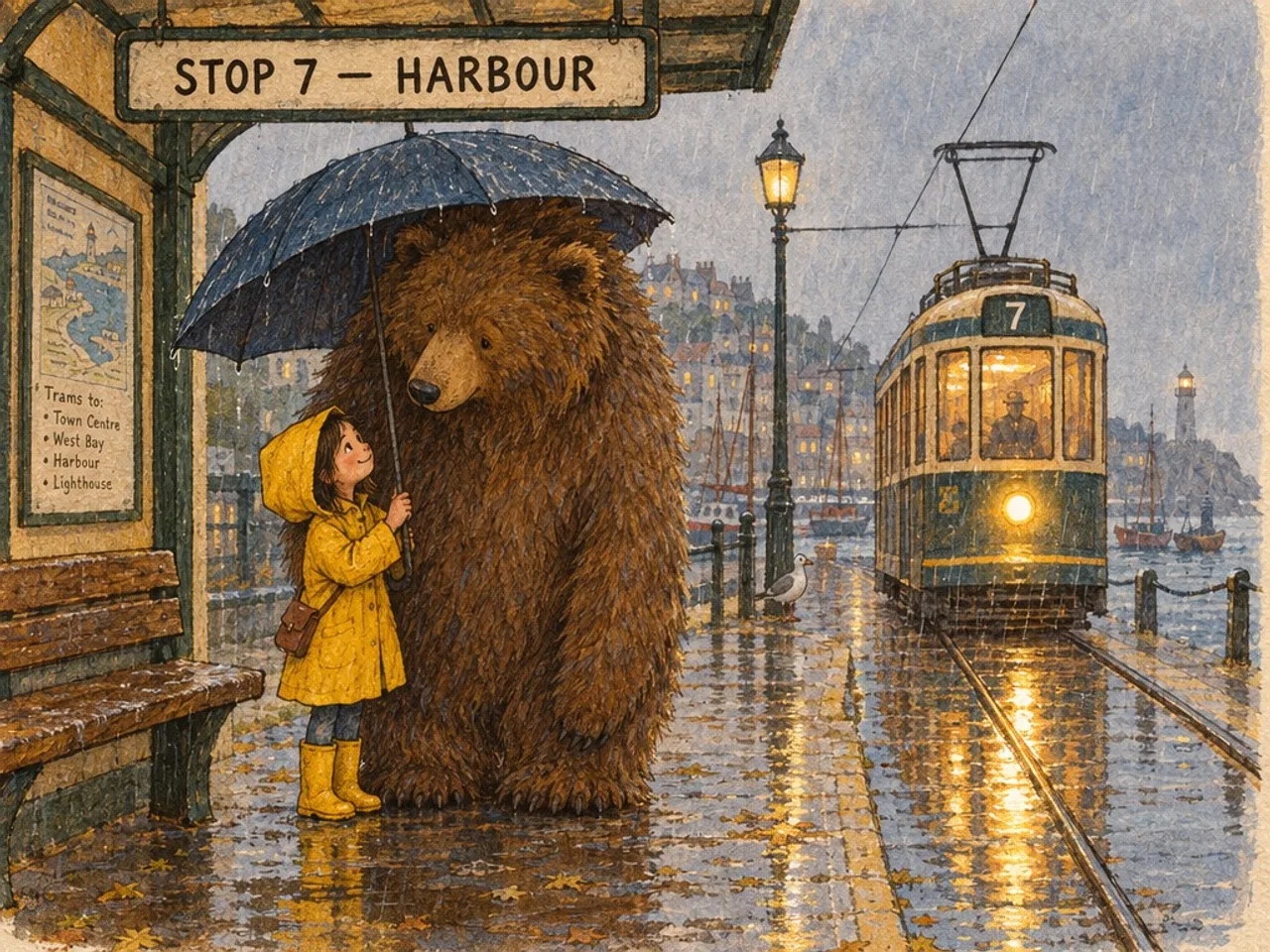
Children’s book illustration
Gouache and coloured pencil, with a hand-lettered sign the model got right.
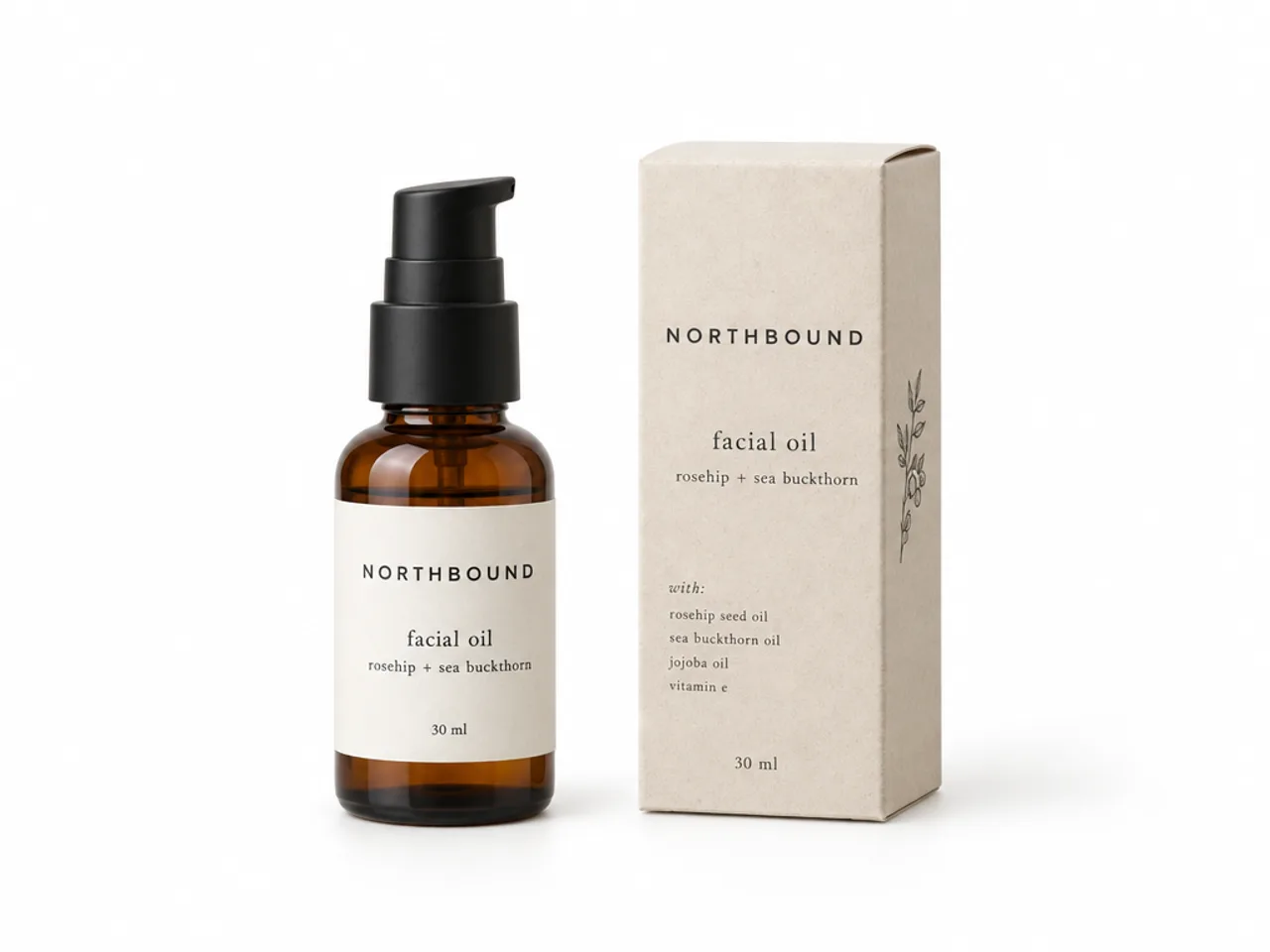
Product photo
A catalogue-ready bottle and carton, the label text legible on both.
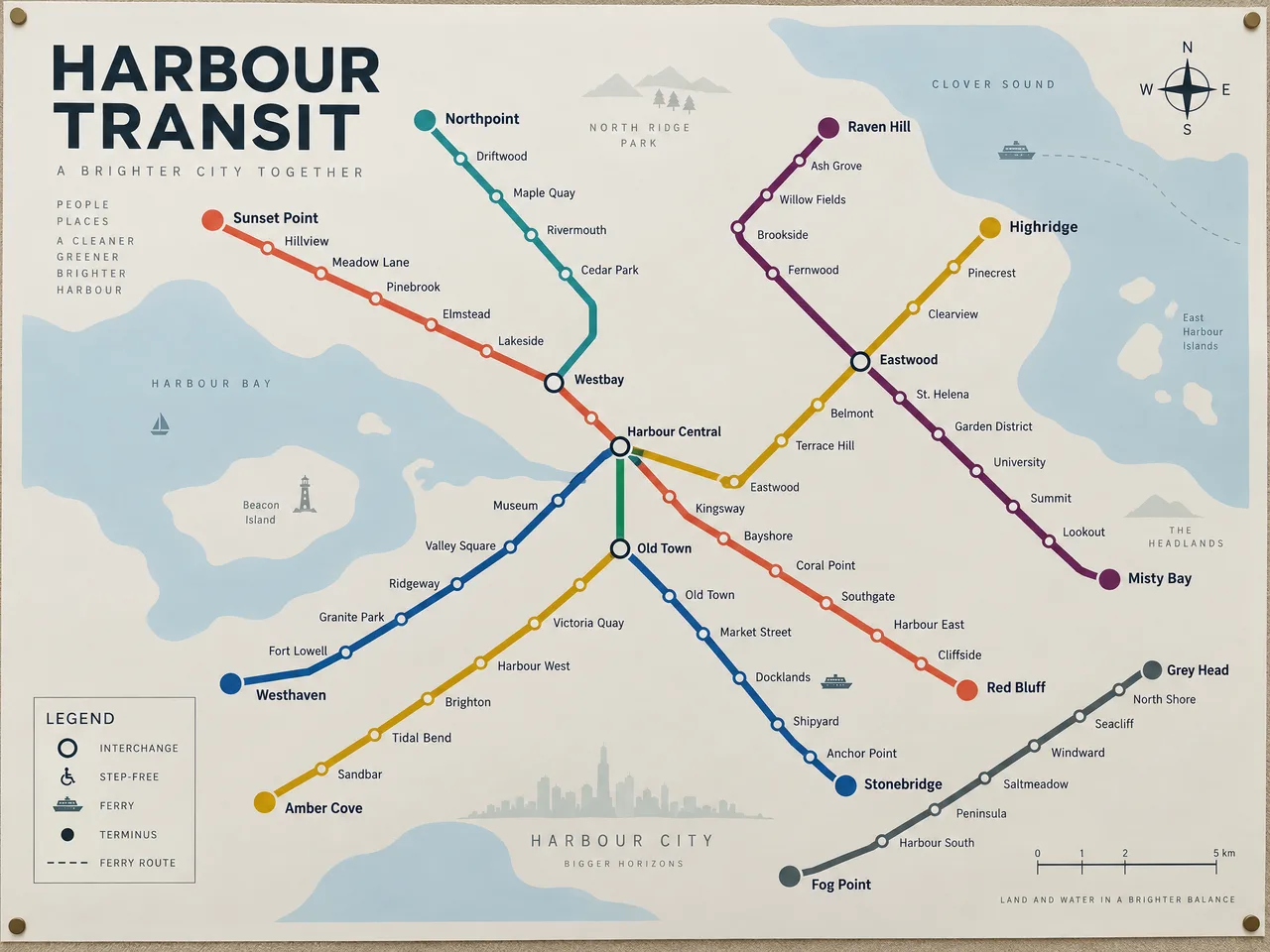
A whole map in one pass
Six colour-coded routes, every station named, a legend, a compass and a scale bar: the kind of dense, text-heavy layout GPT Image 2.5 is built for.
Three edits in a row, one thing changed each time
Each picture is the one before it sent back to GPT Image 2.5 with a new instruction. The sofa, the rug and the framing hold while the upholstery, the artwork and the time of day change in turn. Add a photo in the box above to edit your own the same way.
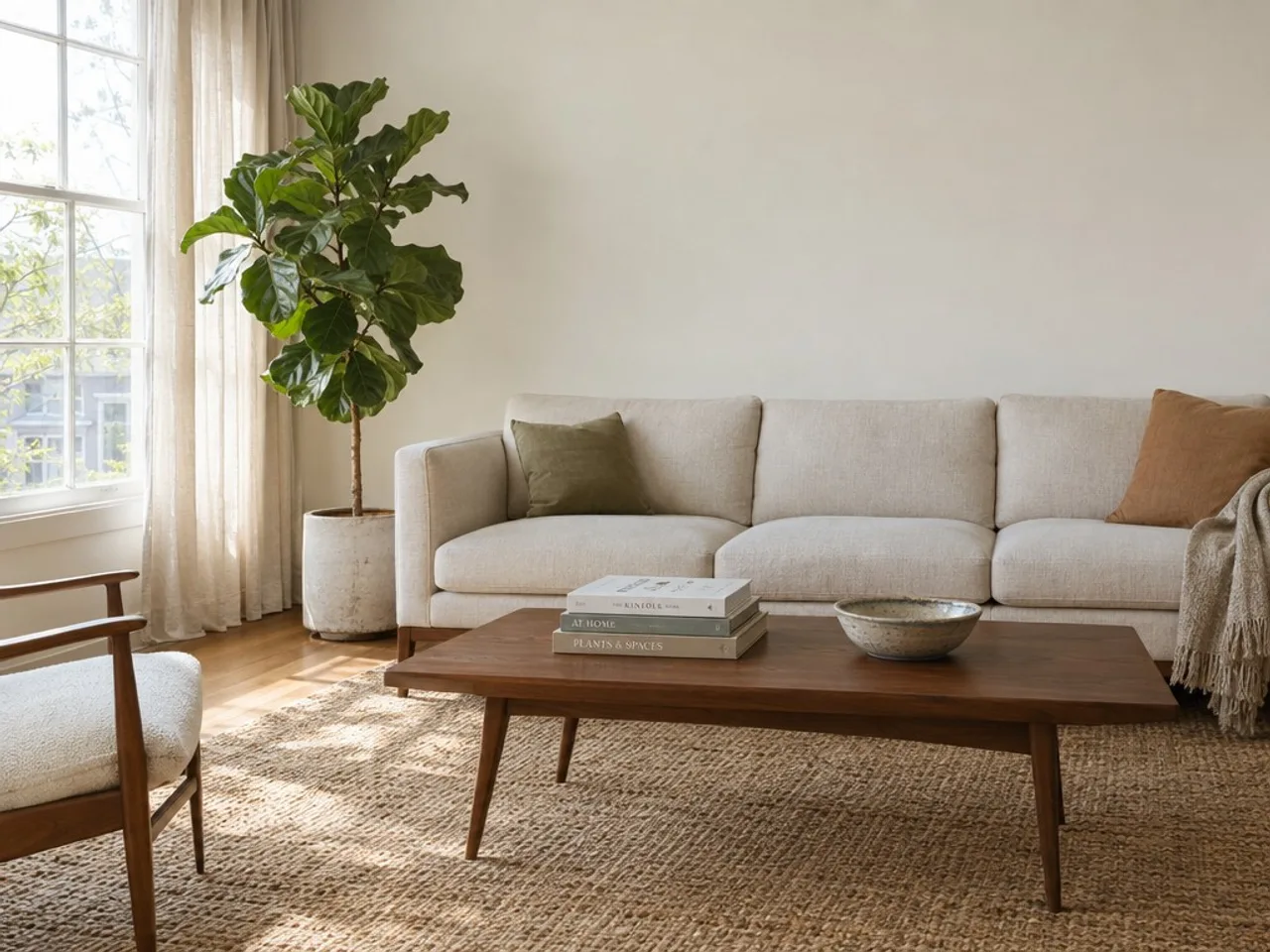
Start
A living room drawn from a text prompt.
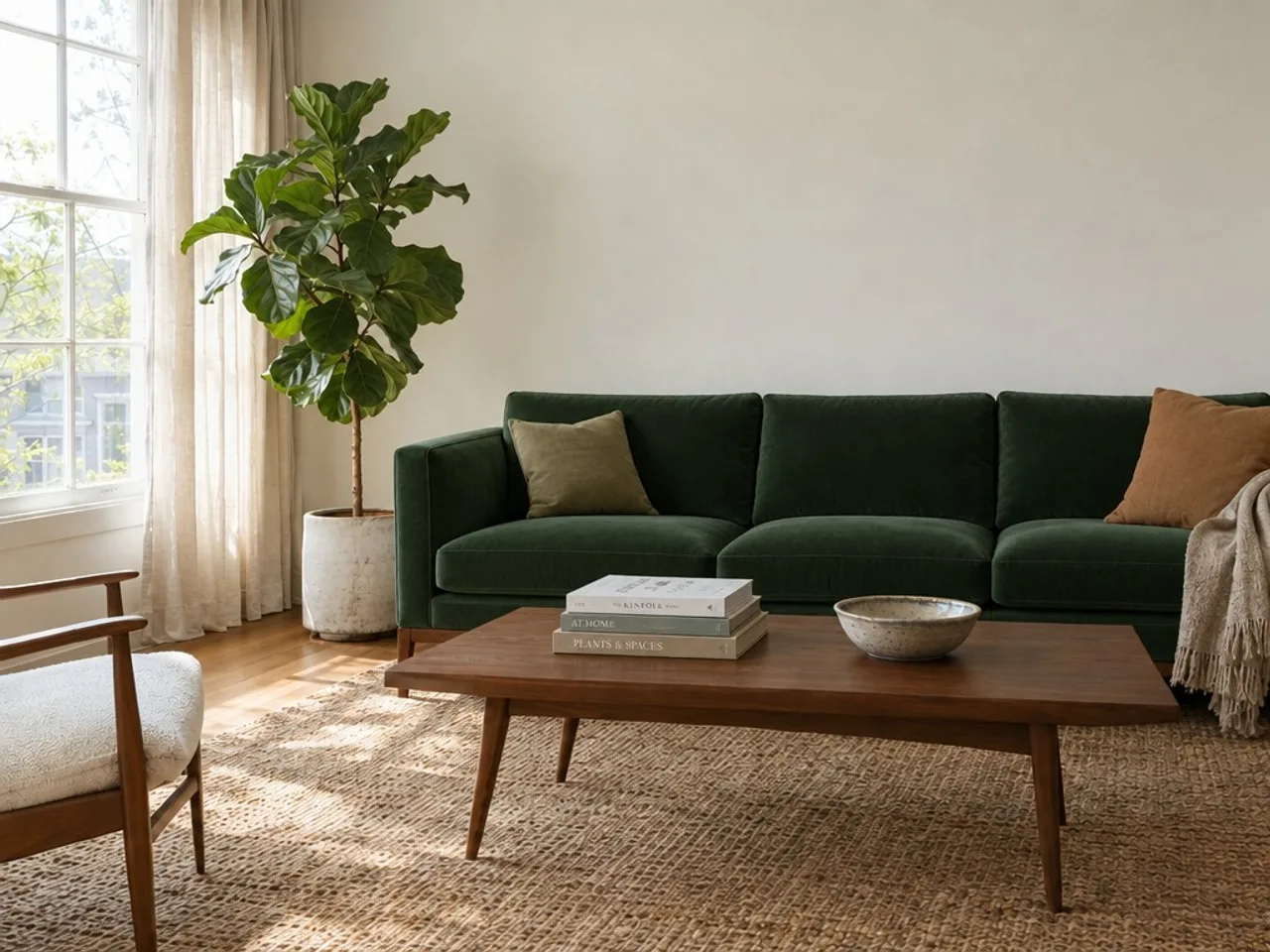
Edit 1
Reupholster the sofa in a deep forest green velvet. Change nothing else in the room.
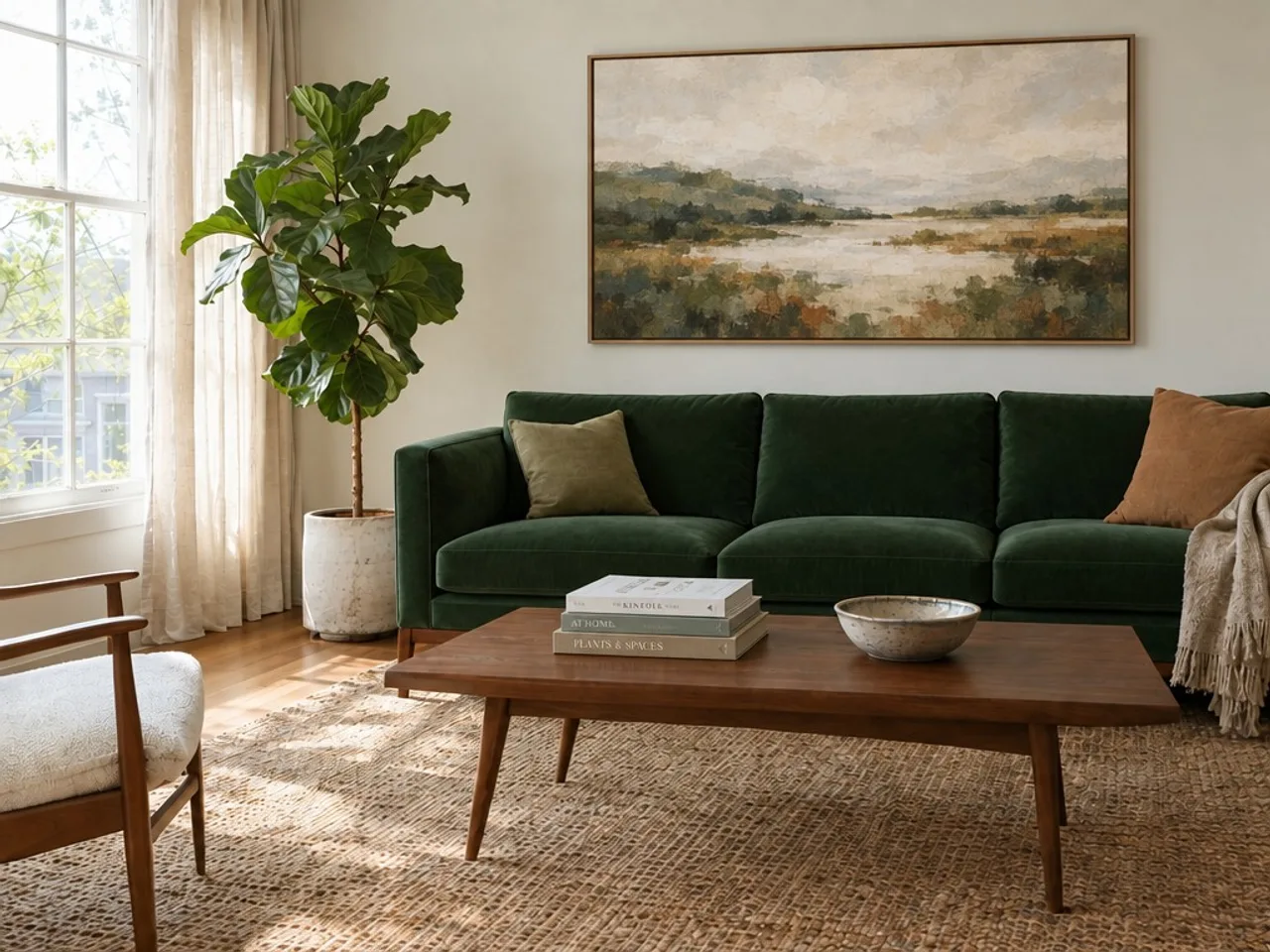
Edit 2
Hang a large framed abstract landscape print on the bare wall above the sofa. Leave the rest of the room exactly as it is.
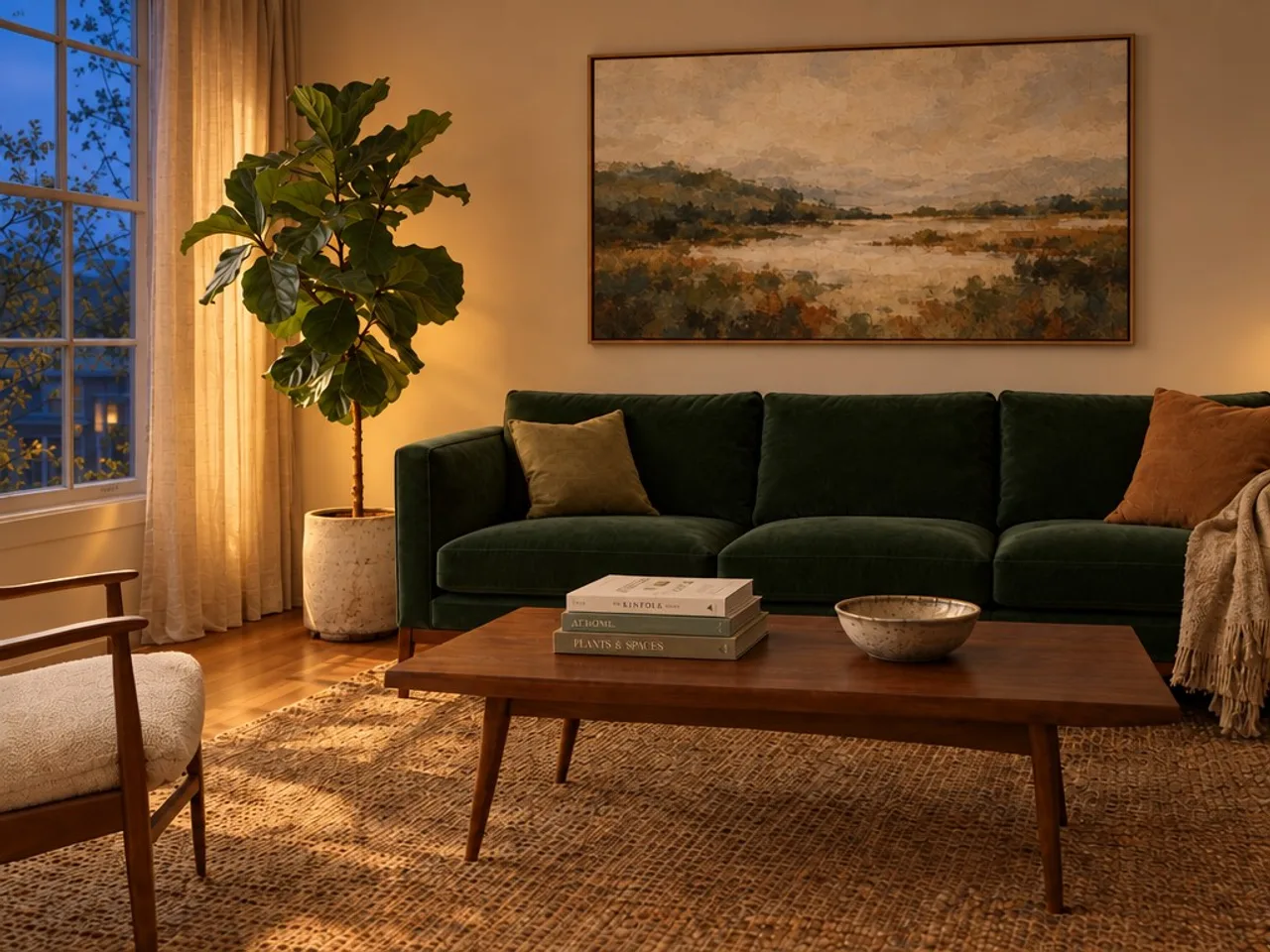
Edit 3
Change the time of day to evening: warm lamplight inside, blue dusk through the window. Keep the furniture, the artwork and the layout identical.
GPT Image 2.5 vs GPT Image 2: what changed
GPT Image 2.5 is an update, not a new family: same kind of prompts, same kind of edits. Here is what is different, and what each one costs in ToonBee AI, where both models are in the generator.
| GPT Image 2 | GPT Image 2.5 | |
|---|---|---|
| API models | One | Two: Flare (fast) and Sunburst (detail) |
| Quality levels | Low, medium, high | Low, medium, high, plus xhigh and max |
| Speed | — | Flare: about 50% lower latency than GPT Image 2, by OpenAI’s count |
| Editing | Edits from a reference | Changes only what you ask, and holds the scene over repeated edits (OpenAI) |
| Largest picture here | 3840 × 3840 | 3840 × 2160 (2.5 caps a picture at about 8.3 million pixels) |
| Price here, 1K | 27 credits medium, 106 high | 7 credits medium, 27 high |
Model features are from OpenAI and fal (September 8, 2026). ToonBee AI runs Flare at low, medium and high; xhigh, max and Sunburst are not in the box.
In plain terms: GPT Image 2.5 draws text, labels and busy layouts more reliably, and when you edit a picture it touches less of what you did not ask about. It is also cheaper per picture on fal than GPT Image 2 at the same quality, which is why a high-quality GPT Image 2.5 picture costs here what a medium GPT Image 2 one did.
GPT Image 2 is still in ToonBee AI’s image generator if a workflow is built around it, including its 3840 × 3840 square at 4K.
GPT Image 2.5 Flare vs Sunburst
Flare: the default
The model fal and OpenAI point most work at: higher quality than GPT Image 2 at roughly half the wait. This is the one the box runs.
Sunburst: the detail model
Built for work that will be viewed large, with extra fidelity on intricate detail and the tightest control over repeated edits, in exchange for longer generation times. Same API, and on fal the same price.
For posters, product shots, illustrations and edits at up to 4K, Flare is the one to start with. ToonBee AI does not offer Sunburst.
How to use GPT Image 2.5 online
- 1
Write the prompt
Say what is in the picture, the style and the light. Put any words that should appear in quotes, exactly as they should read.
- 2
Add a photo to edit, if you have one
With a photo, describe the change instead and end with ‘change nothing else’. The shape follows your photo.
- 3
Pick quality and size, then generate
The price is on the button before you start. The picture appears in the box in about 15 to 40 seconds, ready to download or to turn into a video.
What people make with GPT Image 2.5
Posters, covers and thumbnails
Headlines, dates and cover lines spelled the way you wrote them.
Product and e-commerce shots
Clean catalogue photos with the label text intact.
UI mockups and infographics
Dashboards, maps and diagrams with readable small type.
Illustrations and characters
Storybook scenes and character art, which can go on to move in a video or star in a story.
GPT Image 2.5 prompt tips
- Write in sentences, like a brief to a designer: subject, setting, framing, light, then style.
- Quote every word that should be in the picture, e.g. a sign reading ‘STOP 7 — HARBOUR’. Short text comes out most reliably.
- Name the layout for dense pictures: ‘four stat tiles across the top, a chart below, a five-row table’.
- For an edit, change one thing per run and say what must stay: ‘Change nothing else in the room.’
- Start at medium to try ideas cheaply, then run the keeper at high or at 2K and 4K.
GPT Image 2.5 pricing and free credits
Each picture is priced by size and quality, and the price is on the button before you start. New accounts get 100 free credits: 3 high-quality pictures at 1K, or more at medium. Editing a photo costs the same as drawing one.
| Size | Low | Medium | High |
|---|---|---|---|
| 1K | 3 credits | 7 credits | 27 credits |
| 2K | 4 credits | 8 credits | 28 credits |
| 4K | 6 credits | 13 credits | 51 credits |
More credits come in packs and plans; the smallest pack is 4,000 credits for $49, about 148 high-quality 1K pictures. Credits also work for videos and story videos.
GPT Image 2.5 FAQ
What is GPT Image 2.5?
GPT Image 2.5 is OpenAI’s image generation and editing model, released on September 8, 2026, and the one behind ChatGPT Images 2.5. In the API it comes as two models: Flare, the fast default, and Sunburst, slower and more detailed. ToonBee AI runs Flare through fal.
Is GPT Image 2.5 out, and can I use it here?
Yes. It has been available in the API since September 8, 2026. The box on this page runs it in your browser: no API key and no code, just a free ToonBee AI account.
Is GPT Image 2.5 free?
Not unlimited, anywhere: every picture costs the model maker something. Here, new accounts get 100 free credits, enough for 3 high-quality pictures at 1K or more at medium. After that a picture costs 3 to 51 credits by size and quality.
What is the difference between GPT Image 2.5 and GPT Image 2?
GPT Image 2.5 is better at text and dense layouts, edits more precisely, and Flare is about twice as fast, by OpenAI’s figures. It adds xhigh and max quality in the API. It is also cheaper: here a 1K picture at high quality is 27 credits on GPT Image 2.5 and 106 on GPT Image 2.
GPT Image 2.5 Flare or Sunburst: which should I use?
Flare for almost everything: it is the default, it is fast, and it costs the same as Sunburst on fal. Sunburst is for large, highly detailed pictures and long chains of edits, at the cost of a longer wait. The box here runs Flare.
Can GPT Image 2.5 edit my photo?
Yes. Add a photo in the box, describe the change, and GPT Image 2.5 returns the same photo with that change, keeping the rest as it was. The model can take up to 16 reference pictures and a mask in the API; the box takes one photo.
What resolution does GPT Image 2.5 support?
Up to 3840 pixels on the long edge and about 8.3 million pixels in all, so 3840 × 2160 at 16:9. The box offers 1K, 2K and 4K in seven shapes, from 9:16 to 16:9.
How long does a picture take?
In our tests, about 15 seconds for a 1K picture at medium quality and about 40 seconds at high quality and 2K or 4K.
Does GPT Image 2.5 do transparent backgrounds?
The model can return a real transparent background through the API. The box on this page does not offer that option yet; it returns an opaque PNG.
Why was my picture declined?
OpenAI’s safety system screens every prompt and photo, and sometimes declines harmless ones. A declined picture costs no credits. Rewording the prompt plainly usually helps.
Is this ChatGPT or an OpenAI product?
No. ToonBee AI is an independent site that runs GPT Image 2.5 through fal’s API, next to video and story video tools. It is not affiliated with OpenAI, and you do not need a ChatGPT plan.
Can I turn a GPT Image 2.5 picture into a video?
Yes. Under a finished picture, Make it move opens the video generator with it as the first frame. The video is priced separately, before you start.
Try GPT Image 2.5 now
Write a prompt or add a photo, and see the price before you generate.
Open the generatorRelated tools
Other pages that open the same studio, set up for a different kind of video.
- OC MakerCreate an original character from a style and a few traits, or at random.
- AI Character GeneratorGenerate a full-body 3D, cartoon or fantasy character, then make it move.
- Photo to CartoonTurn a photo into a cartoon picture in 3D, 2D, comic or chibi style.
- Pixar Style AITurn a selfie, a pet or a family photo into a Pixar-style 3D character.
- Halloween WallpaperFree cute cartoon Halloween wallpapers, or make your own.
- AI ModelsEvery video and image model, with lengths and prices.
- AI Animation GeneratorShort animated clips, or a still image brought to life.
- Pika AI Video Generator GuidePika AI explained, priced and compared with ToonBee AI.