
Watercolor Animation: Turn Any Story into a Hand-Painted Video with AI
Type what happens, or paste your script. The AI writes or splits the script for free, paints every scene in soft watercolor, keeps your characters the same from scene to scene, animates the scenes you pick and adds a narrator, so you get a finished watercolor video without painting a single frame.
- Every scene painted in watercolor
- Script written for free
- Narrated in 17 languages
- A 15-second video fits the free sign-up credits
Your characters
Optional. Upload up to 4 pictures (a drawing, a toy, a pet, a person) to star in the film.
Sexually explicit (NSFW) content is strictly prohibited.
What is a watercolor animation?
A watercolor animation (or watercolour animation) is a video that looks painted by hand: soft washes of color that bleed into each other, pigment pooling at the edges, the white of the paper showing through. It is the look of picture books, gentle hand-painted animated films and those calm “painted” Reels and Shorts, and it makes a story feel warm, quiet and a little nostalgic. Bedtime stories, fairy tales, poems, memories and slow travel or nature videos suit it best.
Painting one by hand means painting every frame, or every background, on paper. An AI watercolor animation generator skips that: ToonBee AI writes the script from your idea (or uses yours), paints each scene in watercolor to match what the narrator says, keeps the same characters throughout, makes the scenes you choose move, and puts it together with the narration, captions and music.
How it turns a story into a watercolor video
- You type the story, who it is for and the length, or switch to Paste a script and paste your own words.
- The AI writes the script and splits it into scenes. You read and edit every line for free.
- It paints each scene in watercolor, the same characters in every scene, and records a narrator.
- You review the scenes, repaint any you do not like, choose which ones move, turn on captions and download the video.
Watercolor animation examples
Soft washes, wet edges and paper-white light, with slow, gentle movement: a walk under cherry blossoms, a village in autumn, a café in the rain. This is the look the watercolor animation generator paints your story in.
A walk under the cherry blossoms
The wandering swordsman
Autumn comes to the village
A cat asleep in the sun
A café on a rainy night
A boat on a misty lake
Dandelions at dusk
A lakeshore painting itself
Watercolor videos people make with it
Watercolor suits stories that should feel calm and handmade. Say what happens and who is watching, and keep each scene to one moment.
Bedtime stories and picture books
Read-aloud stories for little ones, painted like the books on their shelf, with a soft narrator and no loud colors.
Fairy tales, fables and poems
Classic tales, moral stories and poems read over watercolor scenes, for a channel, a class or a gift.
Calm Shorts and Reels
Slow, painterly videos about seasons, small moments and quiet places, in 9:16 for Shorts, Reels and TikTok or 16:9 up to 15 minutes.
Memories and personal stories
How you met, a trip, a grandparent’s life or a pet’s story, told gently as a watercolor cartoon for an anniversary, a wedding or a farewell.
Book trailers and author videos
A short watercolor trailer for a children’s book, novel or poetry collection, in a look that matches a painted cover.
Gentle brand and nonprofit stories
A founder’s story, a cause or a product’s origin told in watercolor, when a glossy ad would feel wrong.
The watercolor look, and other hand-painted styles
The generator opens on Watercolor Painting: loose washes, soft blooms and drips, warm light and lots of paper white, so people, animals, rooms and landscapes all come out painted. Children’s book illustration and the two hand-painted fantasy looks are close cousins with a lusher, animated-film feel; Chinese ink, Impressionism and oil painting are there for a different brush. 68 looks in all, one tap away.
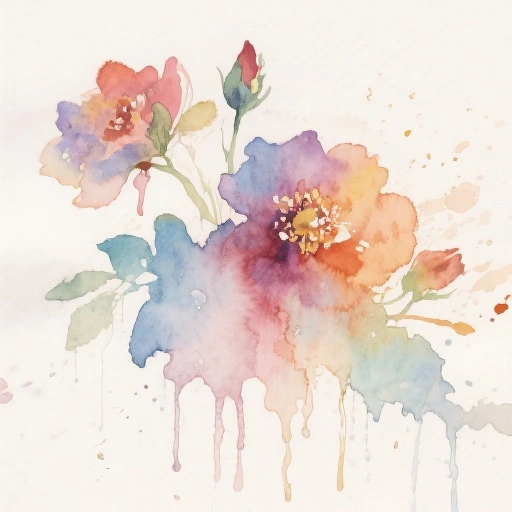 Watercolor Painting
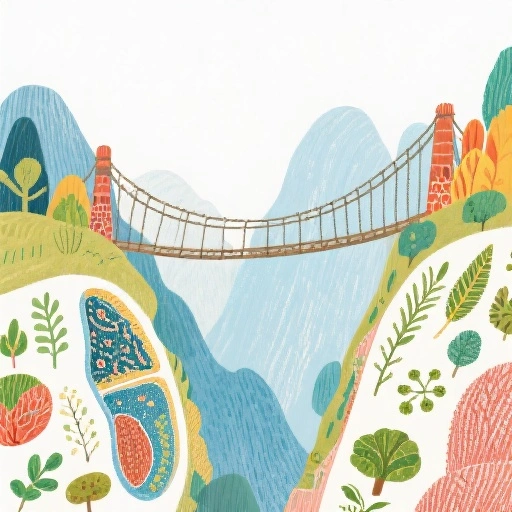 Children's Book Illustration
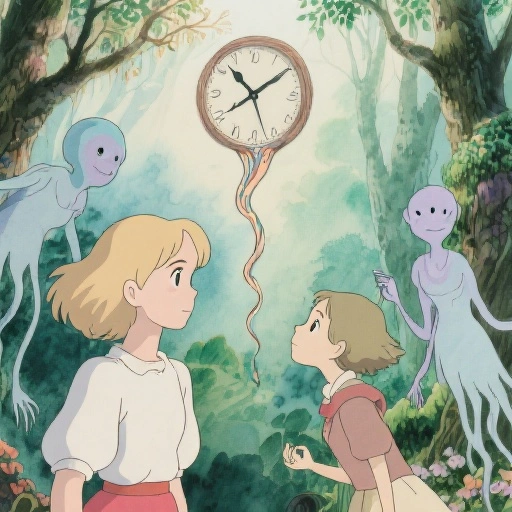 Hand-Painted Fantasy Surrealism
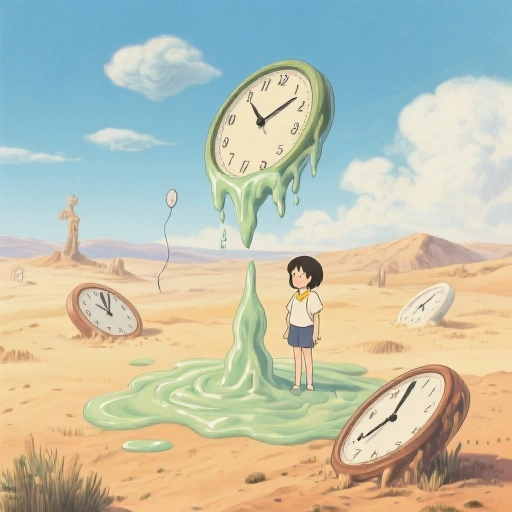 Hand-Painted Surrealism
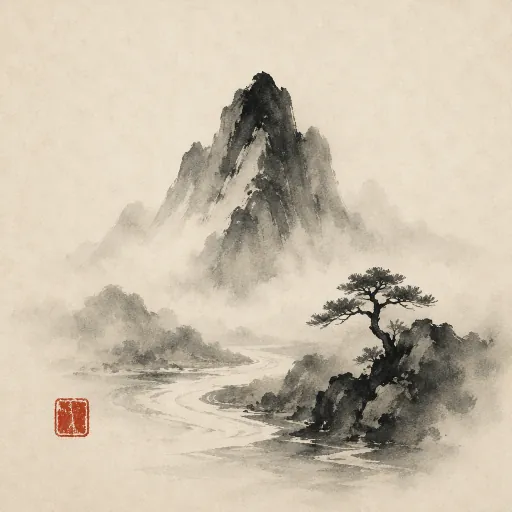 Chinese Ink Painting
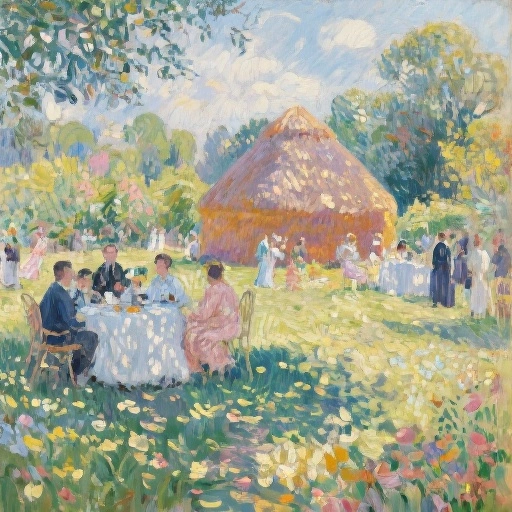 Impressionism
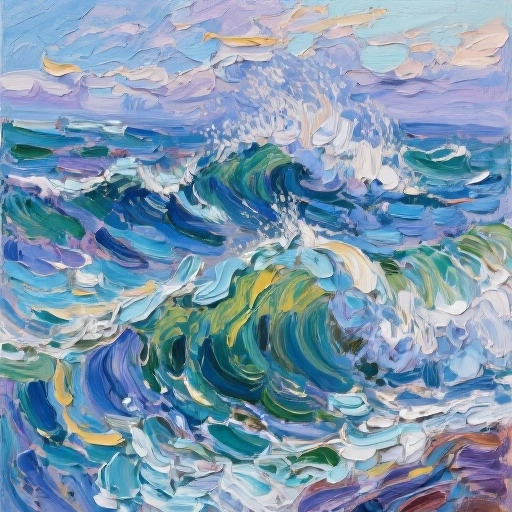 Oil Painting
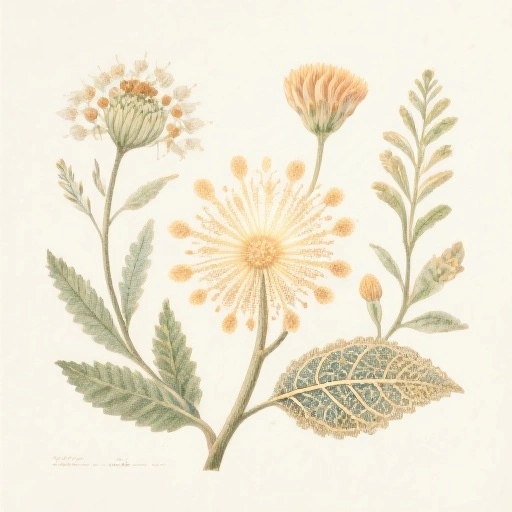 Botanical Illustration
Making a picture book or a bedtime story? AI storybook maker · Bedtime stories · Animate your own painting
A watercolor story template
Watercolor videos that work move slowly: one quiet moment per scene, a little wonder, a soft ending. Paste a script in this shape, or ask the AI to write one in it. Around 130 narrated words make a minute.
- 1
The opening image · 0–8 s
“At the edge of the meadow, where the lanterns float at dusk, lived a girl named Mia.” A wide, calm scene that sets the place.
- 2
The small wish · 8–20 s
Who the character is and what they want: Mia wants to know where the lanterns go.
- 3
The gentle journey · 20–45 s
The meadow, the river, the old oak tree. One place per scene, each one a painting worth pausing on.
- 4
The wonder · 45–55 s
The moment that makes it special: the lanterns gather above Grandma’s cottage, lighting the way home.
- 5
The soft ending · 55–60 s
“And every night after that, Mia left the window open.” A last line to fall asleep on.
How to make a watercolor animation with AI
- 1
Type the story or paste your script
“A 1-minute watercolor story about a fox who is afraid of the dark” is enough. Or switch to Paste a script and paste your own words; the generator splits them into scenes.
- 2
Read the script, for free
The AI writes it in seconds at no cost. Change a line, rename the characters, soften the ending.
- 3
Keep Watercolor Painting and set the cast
The generator opens on Watercolor Painting. Up to 3 characters stay the same in every scene; give each one a detail to recognize them by, like a yellow raincoat, a red scarf or a straw hat.
- 4
Animate, narrate and download
Pick a narrator in one of 17 languages, choose which scenes move, turn on captions, add music and download the watercolor animation.
A watercolor animation generator that does the painting
Watercolor, every scene
Soft washes, blooms and paper texture in every picture, from a close-up of a fox to a whole seaside town, so the video looks like one painted book.
Scenes that gently move
Pick the scenes to animate and the characters walk, the wind moves the grass and the light shifts, in short clips that keep the watercolor texture (5 credits a second). The other scenes drift slowly.
The same characters throughout
Up to 3 characters are designed once and painted the same way in every scene, so the girl in the yellow raincoat is still her in the last scene.
Narrated in your language
Narration in 17 languages, including English, Spanish, French, Arabic, Hindi and Portuguese, with calm voices for bedtime. No microphone, no recording.
Short or long, wide or tall
From 15 seconds to 15 minutes, in 16:9 for YouTube or 9:16 for Shorts, Reels and TikTok, with music and optional captions. No watermark.
Repaint any scene
Not happy with one picture? Repaint that scene for 15 credits instead of starting over.
Is there a free watercolor animation generator?
Writing the script is free. A new account also gets 100 free credits, and the generator opens on 15 seconds so they cover a first watercolor video: 2 painted scenes and a narrator come to about 32 credits.
Longer videos use credits from a plan or a credit pack. A one-minute watercolor animation is about 127 credits with still scenes and a narrator, or about 447 with every scene animated (60 seconds of narration). You can animate only the key moments and leave the rest still.
Plans start at $39 a month for 5,000 credits, about 39 minutes of watercolor video with still scenes. Each step shows its cost before you confirm, and failed animations refund their credits automatically.
Good to know before you start
- Each scene appears already painted. There is no brush stroke or spreading-paint effect that paints the picture in on screen.
- It paints new scenes from your story. It does not turn your own photo or video into watercolor; to bring a painting you already made to life, use Animate Drawing.
- One narrator tells the whole story. The characters do not speak in their own voices and there is no lip sync.
- Scenes carry no painted words: titles, signs and speech bubbles are not drawn in; turn on captions to put the narration on screen. A video keeps up to 3 AI-designed characters and up to 5 of your own pictures fixed across its scenes.
Watercolor animation FAQ
Can AI make a watercolor animation?
Yes. Give ToonBee AI a story or paste a script, keep the Watercolor Painting style, and it writes the script, paints every scene in watercolor, animates the scenes you choose, adds a narrator and puts it together as one video.
Is there a free watercolor animation generator?
Writing and editing the script is free, and a new account gets 100 free credits: enough for a 15-second watercolor video with 2 still scenes and a narrator (about 32 credits). Animated scenes and longer videos use paid credits, and each step shows its cost first.
Do the watercolor scenes actually move?
In the scenes you choose to animate, yes: each becomes a short clip where characters walk, hair and grass move in the wind and the light changes, while the paint texture stays. It costs 5 credits a second of clip. Scenes you leave still drift slowly behind the narration.
Can it make a Ghibli-style watercolor video?
It can make the soft, hand-painted animated-film look many people mean by “Ghibli style”: pick Hand-Painted Fantasy Surrealism or Children’s Book Illustration instead of Watercolor Painting for lusher painted backgrounds and simpler animated characters. Your characters and story are your own; ToonBee AI is not affiliated with any studio.
Can I turn my own painting or photo into a watercolor animation?
Not on this page: it paints new scenes from a story. To make a painting or drawing you already have move, use Animate Drawing. You can attach a photo or drawing of a character to your story, and it is painted into the scenes in the watercolor style.
Can I paste my own script or poem?
Yes. Switch the box to Paste a script and paste it; your words are kept as the narration and split into scenes, and each scene is painted for what is being said.
How long can a watercolor animation be?
From 15 seconds to 15 minutes, in 16:9 or 9:16.
How much does a one-minute watercolor video cost?
About 127 credits with still scenes and a narrator. Animating scenes costs 5 credits a second of clip, and you choose which scenes move. The script is free.
Can the narration be in another language?
Yes. Narration is available in 17 languages. Write or paste the script in that language and pick a narrator for it.
Can I use the videos on YouTube and TikTok?
Yes. Videos made with credits have no watermark and can be posted on YouTube, TikTok and Instagram, used in class or shared at home. Follow each platform’s rules for AI-generated content.
Paint your story in watercolor
Type the story or paste your script. The script is free, and the first short watercolor video fits the free credits.
Make a watercolor animationRelated tools
Other pages that open the same studio, set up for a different kind of video.
- AI Storybook MakerPicture-book stories, delivered as a video.
- AI Bedtime Story GeneratorCalm bedtime stories as short narrated videos.
- AI Children's Story GeneratorWrite a children's story and turn it into a video.
- AI Fairy Tale GeneratorFairy tales written and animated in a classic style.
- Animate DrawingAnimate a drawing: kids' art and sketches move, still as drawn.
- AI Anime Video GeneratorStory videos drawn in an anime style, with narration.
- 2D Animation MakerFlat, colourful 2D animation from a story or a script.
- AI Story Video GeneratorAny story, told in the art style you pick.
- Script to Video AIPaste a finished script and get an animated video back.